Best CRM Software for Freelancers: Free & Affordable Options
Tracking prospective clients in your head leads to forgotten follow-ups and lost revenue. These 6 free and affordable CRMs help solo operators close more deals without enterprise bloat.
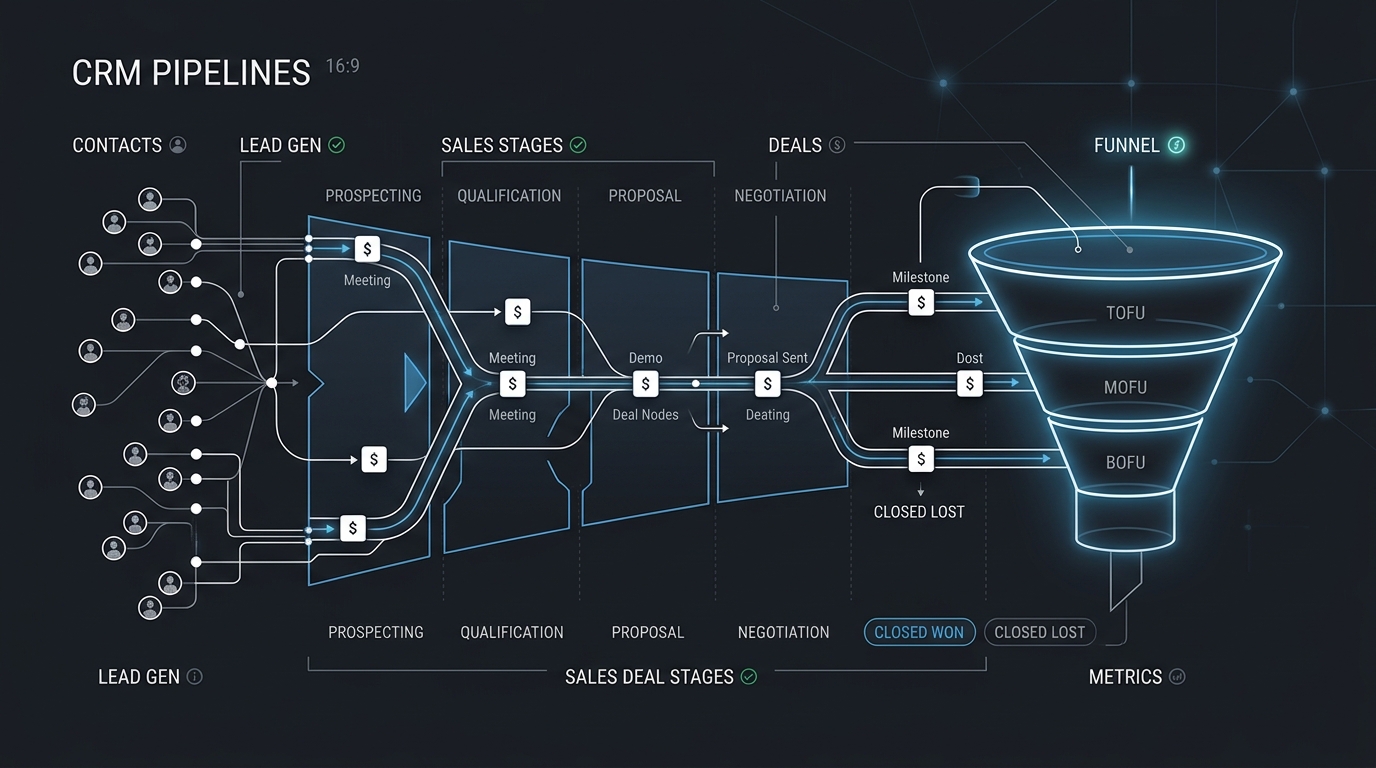
TABLE OF CONTENTS (14 SECTIONS)TAP TO EXPAND
- Why Spreadsheets Fail as Freelance Sales Engines
- Quick Comparison: Best CRMs for Freelance Businesses
- 1. HubSpot CRM: The Most Powerful Free Sales Engine
- What the Free Plan Includes
- Why Freelancers Love HubSpot
- Key Limitation
- 2. Folk: The Modern, Lightweight Relationship Workspace
- What Folk Offers
- Why Freelancers Love Folk
- 3. Notion CRM: The Ultimate Zero-Cost Flexible Database
- What It Offers
- 4. Bigin by Zoho: The Best Dedicated Budget CRM
- What Bigin Offers
- How to Choose the Right CRM for Your Solo Practice
Why Spreadsheets Fail as Freelance Sales Engines
When you start freelancing, managing leads in Google Sheets or Apple Notes seems sufficient. You write down a company name, a contact email, and an estimated project value.
However, as your consulting pipeline grows, spreadsheet management rapidly breaks down:
- You forget to send a crucial 3-day follow-up after submitting a $10,000 proposal.
- You lose track of whether a prospect preferenced quarterly retainers or milestone billing.
- You have no central record of past project scopes when a client reaches out for new work two years later.
A dedicated Freelancer CRM (Customer Relationship Management) system transforms chaotic lead tracking into a structured revenue pipeline. It ensures every prospective lead is nurtured, active contracts are tracked, and previous clients can be reactivated with timely outreach.
Here are the best free and affordable CRM platforms for freelancers and solo business owners in 2026.
Quick Comparison: Best CRMs for Freelance Businesses
| CRM Platform | Free Plan Limits | Starting Price | Best For | Key Standout Feature |
|---|---|---|---|---|
| HubSpot CRM | Up to 1M contacts, unlimited users | Free ($15/mo for Starter) | Consultants needing deep email tracking & forms | 1-to-1 email tracking, meeting scheduling links |
| Folk | Up to 100 contacts, custom pipelines | $18 / mo (annual billing) | Design-conscious freelancers & boutique studios | Modern Notion-like UI, Chrome contact clipper |
| Notion CRM | Unlimited contacts (solo free plan) | $0 Free (Custom template) | Minimalists wanting all notes & clients in one app | Deep relational linking to tasks and invoices |
| Bigin by Zoho | Up to 500 contacts, 1 pipeline | ~$7 / user / mo | Budget-conscious solo service businesses | Clean pipeline focus, built-in telephony & mobile app |
| Capsule CRM | Up to 250 contacts, 50MB storage | Free ($18/mo for Starter) | Straightforward relationship and sales tracking | Clean contact timeline, minimal learning curve |
| Attio | Up to 3 users, 300 records | Free ($29/mo for Plus) | Tech-forward consultants & AI workflow builders | Real-time automatic data enrichment & flexible data models |
1. HubSpot CRM: The Most Powerful Free Sales Engine
 HubSpot CRM provides visual deal stages from Initial Discovery through to Won Contracts.
HubSpot CRM is famous for its enterprise marketing cloud, but its entry-level free tier is unexpectedly one of the most comprehensive zero-cost sales tools available to solo professionals.
What the Free Plan Includes
- Up to 1,000,000 Contacts & Companies: Virtually limitless storage for client profiles.
- Deal Pipeline Board: Visual drag-and-drop Kanban view for tracking deal values across stages (Discovery Call, Proposal Sent, Contract Review, Closed Won).
- Email Tracking & Notifications: Get instant desktop alerts when a prospective client opens your email or clicks a proposal link.
- Meeting Scheduler: Branded booking link (similar to Calendly) connected directly to your Google Calendar or Outlook.
Why Freelancers Love HubSpot
The automated email integration is a game changer. When you connect your Gmail or Outlook account, HubSpot automatically logs every email sent to a client on their central profile card. When combined with dedicated freelance proposal software, you will always know exactly when a client is reviewing your pitch.
Key Limitation
HubSpot’s marketing and sales enterprise upgrades are notoriously expensive. As long as you stay within the free CRM features and avoid paid marketing add-ons, it remains a fantastic zero-cost tool.
2. Folk: The Modern, Lightweight Relationship Workspace
If enterprise CRMs feel rigid and dated, Folk is a breath of fresh air. Built specifically for modern creators, consultants, and boutique agencies, Folk looks and feels like a specialized spreadsheet infused with Notion’s design language.
What Folk Offers
- Seamless Contact Capture: The Folk Chrome extension lets you clip leads directly from LinkedIn, Twitter/X, and company websites with a single click.
- Custom Message Variables: Send personalized batch emails with custom fields directly through your connected Gmail or Outlook inbox.
- Visual Relationship Pipelines: Organize contacts by industry, prospective value, or partner network.
Why Freelancers Love Folk
Folk understands that freelancers don’t just track “sales leads”—they track industry contacts, mentors, former colleagues, and potential collaborators. Its unified address book makes personal relationship management effortless.
3. Notion CRM: The Ultimate Zero-Cost Flexible Database
For freelancers who already use Notion for client project tracking or wikis, building a custom CRM inside Notion is often the cleanest operational choice.
What It Offers
- Completely Free for Solo Users: No contact caps, seat limits, or paywalled pipeline stages.
- Relational Data Linking: Link a client contact directly to active project deliverables, meeting minutes, and revenue forecasts.
- Custom Views: Switch between a Kanban pipeline, a gallery of client logos, and a high-level revenue summary table.
If you are evaluating whether Notion’s cloud database fits your security posture compared to local markdown tools, read our guide on Obsidian vs Notion for freelance knowledge bases.
4. Bigin by Zoho: The Best Dedicated Budget CRM
For independent contractors who want a simple, dedicated sales pipeline app without enterprise clutter, Bigin by Zoho offers unmatched value at approximately $7/month.
What Bigin Offers
- Pipeline-Centric Design: Focuses purely on moving deals from discovery to signed contracts.
- Activity & Task Management: Assign follow-up calls, reminders, and contract renewal dates directly to deals.
- Outstanding Mobile Experience: Highly rated iOS and Android apps with full offline synchronization.
How to Choose the Right CRM for Your Solo Practice
- If you want email open tracking and meeting links for $0: Start with HubSpot CRM Free.
- If you prefer modern, beautiful software with quick LinkedIn clipping: Choose Folk.
- If you want all your notes, tasks, and client databases unified: Build a Notion CRM.
- If you want a lightweight, affordable mobile pipeline app: Pick Bigin by Zoho.
Pair your new CRM pipeline with our breakdown of Wise Business vs Stripe for international client invoicing to ensure your revenue collection is just as streamlined as your sales process.
WHAT WE APPRECIATED (PROS)
- ✓Visual drag-and-drop sales pipeline stages (Lead -> Discovery -> Proposal -> Won)
- ✓Automated email open tracking and communication history logs
- ✓Centralized client contact cards with linked contracts and notes
- ✓Clean reminders for scheduled client follow-ups and renewals
DRAWBACKS & FRICTION (CONS)
- ✕Enterprise CRMs like HubSpot push aggressive upsells for advanced automation
- ✕Manual data entry can create administrative drag without browser extensions
- ✕Contact limits on certain entry-level free plans (e.g., Capsule 250 contacts)
Best CRM Software for Freelancers: Free & Affordable Options Rating Breakdown
Independent consultants, agency founders, and solo freelancers looking to organize prospective leads, retainers, and client communications.
HubSpot CRM Free remains the most robust zero-cost sales pipeline for solo operators seeking deep email tracking and contact history. For modern design-conscious freelancers, Folk and Notion CRM provide lightweight, visual relationship databases without enterprise complexity.
EVALUATION METRICS
Speed of setup, friction in daily operations, and intuitive mental model for non-enterprise users.
Utility of capabilities without unnecessary enterprise bloat that slows down solo execution.
Return on investment for a single seat, clear billing tiers, and fair feature gates.
Uptime track record, offline resilience, and friction-free portable data export.
Specific suitability for client collaboration, single-seat economics, and lean overhead.
Frequently Asked Questions
Does a solo freelancer really need a CRM?+
Yes, once you manage more than 5 prospective client conversations simultaneously. A CRM ensures you never forget to follow up on a high-value proposal, allows you to track retainer renewal dates, and maintains a complete history of past client interactions.
Can I just use a Notion template instead of a dedicated CRM?+
Yes. Notion is one of the most popular lightweight CRM solutions for freelancers. However, unlike dedicated CRMs like HubSpot or Folk, Notion does not automatically log incoming client emails or track whether a prospect opened your email.
Which free CRM has the highest contact limit?+
HubSpot CRM Free offers an industry-leading limit of up to 1,000,000 contacts and companies with unlimited free users, making it virtually impossible for a solo freelancer to outgrow.

Freelance Tool Guide Team
The editorial team behind Freelance Tool Guide, independently researching and testing software for freelancers and small teams.
More Independent Software Analyses

Best Proposal Software for Freelancers: Free & Paid Options
Win bigger client contracts with less friction. We test the best proposal software and e-signature tools for freelancers, comparing speed, analytics, and templates.
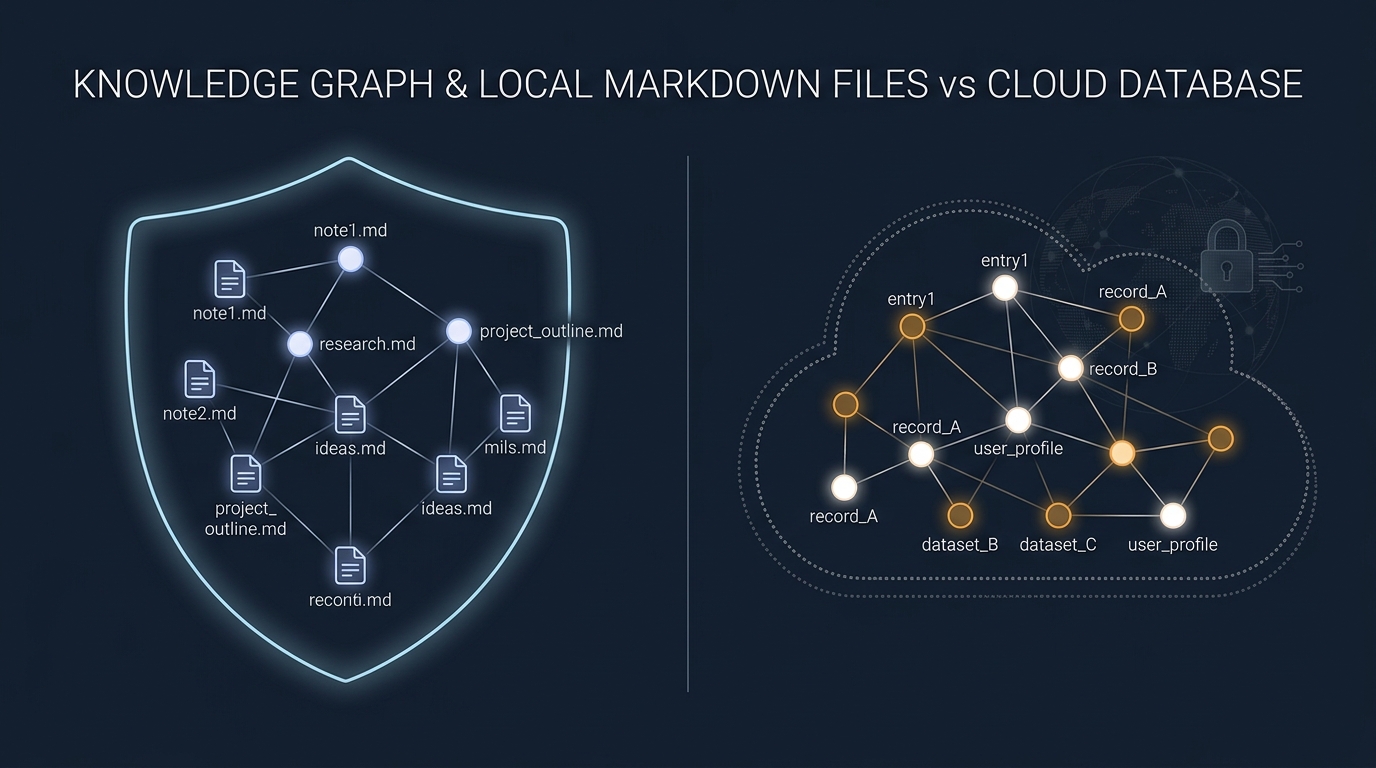
Obsidian vs Notion: Why Privacy-Conscious Freelancers Are Leaving the Cloud
We compare Notion's collaborative database workspace against Obsidian's local-first Markdown vault. Performance, data lock-in, and offline reliability.

Wise Business vs Stripe: The Hidden Costs of Cross-Border Freelance Invoicing
How international transaction fees and currency markups quietly siphon thousands from remote freelancers. A detailed fee audit and workflow guide.