Obsidian vs Notion: Why Privacy-Conscious Freelancers Are Leaving the Cloud
Notion is an exceptional collaborative wiki for venture-backed teams. But for solo practitioners building a durable second brain, local Markdown files are undefeated.
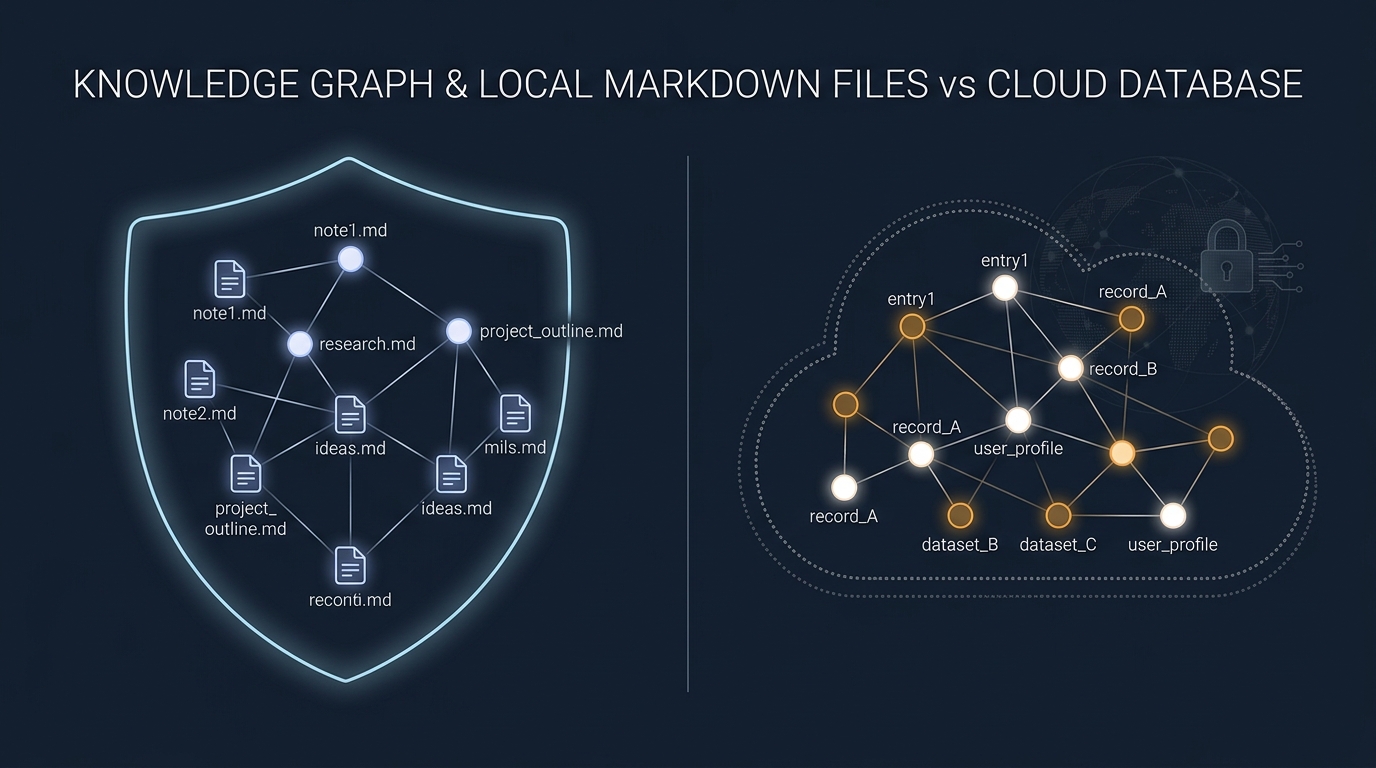
The Fragility of the Proprietary Cloud
Every independent consultant accumulates proprietary knowledge over years of client work: reusable contract templates, architecture decision records, pricing formulas, client meeting transcripts, and code snippets.
Where should that knowledge reside?
For the past five years, the default answer was Notion. With its flexible block-based editor, relational databases, and effortless web sharing, Notion quickly became the darling of remote workers.
Yet many freelancers have experienced the dark side of cloud-only architectures:
- Opening a note on an airplane or unstable coffee shop Wi-Fi and staring at a blank loading skeleton
- Laggy input latency when documents exceed 20 pages
- The unsettling realization that your entire professional brain is trapped in a proprietary database schema that cannot easily be searched via your local terminal
Obsidian approaches knowledge management from the opposite ideological extreme: local-first, plain-text Markdown.
Local Markdown: The 30-Year Software Guarantee
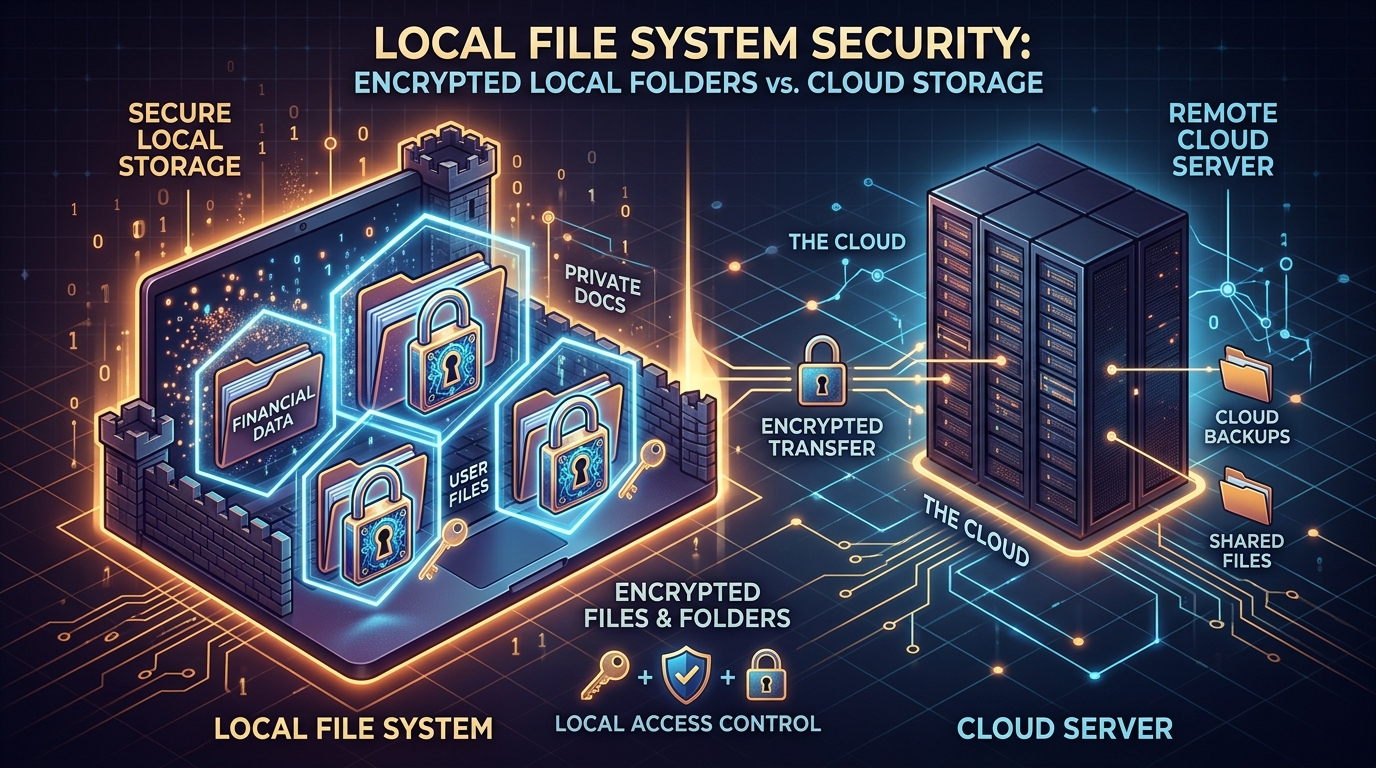 Obsidian keeps your client notes and architectures secure locally, free from proprietary cloud lock-in.
The core premise of Obsidian is simple: your data is not stored on a remote server. It resides inside a regular folder on your computer as standard .md files.
Why does this matter for a freelancer?
- Zero Lock-In: Even if Obsidian were to vanish tomorrow, your notes remain accessible in VS Code, Vim, TextEdit, or any application created in the next 30 years.
- Terminal Grep Speed: You can search 10,000 notes across five years of client contracts in 15 milliseconds using standard command-line tools.
- Ironclad Confidentiality: Client NDAs often forbid storing sensitive architecture diagrams or security audit notes on third-party cloud servers. With Obsidian, your data never leaves your encrypted local disk unless you explicitly sync it.
The Comparison Matrix
| Workflow Dimension | Obsidian | Notion |
|---|---|---|
| Data Storage Location | Local File System (.md) | Proprietary AWS Cloud |
| Offline Reliability | 100% Native Offline | Partial / Unreliable Cache |
| Typing & Search Latency | Instantaneous (<10ms) | Noticeable lag on large docs |
| Client Portal Sharing | Difficult (requires Publish) | Flawless (1-click public link) |
| Team Multiplayer | Not supported natively | Real-time live cursors |
| End-to-End Encryption | Yes (Obsidian Sync) | No (Server-side keys) |
| Annual Cost | $0 to $48/year | $120/year (Plus tier) |
The Recommended Freelance Architecture
The smartest independent consultants do not choose between Obsidian and Notion; they delineate their boundaries:
- Use Obsidian as your Internal Brain: private client retrospectives, rate negotiation notes, contract drafts, technical code snippets, and confidential project logs.
- Use Notion (Free Tier) as your Client-Facing Presentation Layer: public project roadmaps, shared onboarding wikis, and design system documentation where clients need to leave comments.
Sync Options for Solo Operators: Official Sync vs Free Alternatives
If you choose Obsidian for your internal workspace, keeping desktop and mobile vaults aligned is straightforward:
- Official Obsidian Sync ($4/month): End-to-end encrypted, zero-configuration sync across macOS, Windows, iOS, and Android. This provides version history and differential syncing without technical administration.
- iCloud Drive ($0): Free if you already pay for Apple storage. Works smoothly across Mac and iPhone, though background sync can occasionally lag if macOS offloads local folders to optimize storage.
- Private Git Repository ($0): The developer favorite. Using the community
obsidian-gitplugin or automated cron commits to a private GitHub repo gives you bulletproof version control and branching. Pair this with our freelance developer stack guide. - Syncthing ($0): Open-source peer-to-peer sync that transfers files directly between devices over local Wi-Fi without touching any commercial cloud provider.
When Notion Still Wins
While Obsidian’s local-first architecture protects your intellectual property and client NDAs, Notion remains superior for:
- Client Collaboration: Giving external stakeholders a single link where they can leave inline comments and review milestone dates without installing software. For formal client handoffs with invoicing and contracts, also review our roundup of the best client portal software for freelancers.
- Relational Databases Without Code: Creating visual Kanban boards, galleries, and filtered table views without writing community plugin queries. If you need dedicated, fast task tracking for software delivery, pair your knowledge vault with Linear.
- Secure File Handoffs: While Notion can attach large files, dedicated solutions like Google Drive or Dropbox remain more reliable for asset delivery, as detailed in our freelance cloud storage benchmark. Maintain your password vaults with secure password managers rather than keeping credentials inside either note platform.
WHAT WE APPRECIATED (PROS)
- ✓Obsidian stores everything as plain text .md files directly on your local hard drive
- ✓Zero latency when opening notes, typing, or searching thousands of documents
- ✓End-to-end encrypted Obsidian Sync protects confidential client NDA notes
- ✓Community plugins (like Dataview) allow building custom local relational databases
DRAWBACKS & FRICTION (CONS)
- ✕Real-time multiplayer collaboration with non-technical clients is difficult in Obsidian
- ✕Obsidian mobile setup requires configuring sync or iCloud Drive
- ✕Notion offers far superior public web publishing and embedded client portals
Obsidian Rating Breakdown
Independent consultants, writers, and software architects who value speed and data privacy.
Notion is unmatched when clients must actively contribute to shared documents. But for your personal studio knowledge base, client meeting archives, and technical reference, Obsidian's local-first Markdown vault is dramatically faster and immune to vendor shutdown.
EVALUATION METRICS
Speed of setup, friction in daily operations, and intuitive mental model for non-enterprise users.
Utility of capabilities without unnecessary enterprise bloat that slows down solo execution.
Return on investment for a single seat, clear billing tiers, and fair feature gates.
Uptime track record, offline resilience, and friction-free portable data export.
Specific suitability for client collaboration, single-seat economics, and lean overhead.
Frequently Asked Questions
If Obsidian is free, how does the company make money?+
Obsidian is 100% privately owned and profitable. The core software is free for personal use. They monetize via optional add-on services: official end-to-end encrypted Obsidian Sync ($4/mo) and Obsidian Publish ($8/mo), plus commercial enterprise licenses.
Can I migrate my notes out of Notion into Obsidian?+
Yes. Notion allows exporting your entire workspace as a zip archive of Markdown and CSV files. Obsidian can ingest this folder directly, preserving your internal hyperlinks and text formatting.

Freelance Tool Guide Team
The editorial team behind Freelance Tool Guide, independently researching and testing software for freelancers and small teams.
More Independent Software Analyses

Linear Review: The Zero-Friction Project Tracker for Solo Operators
Why Linear is the ultimate project management tool for freelance software engineers and boutique studios. Real-world testing, client portals, and pricing.
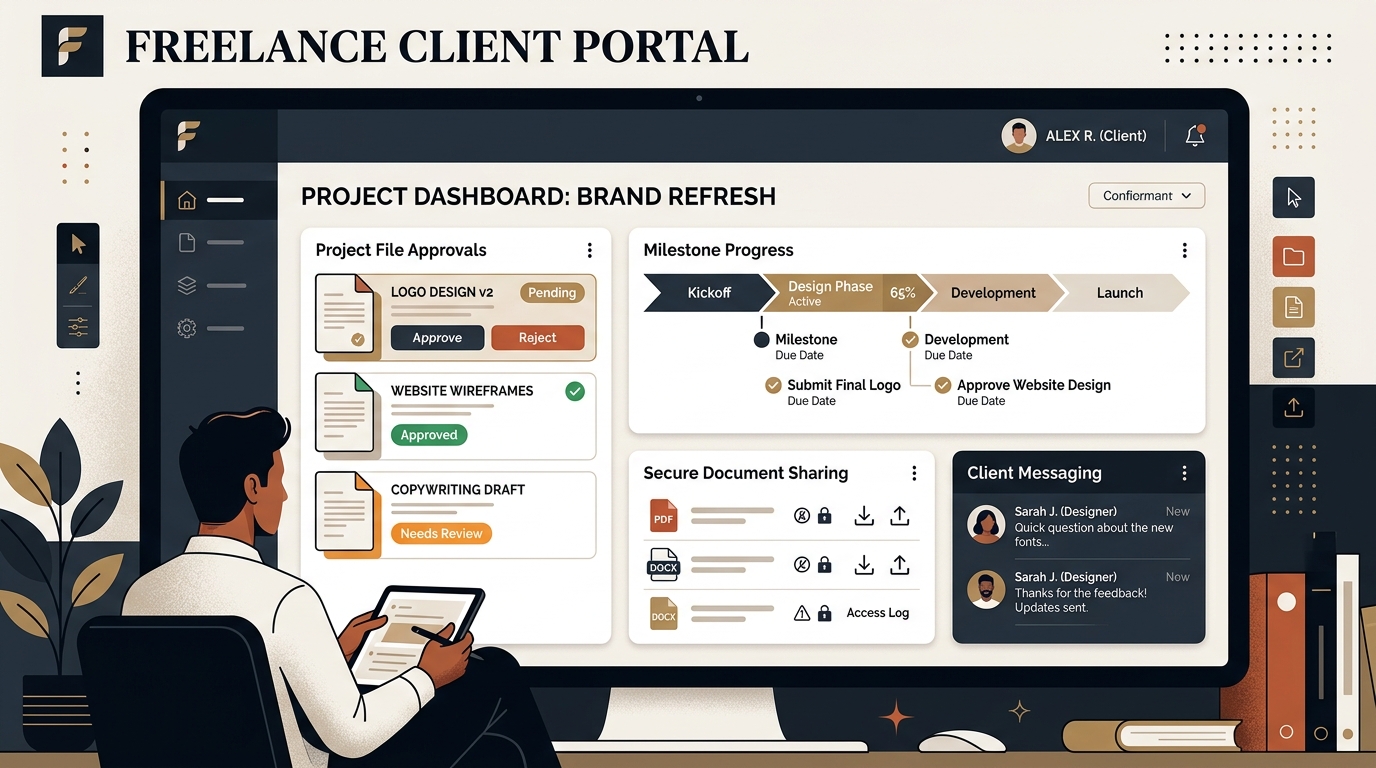
Best Client Portal Software for Freelancers in 2026
Centralize client files, deliverables, messaging, and approvals. We evaluate the best client portal software for solo freelancers and boutique studios.
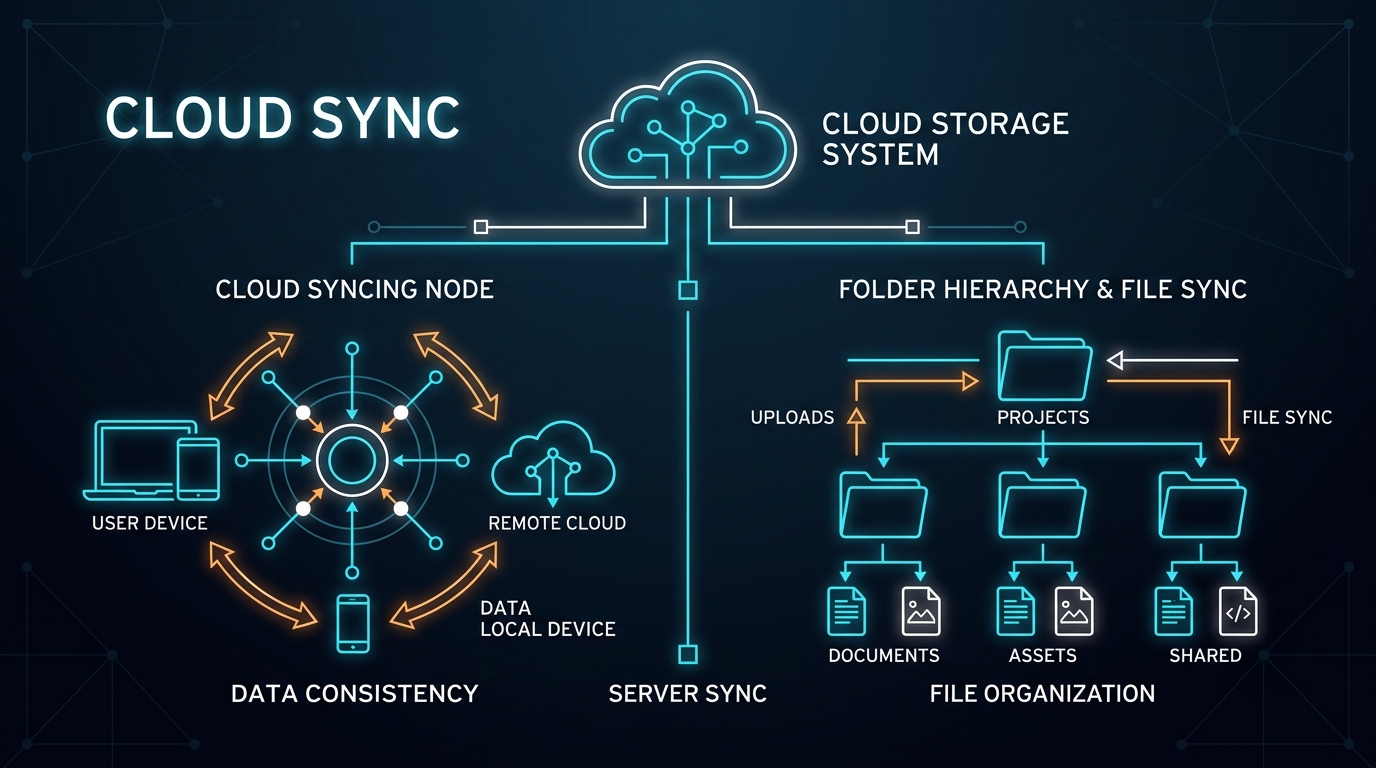
Best Cloud Storage for Freelancers: Google Drive vs Dropbox vs OneDrive
Which cloud storage provider is best for freelance asset storage, delta sync speeds, and painless client file sharing? We compare Google Drive, Dropbox, and OneDrive.