Linear Review: The Zero-Friction Project Tracker for Solo Operators
Most project management platforms are built for middle managers who write status reports. Linear is built for creators who ship software.
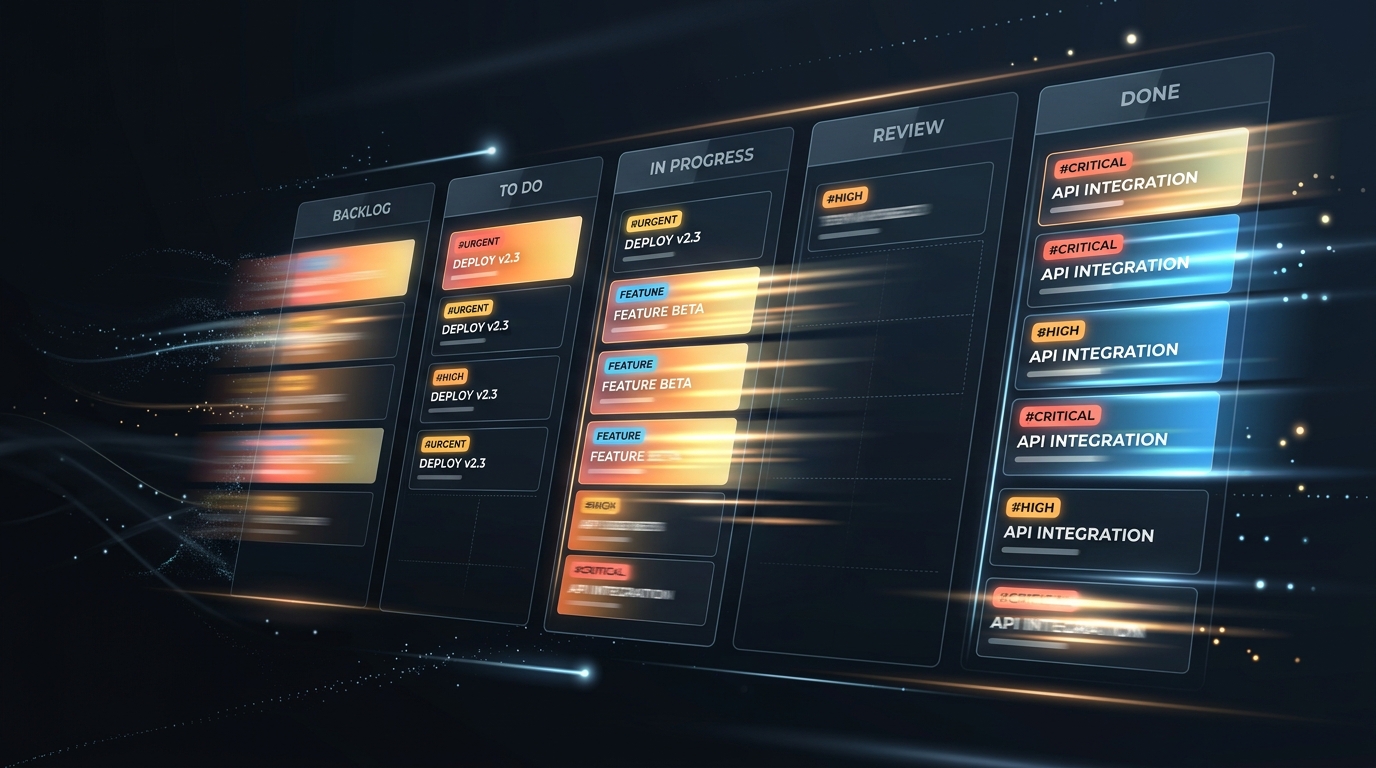
The Problem with Enterprise Project Management
The dirty secret of modern project management software—from Jira to Asana and ClickUp—is that they are not designed to help you execute work. They are designed to help corporate managers report on work.
When you are a solo operator, you are the developer, designer, project manager, and account executive rolled into one. Spending 15 minutes configuring Jira custom field schemes or waiting four seconds for an issue modal to render is toxic to your billable velocity.
We tested Linear across six months of continuous client delivery. Here is why it has become the standard operational backbone for elite independent engineers.
Pure Speed: The 60fps Aesthetic
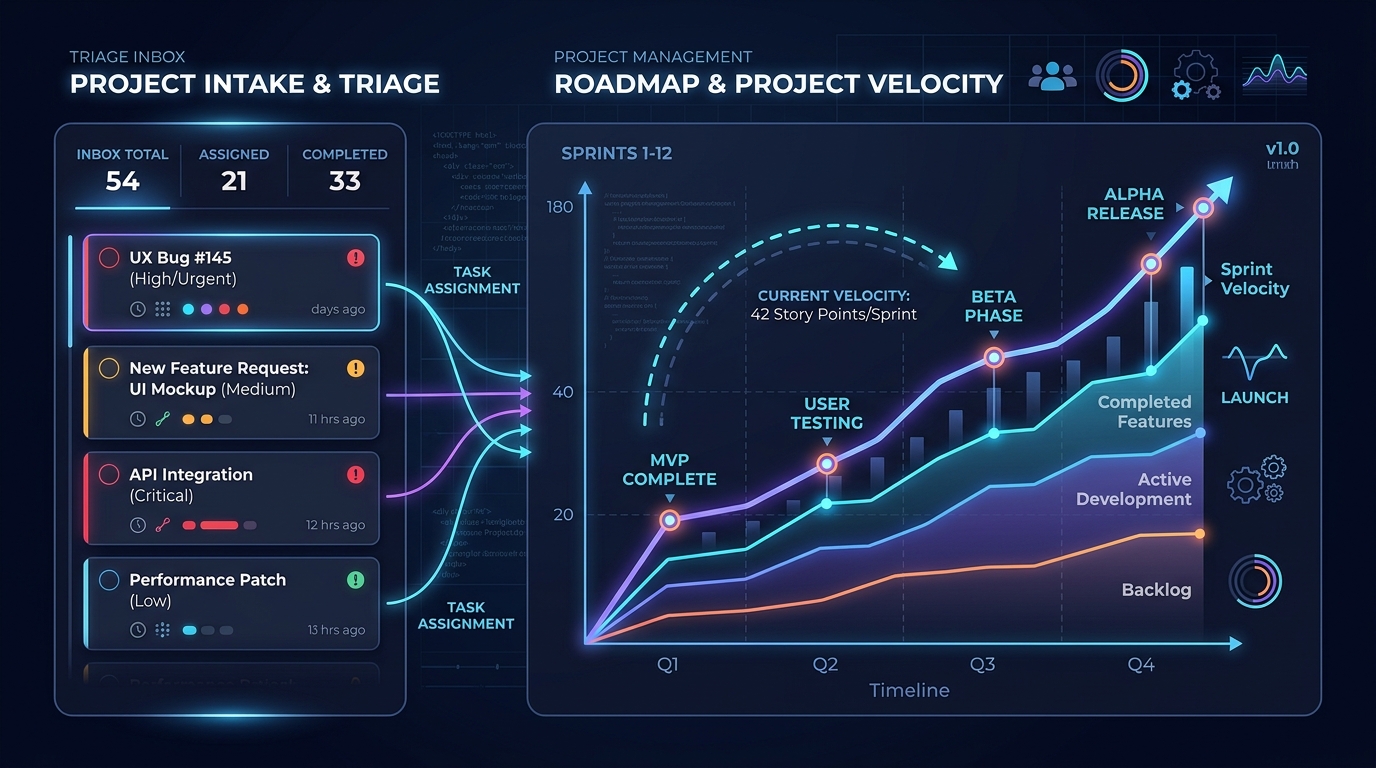 Linear focuses on high-speed keyboard workflows and clean triage queues for feature requests.
The first difference you experience in Linear is raw rendering speed. Built with local-first architecture and SQLite sync in the client runtime, opening an issue, modifying a priority tag, or filtering by milestone occurs with zero perceptible latency (<50ms).
Keyboard Workflow Benchmark:
Creating an issue, assigning priority, setting cycle, and linking PR:
- Jira Cloud: 42 seconds (3 page reloads + 6 modal dropdown clicks)
- Linear: 4 seconds (Cmd + C -> type -> Tab -> Cmd + Enter)
Every single operation in Linear is mapped to keyboard shortcuts. Pressing C opens a creation modal anywhere; pressing Cmd + K opens an omnichannel command palette; pressing P cycles priority from Urgent to Low.
Client Visibility Without Administrative Chaos
One of the greatest hazards in freelance client relationships is scope creep caused by opaque progress updates. If clients cannot see where their budget is being deployed, they schedule weekly “sync meetings” that destroy deep work blocks.
Linear solves this with three elegant mechanisms:
- Guest Accounts: You can invite client stakeholders as Guests for free, scoping their visibility strictly to their respective team or project board.
- Customer Request Triage: Clients can submit bug reports or feature requests into a dedicated Triage inbox. You can review, estimate, and promote them into active sprints with one keystroke.
- Public Roadmap Links: Generate an unguessable public link for executive sponsors showing project completion percentages, milestones, and release notes without requiring them to create an account.
Who Should Choose Linear vs. Who Should Look Elsewhere
| Freelancer Profile | Verdict | Why |
|---|---|---|
| Solo Software Engineers | Top Choice | Instant git branch linking, PR status automation, sub-second keyboard triage |
| Boutique Web Studios | Strong Fit | Cycle planning without Scrum overhead, clean client roadmap views |
| Content Creators / Copywriters | Consider Alternatives | Lacks editorial calendar view; look at Notion or Trello instead |
| Consultants Needing Invoicing | Hybrid Needed | Linear does not invoice; pair with a dedicated client portal |
Data Portability & Client Handoff
When a contract finishes, you should never hold client issues hostage. Linear makes offboarding painless:
- Full JSON & CSV Export: Export every issue, comment, attachment link, and cycle history in one click.
- Git Commit Linkage: Because commit messages reference issue keys (
Fixes ENG-104), the client retains permanent traceable git logs even if you disconnect Linear. - GraphQL API & Webhooks: Seamlessly bridge Linear into your billing or time tracking stacks via Zapier or Make.
Pricing Math & Freelance Economics
Linear’s pricing structure is exceptionally generous for independent operators:
- Free Tier ($0/month): Includes unlimited members, unlimited file uploads (up to 10MB/file), full GitHub/GitLab integration, and up to 250 active issues. Because completed issues can be archived, many solo freelancers never exceed the free threshold.
- Standard Tier ($8/month billed annually or $10/month monthly): Unlocks unlimited active issues, custom project workflows, unlimited file upload size, and advanced SLA tracking.
For less than the price of two coffees per month, Linear eliminates task management friction entirely. If you want a broader look at free project management alternatives across different disciplines, consult our guide to the best free project management tools for freelancers, or see how Linear anchors our Freelance Developer Software Stack.
WHAT WE APPRECIATED (PROS)
- ✓Instantaneous 60fps UI performance with full offline support
- ✓Comprehensive keyboard shortcuts for every action (Cmd+K command palette)
- ✓Generous free tier with up to 250 active issues and unlimited archived issues
- ✓Seamless two-way GitHub and GitLab pull request automation
DRAWBACKS & FRICTION (CONS)
- ✕No native client invoicing or time tracking (requires third-party webhooks)
- ✕Custom field capabilities are deliberately constrained compared to Jira
- ✕Can feel overly opinionated for non-software creative workflows
Linear The Zero-Friction Project Tracker for Solo Operators Rating Breakdown
Software freelancers and boutique digital studios running agile client sprints.
Linear is the fastest, cleanest issue tracker available today. Its keyboard-first design and 60fps responsiveness turn administrative task management from a chore into a joy.
EVALUATION METRICS
Speed of setup, friction in daily operations, and intuitive mental model for non-enterprise users.
Utility of capabilities without unnecessary enterprise bloat that slows down solo execution.
Return on investment for a single seat, clear billing tiers, and fair feature gates.
Uptime track record, offline resilience, and friction-free portable data export.
Specific suitability for client collaboration, single-seat economics, and lean overhead.
Frequently Asked Questions
Is Linear's free tier adequate for a solo freelancer?+
Yes. Linear's free tier permits unlimited members and up to 250 active issues. Since closed and archived issues do not count against the limit, solo operators can comfortably run multiple client projects indefinitely without paying.
How do I share roadmap progress with non-technical clients?+
You can invite clients as free Guest accounts with access restricted to specific projects, or share clean, public read-only project links that display milestones and completed issues without revealing internal notes.

Freelance Tool Guide Team
The editorial team behind Freelance Tool Guide, independently researching and testing software for freelancers and small teams.
More Independent Software Analyses
Best Free Project Management Tools for Freelancers in 2026
Looking for zero-cost project tracking? We break down the best free project management software for solo freelancers, comparing limits, boards, and client workflows.
ClickUp vs Trello vs Asana: Which Is Best for Freelancers?
Choosing between ClickUp, Trello, and Asana for solo client work? We compare pricing traps, free tier limits, mobile apps, and freelancer suitability in 2026.
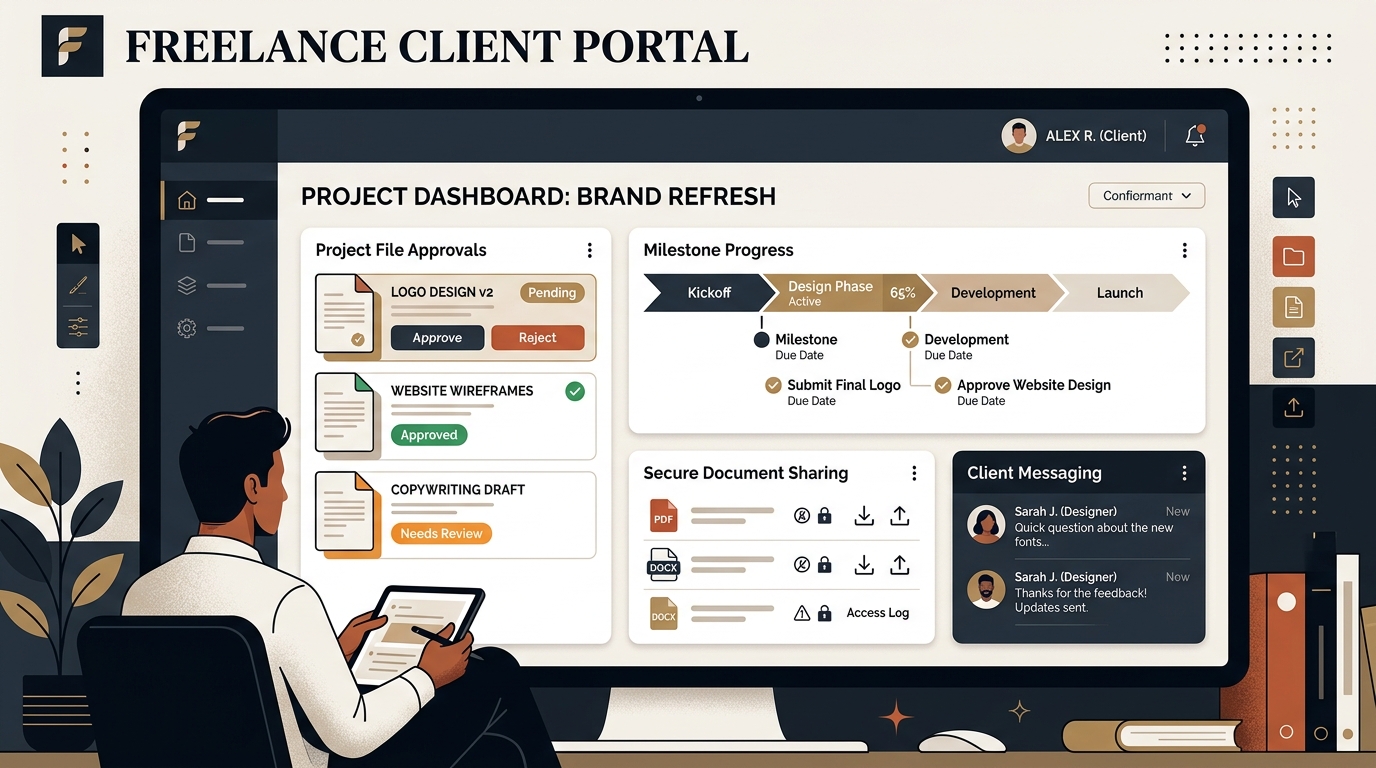
Best Client Portal Software for Freelancers in 2026
Centralize client files, deliverables, messaging, and approvals. We evaluate the best client portal software for solo freelancers and boutique studios.