Best Cloud Storage for Freelancers: Google Drive vs Dropbox vs OneDrive
Choosing the wrong cloud storage leads to sluggish sync bottlenecks, lost file revisions, and client sharing permissions headaches. Here is how the big three compare in 2026.
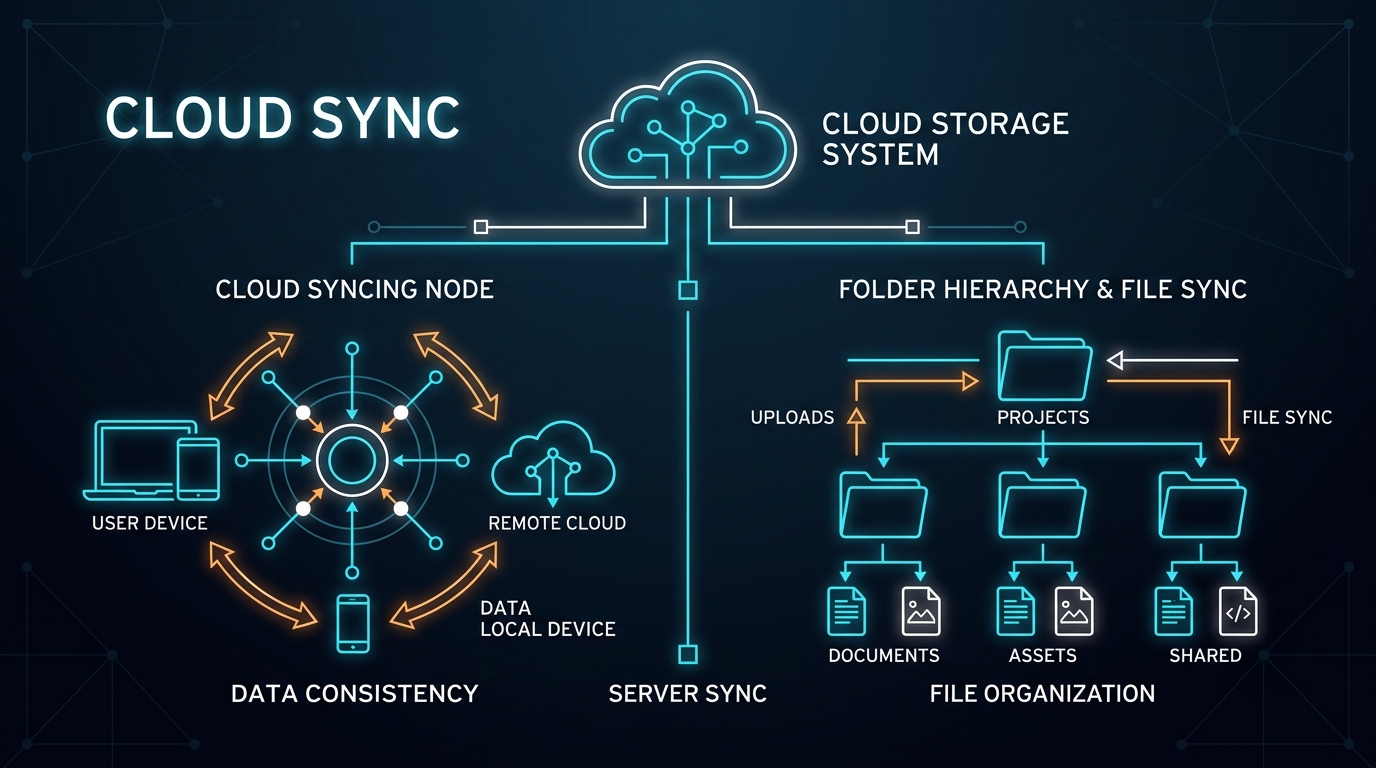
TABLE OF CONTENTS (14 SECTIONS)TAP TO EXPAND
- The Critical Role of Cloud Storage in Solo Operations
- Head-to-Head Comparison Matrix
- 1. Sync Performance: File Sync vs. Block-Level Delta Sync
- Dropbox: The Speed Champion
- Google Drive & OneDrive: Full File Streaming
- 2. Client File Handoff and Sharing Ergonomics
- Google Drive: Frictionless Ubiquity
- Dropbox: Enterprise-Grade Transfer Controls
- 3. Pricing and Value Economics
- 4. Privacy and Zero-Knowledge Alternatives
- The Verdict: Which Cloud Storage Should You Choose?
- Choose Google Drive if:
- Choose Dropbox if:
- Choose Microsoft OneDrive if:
The Critical Role of Cloud Storage in Solo Operations
For an independent freelancer, your cloud storage provider is far more than a simple backup vault. It is the primary infrastructure through which you:
- Deliver high-resolution design exports, code zip archives, and production assets to clients.
- Synchronize active project workspaces seamlessly across your laptop and desktop workstations.
- Maintain an immutable version history to recover from accidental file overwrites or corrupted builds.
The market is dominated by three giants: Google Drive (Google Workspace), Dropbox, and Microsoft OneDrive. While all three offer cloud folders, their underlying sync architectures, client sharing ergonomics, and pricing economics differ significantly.
Here is the definitive freelance comparison of Google Drive, Dropbox, and OneDrive in 2026.
Head-to-Head Comparison Matrix
| Feature / Metric | Google Drive (Google One) | Dropbox (Plus) | Microsoft OneDrive (365) |
|---|---|---|---|
| Free Storage Allowance | 15 GB (Shared with Gmail/Photos) | 2 GB (Strictly limited) | 5 GB (Shared with Outlook) |
| Entry Paid Plan | ~$1.99 / mo (100 GB) / $9.99 (2 TB) | ~$9.99 / mo (2 TB Plus, annual) | ~$6.99 / mo (1 TB + Office 365) |
| Sync Engine Architecture | File-level cloud sync | Block-level delta sync | File-level & differential (Office) |
| Smart Sync / On-Demand | Yes (Drive for Desktop streaming) | Yes (Smart Sync / Online-only) | Yes (Files On-Demand) |
| Real-Time Doc Collaboration | Industry standard (Docs, Sheets, Slides) | Dropbox Paper (Lightweight) | Microsoft Word / Excel Online |
| Client File Handoff Tools | Standard shareable web links | Dropbox Transfer (up to 100GB links) | Standard shareable links & Expiring URLs |
| Version History Retention | 30 Days (Standard) | 30 Days (Plus) / 180 Days (Pro) | 30 Days (Personal) |
| Best Freelance Discipline | Writers, consultants & generalists | Designers, videographers & media pros | Enterprise contractors & Office users |
1. Sync Performance: File Sync vs. Block-Level Delta Sync
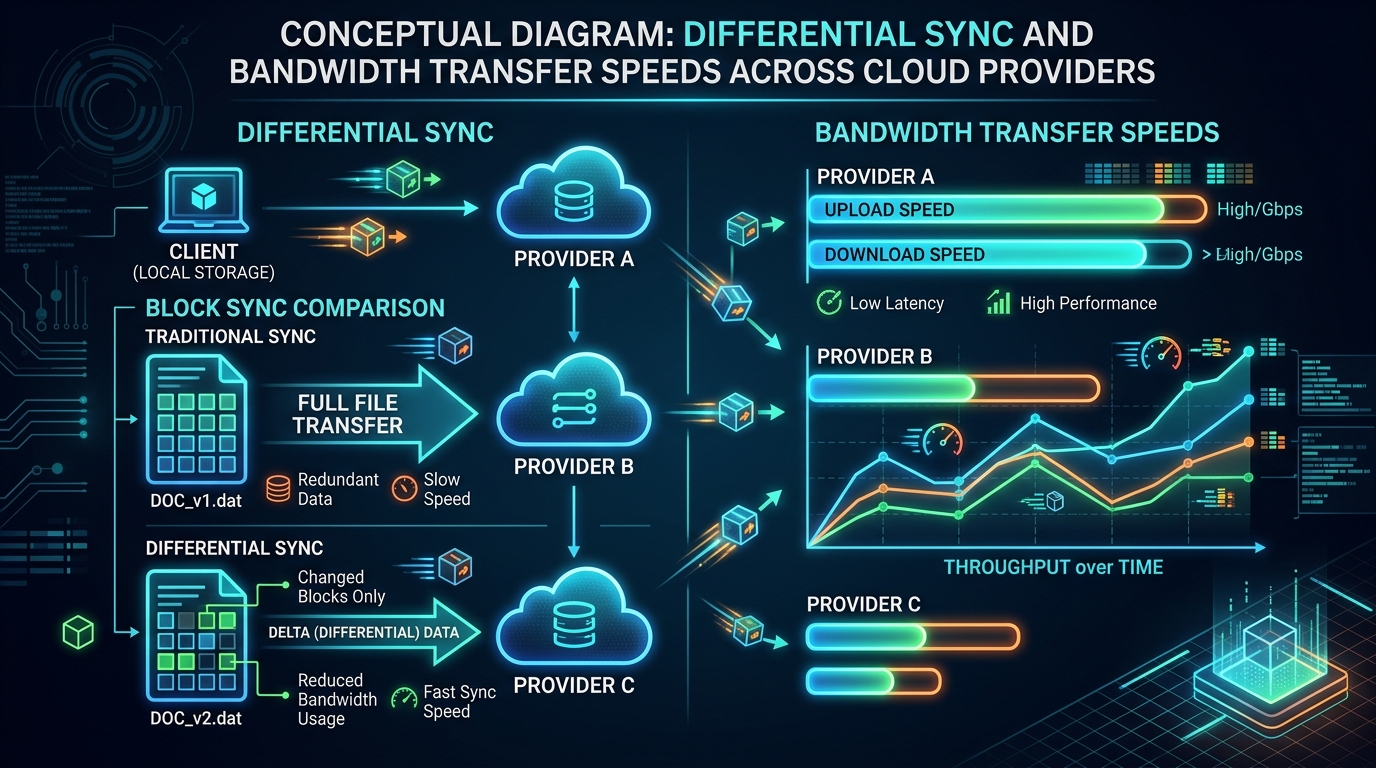 Dropbox uses block-level delta sync to upload only binary modifications rather than entire multi-gigabyte files.
The fundamental engineering difference between cloud providers lies in how they handle modified files:
Dropbox: The Speed Champion
Dropbox invented Block-Level Delta Sync. When you edit a 3GB design file or video archive and hit save, Dropbox splits the file into small hash blocks, identifies only the binary chunks that changed (e.g., 15MB of edits), and uploads only those modified blocks.
- Why it matters: Syncing happens in seconds rather than minutes. For freelancers working with large media files, UI design exports, or raw footage, Dropbox saves hours of upload bandwidth every week.
Google Drive & OneDrive: Full File Streaming
Google Drive and OneDrive upload the entire file when changes occur outside of native Office or Google Docs formats. If you modify a 1GB Illustrator file, Google Drive must re-upload the entire 1GB. However, for standard PDFs, spreadsheets, and code repos, the speed difference is negligible on modern fiber connections.
2. Client File Handoff and Sharing Ergonomics
How your client receives your deliverables sets the tone for your professionalism:
Google Drive: Frictionless Ubiquity
Almost every corporate client and agency operates on Google Workspace. Sharing a Google Drive folder link allows clients to preview PDFs, watch video MP4s directly in the browser, and comment on assets with zero friction.
Dropbox: Enterprise-Grade Transfer Controls
Dropbox offers Dropbox Transfer, a dedicated file delivery feature that allows you to send up to 100GB in a single branded link.
- Unlike shared folders, Dropbox Transfer creates a read-only delivery package that prevents clients from accidentally editing, moving, or deleting your original master files.
- You can add custom password protection and expiration dates to protect client assets.
Pair your cloud asset handoff workflow with our guide to the best password managers for freelancers to securely store and share client credentials.
3. Pricing and Value Economics
- Google Drive (Google One):
- 15GB Free: The most generous free tier among the big three.
- 100GB for $1.99/mo: Ideal for freelancers who only store documents and slide decks.
- 2TB for $9.99/mo: Competitive standard rate for power users.
- Dropbox:
- 2GB Free: Unusable for serious professional work; essentially a trial.
- 2TB Plus for ~$9.99/mo: Excellent sync engine and delivery tools for creative professionals.
- Microsoft OneDrive (Microsoft 365 Personal):
- 1TB for $6.99/mo (or $69.99/year): The best pure economic value on the market, because it includes full desktop licenses for Microsoft Word, Excel, PowerPoint, and Outlook alongside 1TB of cloud storage.
4. Privacy and Zero-Knowledge Alternatives
If you work on sensitive client contracts, intellectual property, or confidential codebases, none of the big three provide end-to-end zero-knowledge encryption by default (meaning Google, Dropbox, and Microsoft hold the encryption keys and can technically index your metadata).
If your freelance contracts enforce strict client data privacy clauses, consider pairing your workflow with:
- Proton Drive: Zero-knowledge Swiss cloud storage with end-to-end client-side encryption.
- Cryptomator: A free, open-source local encryption tool that creates an encrypted vault inside your existing Google Drive or Dropbox folder before syncing.
- Local Markdown Knowledge Bases: Learn how local encryption principles safeguard client notes in our review of Obsidian vs Notion for freelance consulting.
The Verdict: Which Cloud Storage Should You Choose?
Choose Google Drive if:
- You prioritize real-time document collaboration via Google Docs and Sheets.
- You want a generous 15GB free tier that requires no upfront payment.
- Your clients primarily operate within the Google Workspace ecosystem.
Choose Dropbox if:
- You work with large Figma exports, video files, or raw assets that demand ultra-fast block-level delta sync.
- You want professional client delivery packages via Dropbox Transfer.
- If you design digital interfaces, explore our comparison of Figma vs Penpot for freelance UI/UX designers.
Choose Microsoft OneDrive if:
- You already need desktop Microsoft Word and Excel for enterprise client reporting.
- You want the lowest cost per terabyte bundled with full desktop productivity software ($6.99/mo for 1TB + Office).
WHAT WE APPRECIATED (PROS)
- ✓Cross-platform automatic desktop folder synchronization
- ✓Granular client link permissions (View, Comment, Edit, Password-Protected)
- ✓Comprehensive version history to restore overwritten project deliverables
- ✓Block-level and smart syncing to save local SSD storage space
DRAWBACKS & FRICTION (CONS)
- ✕Dropbox free tier is severely capped at just 2GB of storage
- ✕Google Drive web interface can feel laggy when navigating nested folders
- ✕OneDrive macOS client occasionally suffers from sync delays with Apple Silicon
Best Cloud Storage for Freelancers: Google Drive Rating Breakdown
Solo designers, developers, videographers, and consultants evaluating cloud storage for client asset handoffs and automated backup redundancy.
Google Drive is our top overall recommendation for real-time client collaboration and document editing with a generous 15GB free tier. Dropbox remains the superior technical choice for massive video and raw asset sync speeds via block-level delta sync, while OneDrive offers unbeatable bundle economics for Microsoft 365 users.
EVALUATION METRICS
Speed of setup, friction in daily operations, and intuitive mental model for non-enterprise users.
Utility of capabilities without unnecessary enterprise bloat that slows down solo execution.
Return on investment for a single seat, clear billing tiers, and fair feature gates.
Uptime track record, offline resilience, and friction-free portable data export.
Specific suitability for client collaboration, single-seat economics, and lean overhead.
Frequently Asked Questions
Which cloud storage platform has the fastest desktop sync engine?+
Dropbox is technically the fastest file synchronization platform due to its proprietary block-level delta sync algorithm. When you edit a 2GB design file or video project, Dropbox only uploads the modified binary chunks rather than re-uploading the entire 2GB file from scratch.
Can clients without an account download files I share with them?+
Yes. Google Drive, Dropbox, and OneDrive all allow you to generate public read-only download links. Anyone with the URL can preview or download your deliverables without creating an account or logging in.
Which cloud storage provider offers the most free storage space?+
Google Drive provides 15GB of free storage per Google account (shared across Drive, Gmail, and Google Photos), whereas OneDrive offers 5GB and Dropbox provides only 2GB on their respective free tiers.

Freelance Tool Guide Team
The editorial team behind Freelance Tool Guide, independently researching and testing software for freelancers and small teams.
More Independent Software Analyses
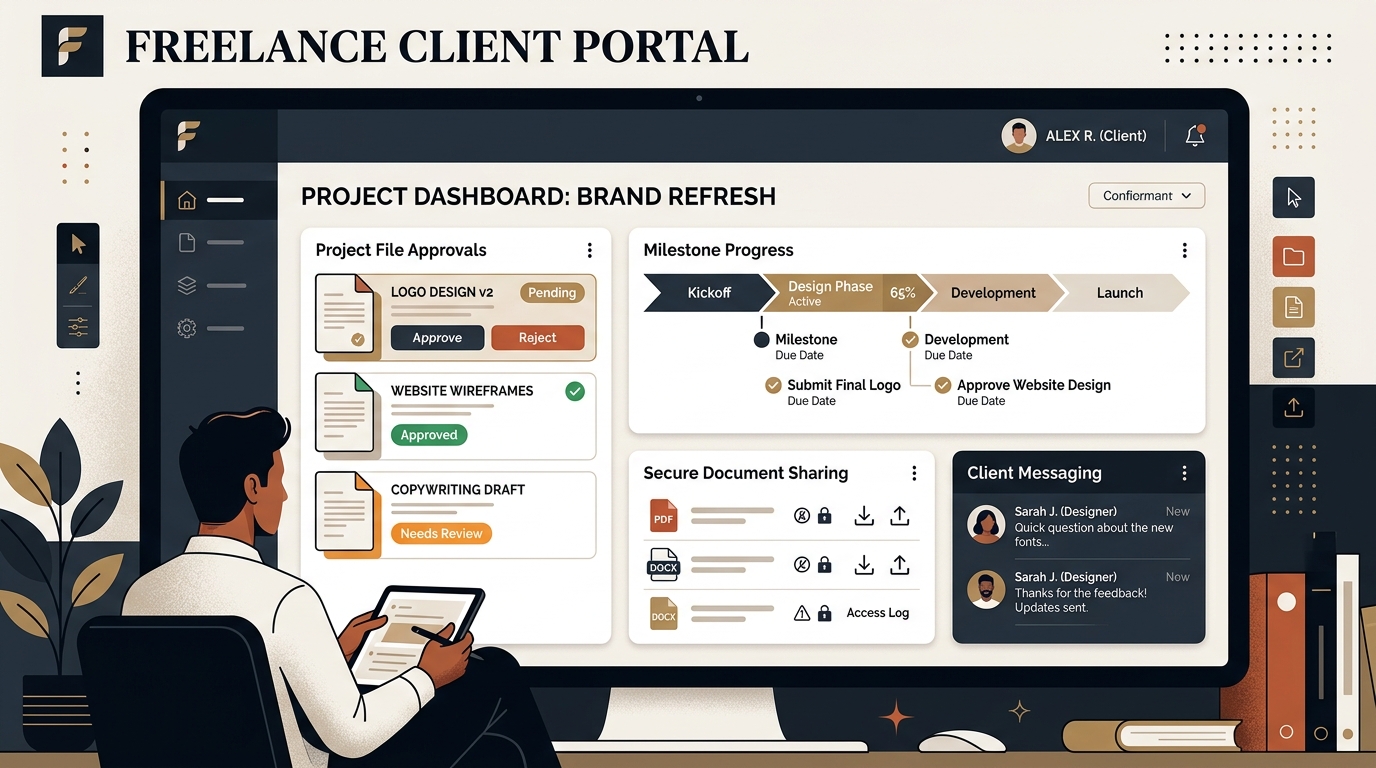
Best Client Portal Software for Freelancers in 2026
Centralize client files, deliverables, messaging, and approvals. We evaluate the best client portal software for solo freelancers and boutique studios.

Best E-Signature Software for Freelancers in 2026
Get contracts, NDAs, and scopes signed fast. We compare the best e-signature software, audit trails, and free DocuSign alternatives for freelancers.
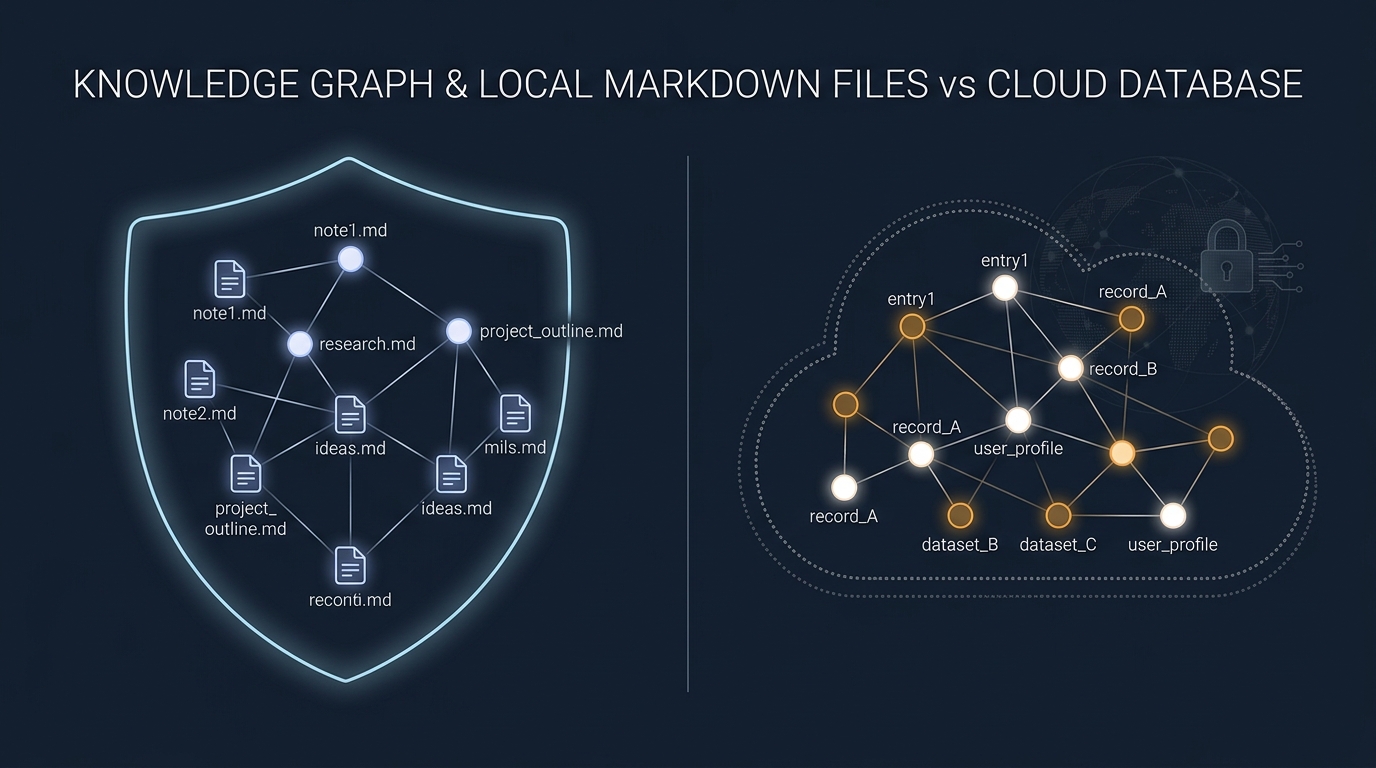
Obsidian vs Notion: Why Privacy-Conscious Freelancers Are Leaving the Cloud
We compare Notion's collaborative database workspace against Obsidian's local-first Markdown vault. Performance, data lock-in, and offline reliability.