Figma vs Penpot: Can an Open-Source Design Suite Displace the Industry Standard for Freelancers?
Penpot 2.0 brings native CSS Grid and open-source data ownership to digital product design. But is it ready to handle high-stakes client reviews?
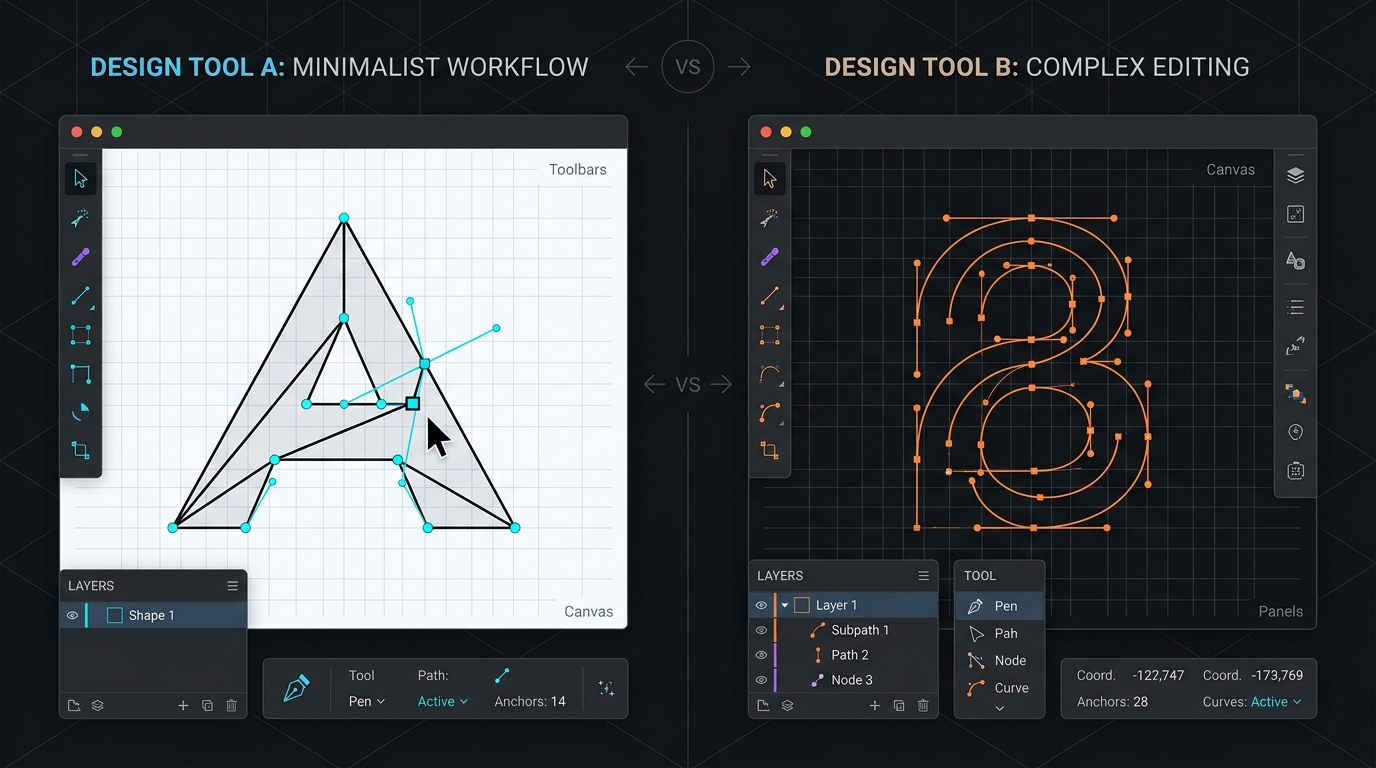
The Monopolistic Reality of Modern UI Design
For almost a decade, Figma has held an uncontested stranglehold over digital product design. Its real-time multiplayer engine, component variant architecture, and seamless browser-based sharing made traditional desktop applications like Sketch and Adobe XD obsolete.
However, for independent designers and boutique design studios, Figma’s dominance introduces two significant vulnerabilities:
- Vendor Lock-in: Figma’s
.figfiles are binary, proprietary representations that can only be rendered accurately inside Figma’s cloud infrastructure. If your account is suspended or billing changes, your design archive is trapped. - Aggressive Seat Upselling: Adding collaborative partners or client engineers as editors immediately triggers $12 to $15/month charges.
Enter Penpot (v2.0): the first open-source, web-based design and prototyping platform built on native web standards (SVG, CSS Grid, and Flexbox). We spent four weeks running identical client sprint deliverables in both platforms.
Layout Engines: Figma Auto-Layout vs. Penpot CSS Grid
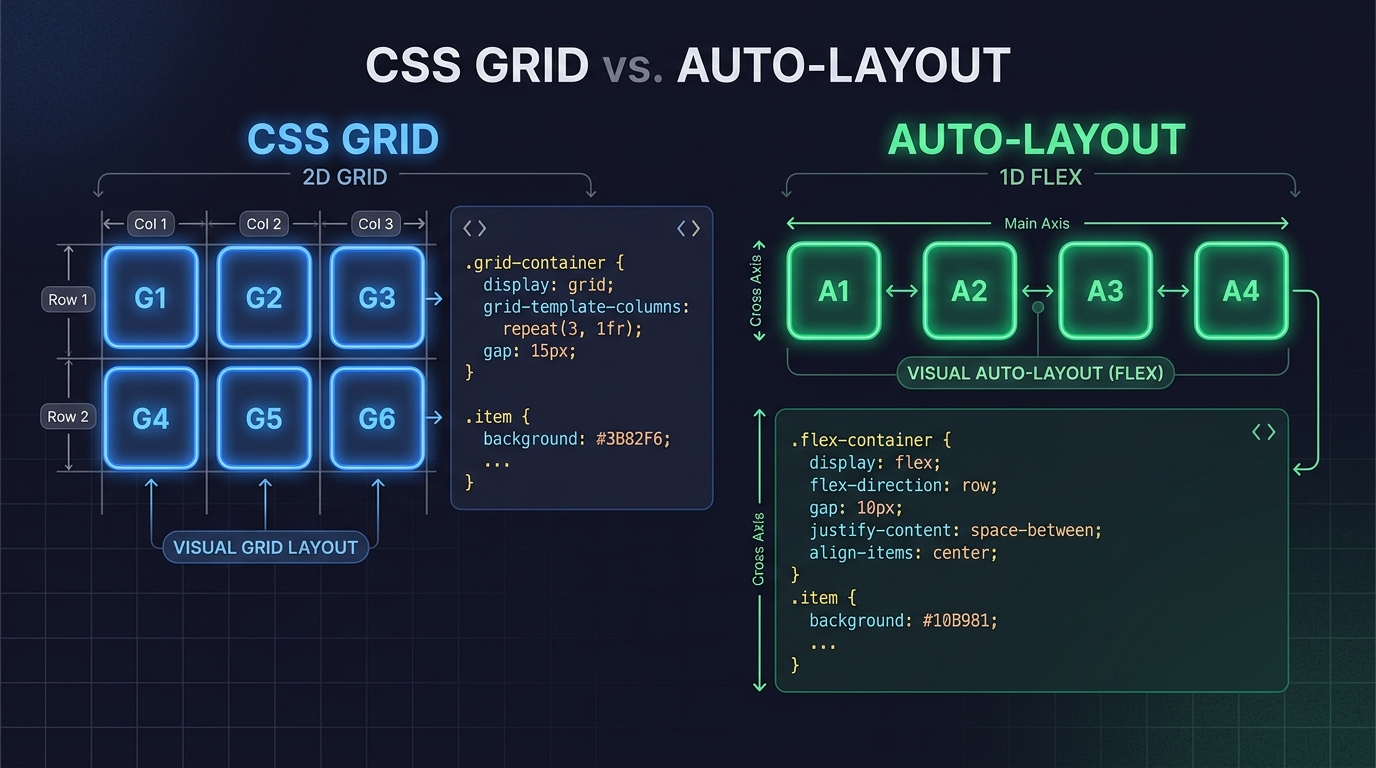 Penpot utilizes true CSS Grid and Flexbox, generating production-ready code structures.
The most significant technical distinction between the two platforms lies in how they construct responsive layouts:
- Figma Auto-Layout is an abstraction that mimics CSS Flexbox. While versatile, it requires nested frame gymnastics to create complex responsive grids, often creating a disconnect between the designer’s canvas and the developer’s front-end implementation.
- Penpot uses true native CSS Grid and Flexbox directly on the canvas. When you define a 12-column grid in Penpot, you are defining real CSS Grid properties. Front-end developers inspecting the file can copy authentic, production-ready CSS layouts without translation artifacts.
/* Penpot Handoff Output Example */
display: grid;
grid-template-columns: repeat(12, minmax(0, 1fr));
column-gap: 24px;
row-gap: 32px;
/* 100% compliant with standard Tailwind and modern CSS */
Client Collaboration & Stakeholder Friction
Where Figma continues to justify its market lead is in client onboarding:
- Figma: Non-technical executives, product managers, and marketing directors already possess Figma accounts. Sending a client link works with zero onboarding resistance. The comment stream, mobile companion app, and presentation mode are effortless.
- Penpot: While Penpot’s browser app is responsive and clean, asking enterprise client stakeholders to create an account on a secondary design platform can occasionally trigger corporate security hurdles or user resistance.
Cost Comparison for a Solo Studio
| Metric | Figma Professional | Penpot Cloud | Penpot Self-Hosted |
|---|---|---|---|
| Solo Editor Cost | $144 / year ($12/mo) | Free (Currently in Beta) | Free (Open Source) |
| Additional Client Editor | +$144 / year per seat | Free | Free |
| Hosting Overhead | Zero (Cloud) | Zero (Cloud) | ~$5/mo (VPS / Hetzner) |
| Data Sovereignty | Proprietary Cloud | Open Source Cloud | 100% Private Infrastructure |
The Editorial Recommendation
If you collaborate frequently with external product teams, agency partners, and corporate clients who expect Figma handoff assets, Figma Professional remains an indispensable commercial expense.
However, if you operate an independent web studio that designs and builds custom client websites end-to-end, Penpot 2.0 has arrived as a formidable, highly capable, and ethically refreshing alternative.
Managing Client Reviews Without Seat License Trap
One common friction point for freelance designers is gathering feedback without accidentally triggering paid editor seats in Figma or forcing clients to sign up for unfamiliar platforms.
- Dedicated Review Layers: Many solo designers keep their source canvas in Figma or Penpot, but conduct asynchronous client reviews using specialized review tools. Explore our breakdown of the best design feedback tools for freelancers to learn how tools like MarkUp.io and Pastely streamline revisions.
- Asset Delivery & Handoff: For final logo exports, brand guideline PDFs, and asset packages, use structured storage links as evaluated in our cloud storage guide for freelancers.
- Showcasing Your Case Studies: When your design systems and prototypes are ready for your public showreel, check our freelance portfolio platforms decision framework or learn how to host live prototypes on a zero-maintenance hosting stack.
WHAT WE APPRECIATED (PROS)
- ✓Penpot uses standards-compliant CSS Grid and Flexbox for superior developer handoff
- ✓Penpot files are open SVG-based data with zero proprietary cloud lock-in
- ✓Figma's plugin ecosystem and client commenting experience remain unmatched
- ✓Figma's auto-layout and prototyping transitions are exceptionally polished
DRAWBACKS & FRICTION (CONS)
- ✕Penpot's community template ecosystem is smaller than Figma's massive library
- ✕Figma's seat-based pricing model can become expensive when sharing edit rights with client collaborators
- ✕Self-hosting Penpot requires basic Docker server administration knowledge
Figma Rating Breakdown
UI/UX designers, design system engineers, and open-source advocates.
Figma remains the unavoidable industry standard for client stakeholder collaboration. However, Penpot represents a credible, production-ready alternative for freelancers demanding absolute data sovereignty.
EVALUATION METRICS
Speed of setup, friction in daily operations, and intuitive mental model for non-enterprise users.
Utility of capabilities without unnecessary enterprise bloat that slows down solo execution.
Return on investment for a single seat, clear billing tiers, and fair feature gates.
Uptime track record, offline resilience, and friction-free portable data export.
Specific suitability for client collaboration, single-seat economics, and lean overhead.
Frequently Asked Questions
Can I open Figma files (.fig) directly in Penpot?+
Penpot supports importing Figma files through open-source converters, translating vector layers, typography, and basic layouts, though complex component variants may require minor touch-ups.
Do clients need paid accounts to review designs in Figma?+
No. In Figma, clients can view and leave comments for free on view-only links. However, if a client accidentally requests editor status, you can be billed an extra $15 on your next monthly invoice unless permissions are strictly locked.

Freelance Tool Guide Team
The editorial team behind Freelance Tool Guide, independently researching and testing software for freelancers and small teams.
More Independent Software Analyses

Best Design Feedback Tools for Freelancers in 2026
Eliminate vague client feedback. We compare the best visual feedback, website annotation, and design review tools for freelance designers.
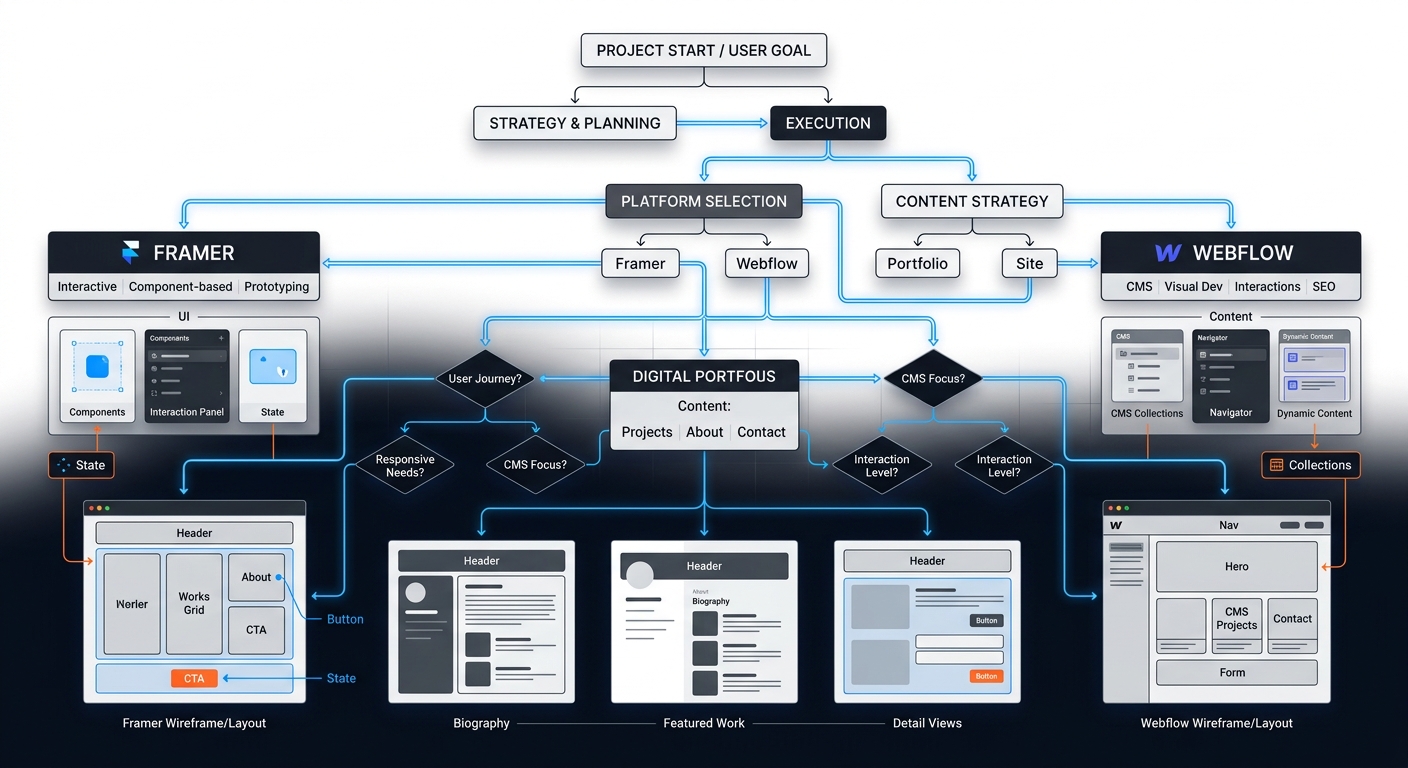
Freelance Portfolio Platforms: A Decision Framework for Designers and Devs
Stop rebuilding your portfolio every six months. Use this decision framework to choose between Framer, Webflow, and Squarespace for your freelance business in 2026.
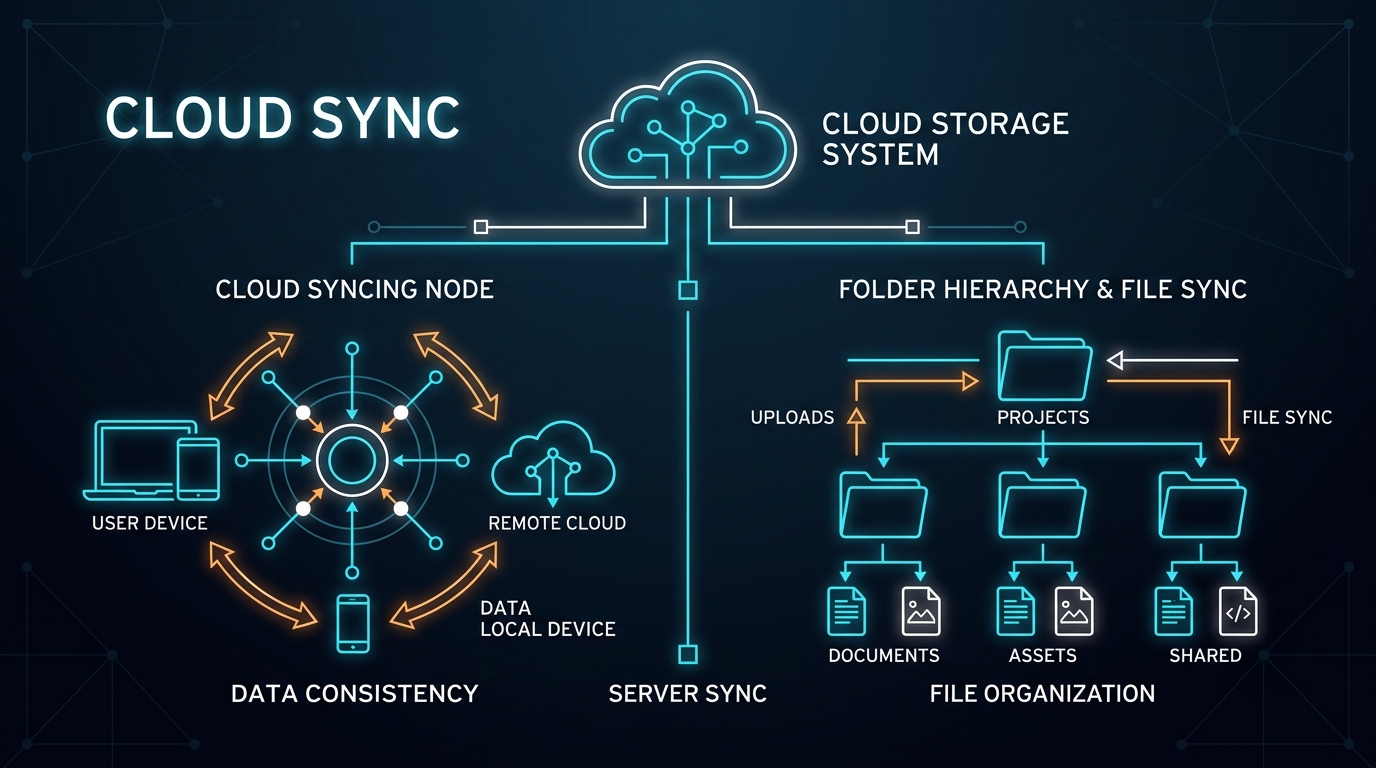
Best Cloud Storage for Freelancers: Google Drive vs Dropbox vs OneDrive
Which cloud storage provider is best for freelance asset storage, delta sync speeds, and painless client file sharing? We compare Google Drive, Dropbox, and OneDrive.