How to Set Up a Zero-Maintenance Freelance Hosting Stack
If you are managing VPS droplets and manually renewing SSL certificates for your freelance clients, you are leaking billable hours. Here is how modern developers automate client deployments.
TABLE OF CONTENTS (11 SECTIONS)TAP TO EXPAND
- The Hidden Cost of Client DevOps
- Quick Answer: The Freelance Hosting Stack
- The Zero-Maintenance Workflow
- 1. Version Control as the Source of Truth
- 2. Automated Build Pipelines
- 3. Preview URLs for Client Handoff
- 4. Zero-Config Environment Variables
- How to Handle Client Billing (The Agency Model)
- Option A: The Client Owns the Account (Recommended)
- Option B: The Reseller / Retainer Model
- Who Should NOT Use Serverless Edge Hosting?
The Hidden Cost of Client DevOps
Many freelance web developers start their careers deploying client websites on shared cPanel hosts or raw Linux VPS droplets.
Initially, this feels highly technical and cost-effective. But twelve months later, a client emails you on a Saturday because their SSL certificate expired, or their WordPress database crashed due to an out-of-memory error. Suddenly, you are performing unbilled system administration on your weekend.
If you are a freelance developer writing modern code, your hosting infrastructure should require zero manual maintenance. A Zero-Maintenance Hosting Stack relies on Git-driven deployments and Serverless/Edge infrastructure.
Here is how to set up an automated, resilient hosting pipeline for your freelance clients in 2026.
Quick Answer: The Freelance Hosting Stack
If you are building custom web applications, choose your deployment platform based on your framework:
- Vercel: The absolute best choice if you are building with Next.js or React. It offers zero-configuration deployments, instant rollback, and incredible developer experience.
- Cloudflare Pages: The best choice for static sites (Astro, Hugo, plain HTML) and developers who want unlimited free bandwidth and enterprise-grade DDoS protection out of the box.
- Netlify: A highly versatile alternative to Vercel, particularly strong if you need built-in form handling, identity management, or if you prefer the Vue/Nuxt ecosystem.
(Note: If you are not a developer and simply need to host a visual case study, skip the code and use a freelance portfolio platform like Framer or Squarespace).
The Zero-Maintenance Workflow
To eliminate manual server management, you must shift to a GitOps workflow. Here is the standard operating procedure for a modern freelance deployment:
1. Version Control as the Source of Truth
You never use FTP. You never drag and drop files into a control panel.
Your code lives in a Git repository (GitHub, GitLab, or Bitbucket). The main branch represents the production website.
2. Automated Build Pipelines
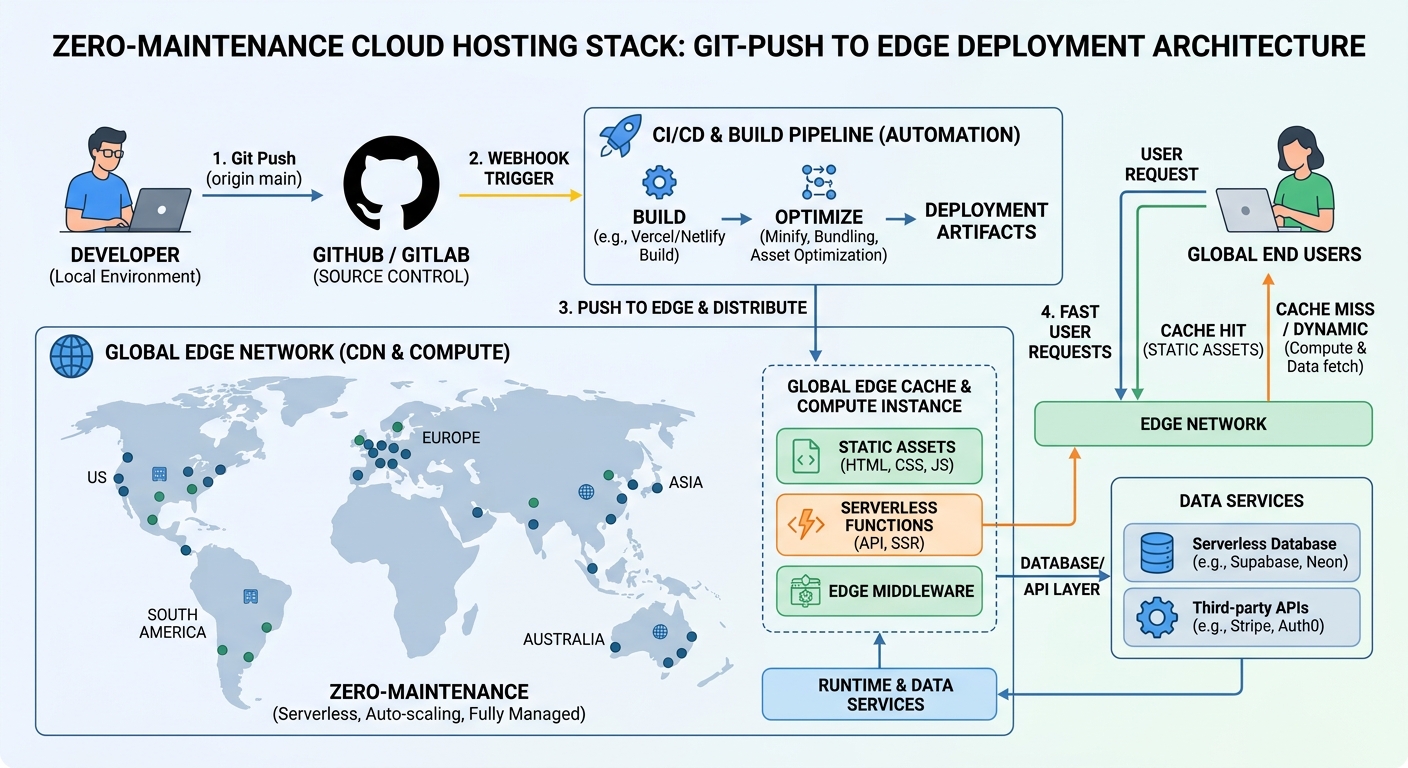 A modern edge deployment pipeline automatically builds, tests, and distributes code globally upon a Git push.
You connect your client’s GitHub repository to Vercel or Cloudflare Pages. The platform listens for changes.
When you run git push origin main from your terminal, the platform automatically intercepts the code, installs NPM dependencies, runs the build command, and deploys the output to a global CDN.
3. Preview URLs for Client Handoff
One of the most powerful features of Vercel and Netlify is the Preview Deployment.
When you create a new feature branch (e.g., feature/new-pricing-page), the platform automatically generates a unique, live URL for that specific branch. You can send this URL to your client for approval before merging it into production.
4. Zero-Config Environment Variables
Instead of managing sensitive .env files on live servers, you inject API keys securely through the hosting dashboard. To ensure your own local development stays secure, manage your client API keys using a zero-knowledge password manager rather than keeping them in plaintext on your laptop.
How to Handle Client Billing (The Agency Model)
When setting up infrastructure, freelance developers must choose how the hosting is paid for. You have two options:
Option A: The Client Owns the Account (Recommended)
You instruct the client to create their own Vercel Pro or Cloudflare account and put their own corporate credit card on file. They then invite you to their workspace as a developer.
- Pros: You carry zero financial liability if their site gets a massive traffic spike. You are not responsible for billing follow-ups.
- Cons: Requires the client to navigate a technical signup process.
Option B: The Reseller / Retainer Model
You host the client’s site on your own Vercel Team/Agency account. You pay Vercel, and you charge the client a marked-up monthly retainer (e.g., $150/month for “Managed Hosting & Support”).
- Pros: Creates predictable recurring revenue for your freelance business.
- Cons: If the client’s site is targeted by a DDoS attack and incurs a massive bandwidth overage bill, your credit card will be charged. (If you choose this route, always put the site behind Cloudflare’s strict proxy rules).
Who Should NOT Use Serverless Edge Hosting?
While Vercel and Cloudflare Pages are incredible, they are not suitable for every freelance project.
Avoid this stack if:
- Your client requires a traditional SQL database heavy application. While serverless databases exist, long-running relational queries and connection pooling can be difficult to manage in serverless functions.
- Your client needs background processing. Serverless functions on Vercel typically time out after 10 to 60 seconds. If you need to process massive video uploads or scrape large datasets, you need a long-running traditional server.
- You are building with traditional monoliths. If the client insists on WordPress, Laravel, or Ruby on Rails, look toward specialized managed hosts (like WP Engine) rather than trying to force a monolith onto an Edge platform.
By adopting a Git-driven, zero-maintenance hosting stack, you eliminate midnight server panics, ensure sub-second global load times, and free up your schedule to focus on writing billable code and testing robust APIs rather than managing Linux patches.
WHAT WE APPRECIATED (PROS)
- ✓Git-push deployment automatically builds and publishes code
- ✓Zero server maintenance, no OS patching, and automatic SSL issuance
- ✓Global Edge CDN distribution guarantees sub-50ms load times worldwide
- ✓Preview URLs generated automatically for every pull request
DRAWBACKS & FRICTION (CONS)
- ✕Serverless architectures can introduce cold-start latency for background jobs
- ✕Bandwidth overages on platforms like Vercel can be punishingly expensive if attacked
- ✕Strict execution time limits on serverless functions (typically 10-60 seconds)
How to Set Up a Zero-Maintenance Freelance Hosting Stack Rating Breakdown
Freelance web developers, frontend engineers, and technical consultants who build custom web applications for clients.
For Next.js and React developers, Vercel provides an unmatched, zero-configuration deployment experience. For static sites and ultra-low-cost bandwidth, Cloudflare Pages is the industry's best-kept secret.
EVALUATION METRICS
Speed of setup, friction in daily operations, and intuitive mental model for non-enterprise users.
Utility of capabilities without unnecessary enterprise bloat that slows down solo execution.
Return on investment for a single seat, clear billing tiers, and fair feature gates.
Uptime track record, offline resilience, and friction-free portable data export.
Specific suitability for client collaboration, single-seat economics, and lean overhead.
Frequently Asked Questions
Is it safe to host a client's commercial website on a free Hobby tier?+
No. Vercel and Netlify strictly prohibit hosting commercial client work on their free Hobby tiers. If you are hosting a business site for a paying client, you must upgrade to a Pro tier ($20/mo) or have the client create their own Pro account.
What is the difference between traditional VPS hosting and Edge hosting?+
A VPS (like a DigitalOcean Droplet) is a single virtual computer in one specific data center that you must maintain, patch, and secure. Edge platforms (like Vercel or Cloudflare) distribute your pre-built code across hundreds of global servers simultaneously, requiring zero operating system maintenance.
Can I host a WordPress site on Vercel or Netlify?+
No. Vercel, Netlify, and Cloudflare Pages are designed for modern JavaScript frameworks (React, Vue, Astro) and static site generators. They do not run PHP or MySQL natively.

Freelance Tool Guide Team
The editorial team behind Freelance Tool Guide, independently researching and testing software for freelancers and small teams.
More Independent Software Analyses
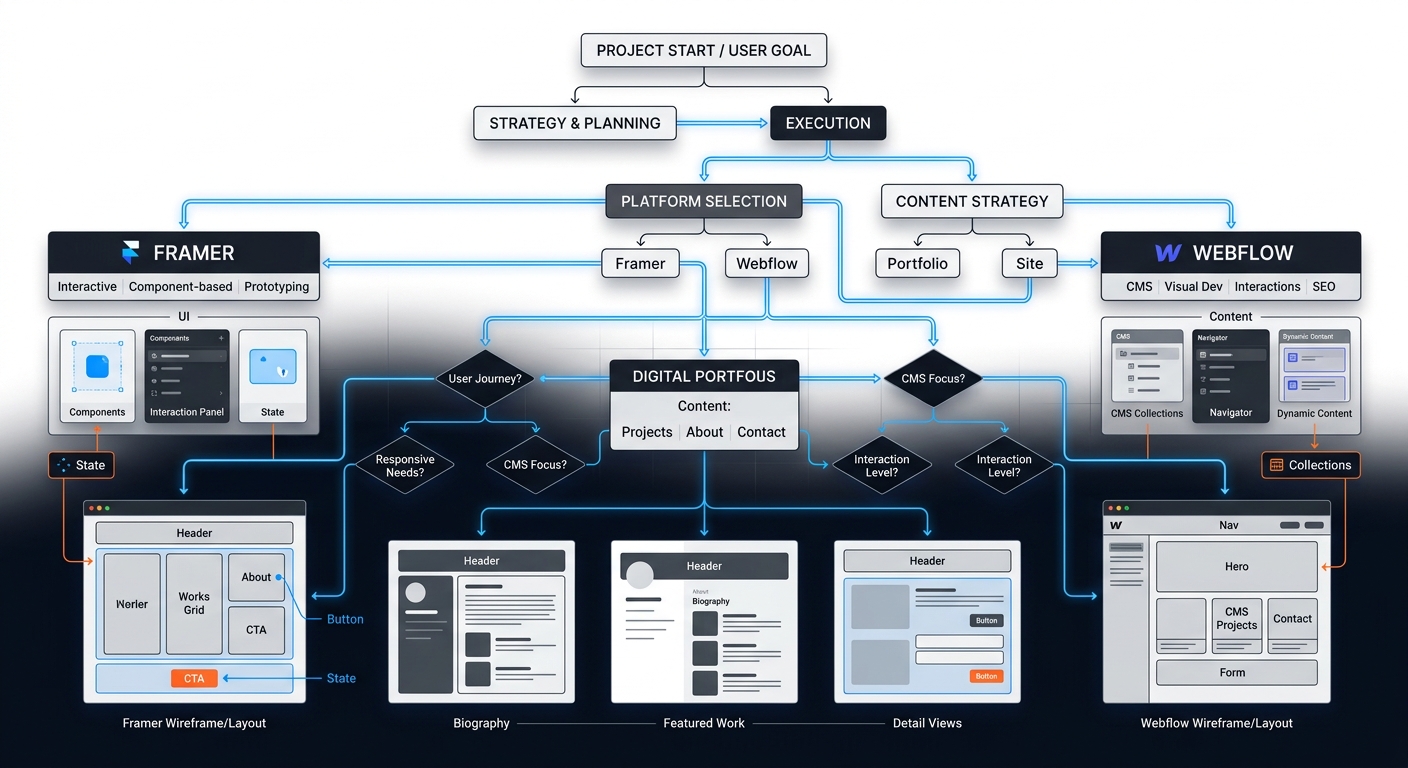
Freelance Portfolio Platforms: A Decision Framework for Designers and Devs
Stop rebuilding your portfolio every six months. Use this decision framework to choose between Framer, Webflow, and Squarespace for your freelance business in 2026.

Best Password Managers for Freelancers in 2026
Handling client credentials across staging servers, CMS logins, and API keys? Compare the best zero-knowledge password managers for solo contractors and developers.
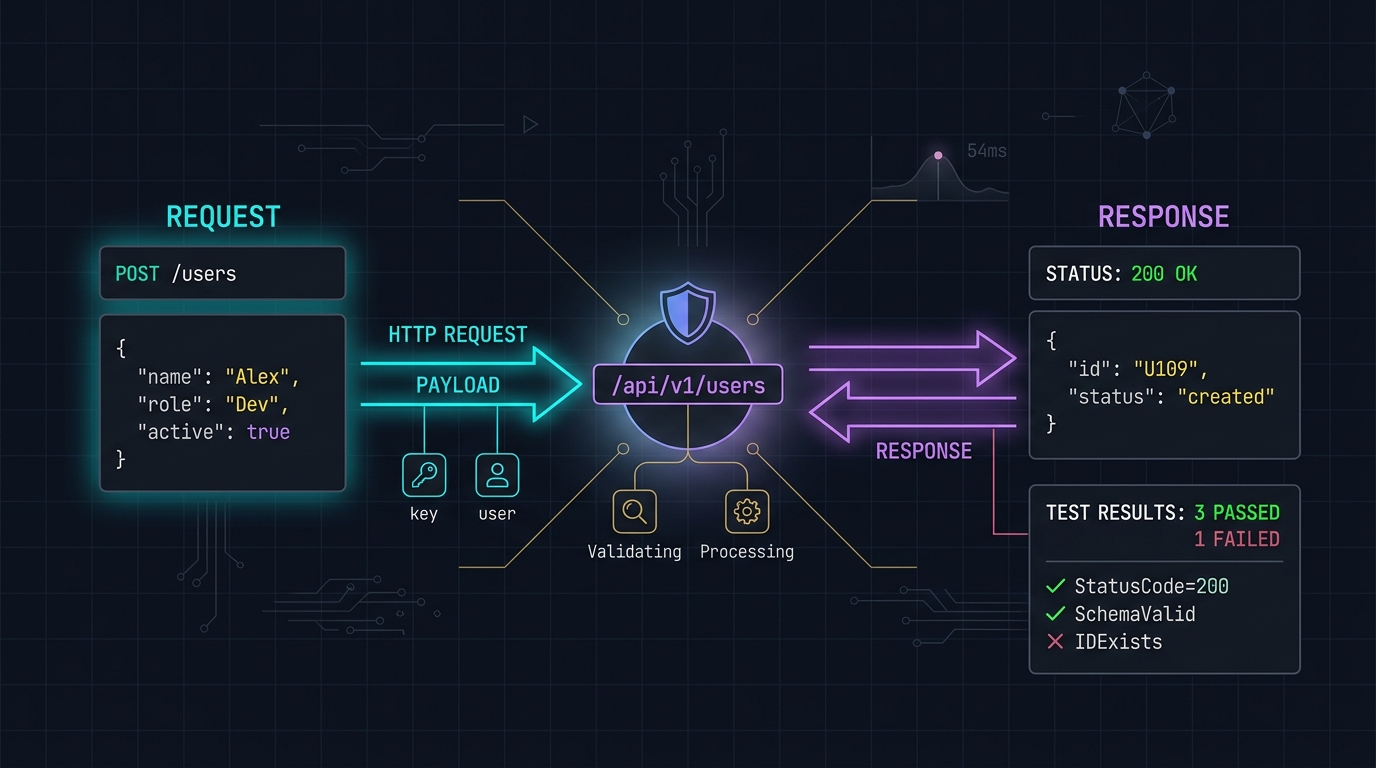
Postman Alternatives: Why Freelancers Are Switching to Hoppscotch and Bruno
Postman's forced cloud accounts and bloated Electron footprint have alienated independent developers. We evaluate lightweight, local-first API testing tools.