Freelance Portfolio Platforms: A Decision Framework for Designers and Devs
Choosing the wrong portfolio platform means spending unbillable weekends fighting layout bugs instead of pitching clients. Here is how to choose the right builder for your technical skill level.
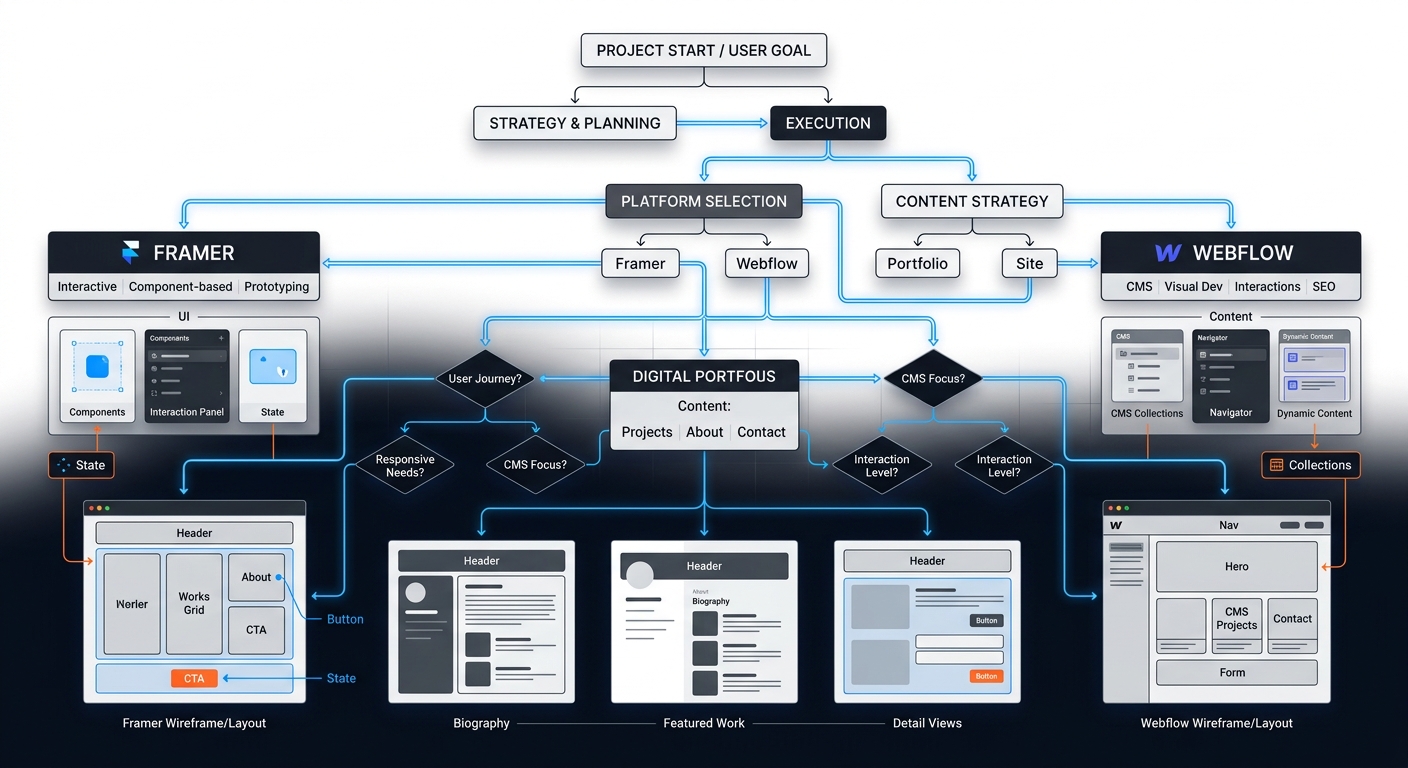
TABLE OF CONTENTS (11 SECTIONS)TAP TO EXPAND
- The Unbillable Weekend Trap
- Quick Answer: Which Platform Should You Choose?
- The Decision Framework
- 1. Do I Understand the CSS Box Model?
- 2. How Complex Are My Case Studies?
- 3. What is My Maximum Maintenance Tolerance?
- Platform Breakdowns
- Framer: The Designer’s Playground
- Webflow: The Professional standard
- Squarespace: The Safe Default
- Practical Workflow: How to Launch in 48 Hours
The Unbillable Weekend Trap
Every freelancer knows the cycle: You finish a massive client project, realize your portfolio is eighteen months out of date, and decide to quickly update it. Three days later, you are deep in a CSS debugging rabbit hole, your mobile navigation is broken, and you still haven’t added the new case study.
Your portfolio is your highest-leverage sales asset. It should not be a maintenance burden. When evaluating the best website builder for a freelance portfolio, the goal is to find a platform that minimizes friction between completing a project and publishing the case study.
Instead of a generic list of features, use this decision framework to select the right platform for your specific freelance discipline in 2026.
Quick Answer: Which Platform Should You Choose?
- For UI/UX and Visual Designers: Choose Framer. It feels exactly like Figma, outputs clean code, and handles complex animations effortlessly.
- For Front-End Devs & Web Design Agencies: Choose Webflow. It requires an understanding of HTML/CSS logic but offers total structural control and a powerful CMS.
- For Copywriters, Marketers & Non-Technical Consultants: Choose Squarespace (or Framer templates). You need to focus on your copy, not box-model padding constraints.
- For Full-Stack & React Developers: Skip visual builders. Code it yourself and deploy it using a zero-maintenance hosting stack.
The Decision Framework
When evaluating a portfolio platform, ask yourself three practical questions:
1. Do I Understand the CSS Box Model?
If the terms display: flex, justify-content, and padding versus margin are foreign to you, do not use Webflow.
Webflow is essentially a visual interface for writing raw CSS. It assumes you understand web architecture. If you try to drag-and-drop elements arbitrarily in Webflow, your mobile breakpoints will collapse.
Framer, on the other hand, uses an absolute-positioning model similar to Figma. If you know how to use Figma’s Auto Layout, you already know how to build a responsive site in Framer.
2. How Complex Are My Case Studies?
If your portfolio consists of massive, highly structured case studies—with distinct fields for Client Name, Timeline, Tech Stack, Problem, and Solution—you need a robust CMS (Content Management System).
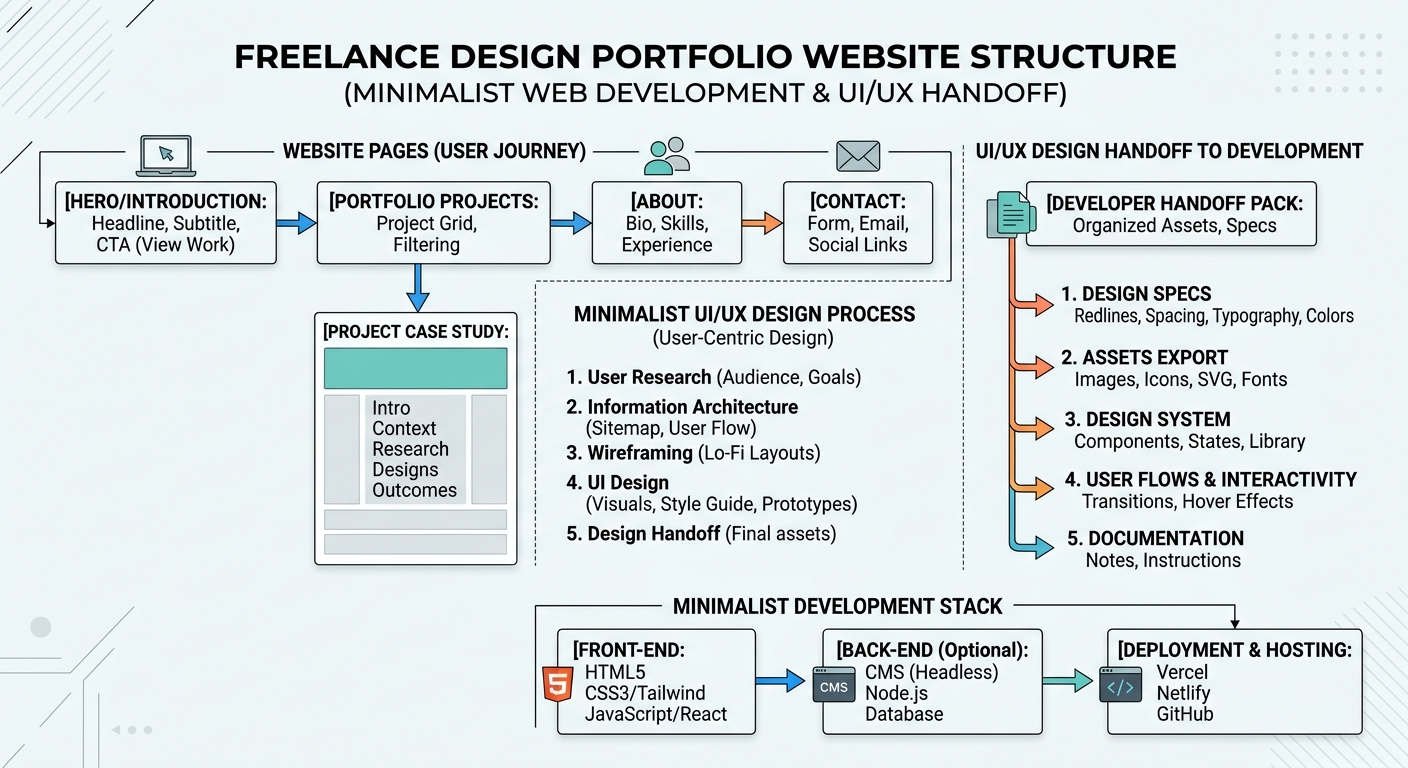 A structured CMS allows you to map database fields directly to your portfolio design components.
- Webflow’s CMS is industrial-grade. You can create complex relational databases (e.g., linking a “Client” database to a “Projects” database) and design highly custom template pages.
- Framer’s CMS is functional but simpler. It handles standard blog posts and basic case studies perfectly, but lacks the deep relational mapping of Webflow.
3. What is My Maximum Maintenance Tolerance?
If your goal is to update your portfolio twice a year in under an hour, Squarespace remains the king of low-maintenance reliability. You will sacrifice granular design control, but you will never have to debug a broken flexbox container.
Platform Breakdowns
Framer: The Designer’s Playground
Originally a prototyping tool, Framer pivoted into a full-fledged website builder and immediately captured the freelance design market.
- Best Feature: Scroll animations and component variants. You can create high-end, award-winning motion effects visually.
- Pricing: A custom domain plan starts at $15/month.
- Who Should Avoid It: Heavy content publishers who need advanced CMS filtering, or developers who want to export their raw code.
Webflow: The Professional standard
Webflow is the industry standard for freelance web designers who build sites for clients, making it the natural choice for their own portfolios.
- Best Feature: Complete structural control and CMS power. If you can imagine a layout, you can build it in Webflow.
- Pricing: Starts at $14/month for a basic site, but jumps to $23/month if you need the CMS (which you absolutely do for a portfolio).
- Who Should Avoid It: Anyone who wants a drag-and-drop, template-based experience without learning web development fundamentals.
Squarespace: The Safe Default
Squarespace gets a bad reputation among hardcore web designers for being “too rigid,” but that rigidity is precisely its strength.
- Best Feature: Fluid Engine grid system. It prevents you from breaking the site while still allowing overlapping elements and modern layouts.
- Pricing: Starts at $16/month (billed annually).
- Who Should Avoid It: Product designers pitching complex UI/UX roles. If you are selling high-end digital design services, a stock Squarespace template may communicate a lack of technical depth.
Practical Workflow: How to Launch in 48 Hours
Do not spend a month building a portfolio. Treat it like a client sprint:
- Draft the Copy First: Write your homepage headline, your bio, and two case studies in a blank document. Do not touch a design tool yet.
- Buy a Premium Template: Spend $50–$100 on a premium Framer or Webflow template. The ROI of saving 40 hours of layout design is immense.
- Map the CMS: Load your two case studies into the template’s CMS.
- Connect the Domain & Publish: Launch the site. You can always tweak the button hover states later.
Once your portfolio is live, the next step is ensuring your sales process looks just as professional. Connect your new site to a dedicated proposal software platform to seamlessly convert your inbound portfolio traffic into paying clients.
WHAT WE APPRECIATED (PROS)
- ✓Visual editors eliminate the need for manual CSS media queries
- ✓Built-in CMS collections make updating case studies fast and structured
- ✓Zero-maintenance managed hosting with automatic SSL certificates
- ✓Rich ecosystems of pre-built, high-converting freelancer templates
DRAWBACKS & FRICTION (CONS)
- ✕Proprietary lock-in: You cannot easily export a Framer or Webflow site to WordPress
- ✕Steep learning curve for Webflow's box-model layout engine
- ✕Premium tiers can cost over $250 annually just to host a static portfolio
Freelance Portfolio Platforms: A Decision Framework for Designers and De Rating Breakdown
Freelance designers, developers, and creatives looking for a long-term home for their professional case studies.
Framer is the best overall choice for UI/UX designers who want high-fidelity animations without writing code. Webflow remains the powerhouse for front-end developers building complex CMS structures, while Squarespace is the safest bet for copywriters and non-technical creatives who need a site live by tomorrow.
EVALUATION METRICS
Speed of setup, friction in daily operations, and intuitive mental model for non-enterprise users.
Utility of capabilities without unnecessary enterprise bloat that slows down solo execution.
Return on investment for a single seat, clear billing tiers, and fair feature gates.
Uptime track record, offline resilience, and friction-free portable data export.
Specific suitability for client collaboration, single-seat economics, and lean overhead.
Frequently Asked Questions
Should a freelance software developer use a visual builder or code their portfolio from scratch?+
If you are a backend or systems developer, using a visual builder like Framer saves time and guarantees a polished aesthetic. If you are a front-end developer pitching React or Next.js expertise, you should code your own portfolio to demonstrate your technical competence directly.
Can I just use Notion as my freelance portfolio?+
Yes, utilizing Notion as a portfolio (often wrapped with Super.so) is a popular, minimalist approach. It is excellent for copywriters and strategists, but UI/UX designers should use a dedicated visual platform like Framer to showcase their interface skills properly.
Which portfolio platform is best for high-end web animations?+
Framer is currently a leading platform for scroll-linked animations, 3D transforms, and complex motion graphics, all of which can be implemented without writing a single line of JavaScript.

Freelance Tool Guide Team
The editorial team behind Freelance Tool Guide, independently researching and testing software for freelancers and small teams.
More Independent Software Analyses
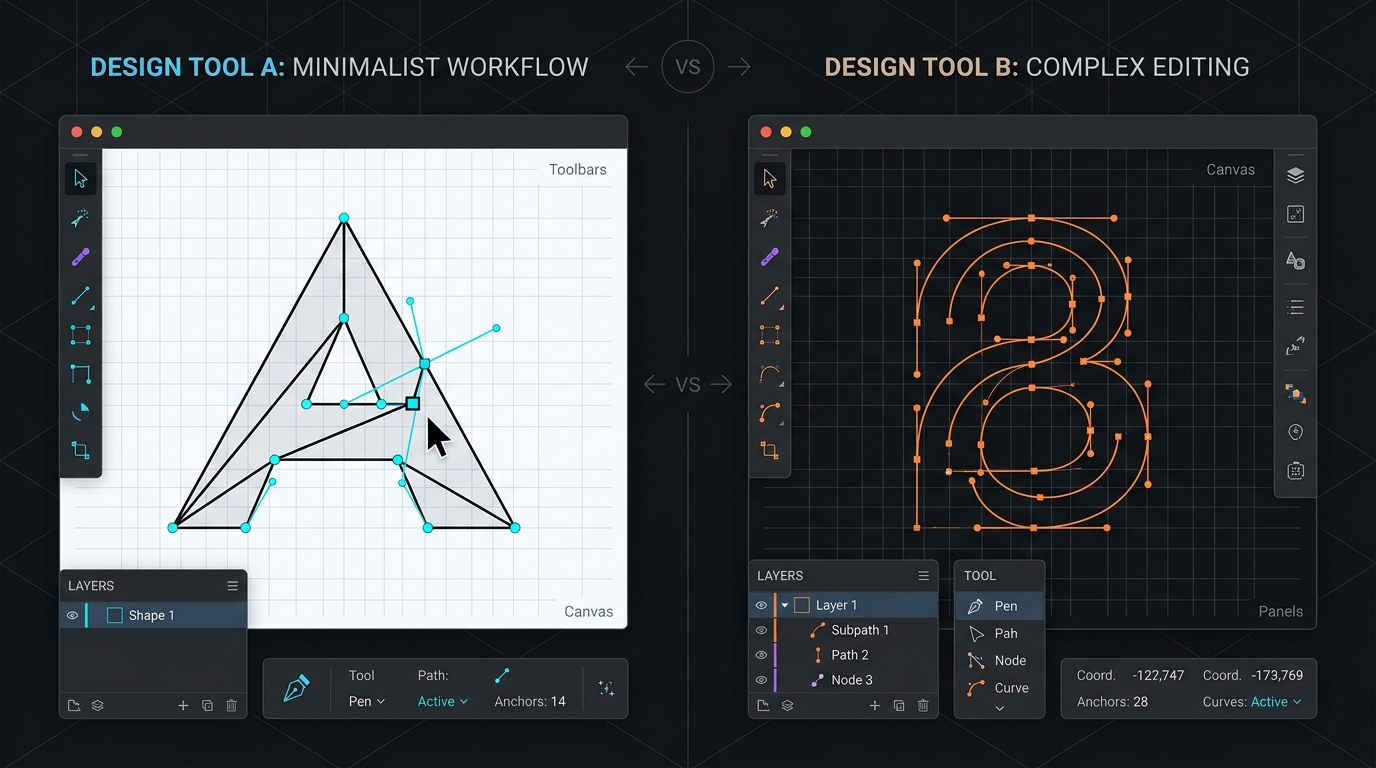
Figma vs Penpot: Can an Open-Source Design Suite Displace the Industry Standard for Freelancers?
A head-to-head evaluation of Figma Professional and Penpot 2.0. We compare real-time client collaboration, component auto-layout, and true cost of ownership.

Best Design Feedback Tools for Freelancers in 2026
Eliminate vague client feedback. We compare the best visual feedback, website annotation, and design review tools for freelance designers.

How to Set Up a Zero-Maintenance Freelance Hosting Stack
Stop rebooting client Linux servers on weekends. Learn how freelance web developers use Vercel, Netlify, and Cloudflare to build zero-maintenance hosting stacks.