Best Design Feedback Tools for Freelancers in 2026
Trying to decode vague client emails like 'Make the logo bigger on the third page' wastes billable revision rounds. Visual feedback tools let clients click and comment directly on live websites, Figma prototypes, and video drafts.
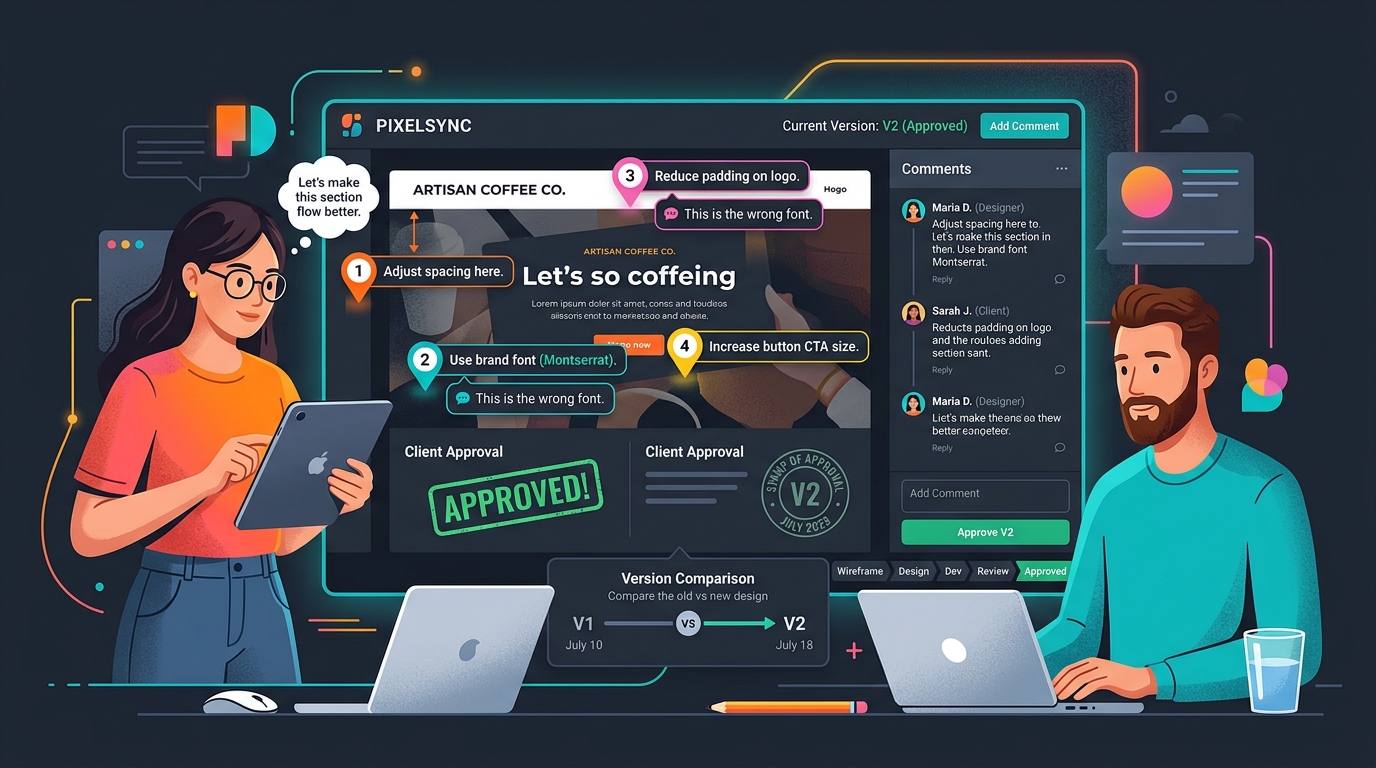
TABLE OF CONTENTS (12 SECTIONS)TAP TO EXPAND
- The Agony of Vague Client Feedback
- Quick Comparison: Best Visual Feedback Tools for Freelancers
- How We Evaluated Freelance Feedback Tools
- 1. Markup.io — The Best Free Visual Feedback Tool
- Key Capabilities
- 2. Pastel (UsePastel) — The Smoothest Staging Review Experience
- Standout Highlights
- 3. Frame.io — The Industry Gold Standard for Video Feedback
- Why Video Freelancers Swear by Frame.io
- 4. BugHerd — Best for Technical Web Developers
- Developer Advantages
- The 3-Round Revision Rule for Freelance Designers
The Agony of Vague Client Feedback
Every freelance designer has received an email like this:
“Hey! We looked at the staging site. Can we make the header feel a little more ‘dynamic’? Also, the button near the middle of the page looks off on my phone. Let’s discuss on a call tomorrow.”
Now you are left guessing:
- Which button? (There are three on the homepage).
- What model of phone were they using? (iPhone Safari, Android Chrome, or a tablet?).
- What does “dynamic” actually mean in terms of CSS animations or typography?
This ambiguity triggers three extra rounds of revisions, delays project sign-off, and eats into your effective hourly rate.
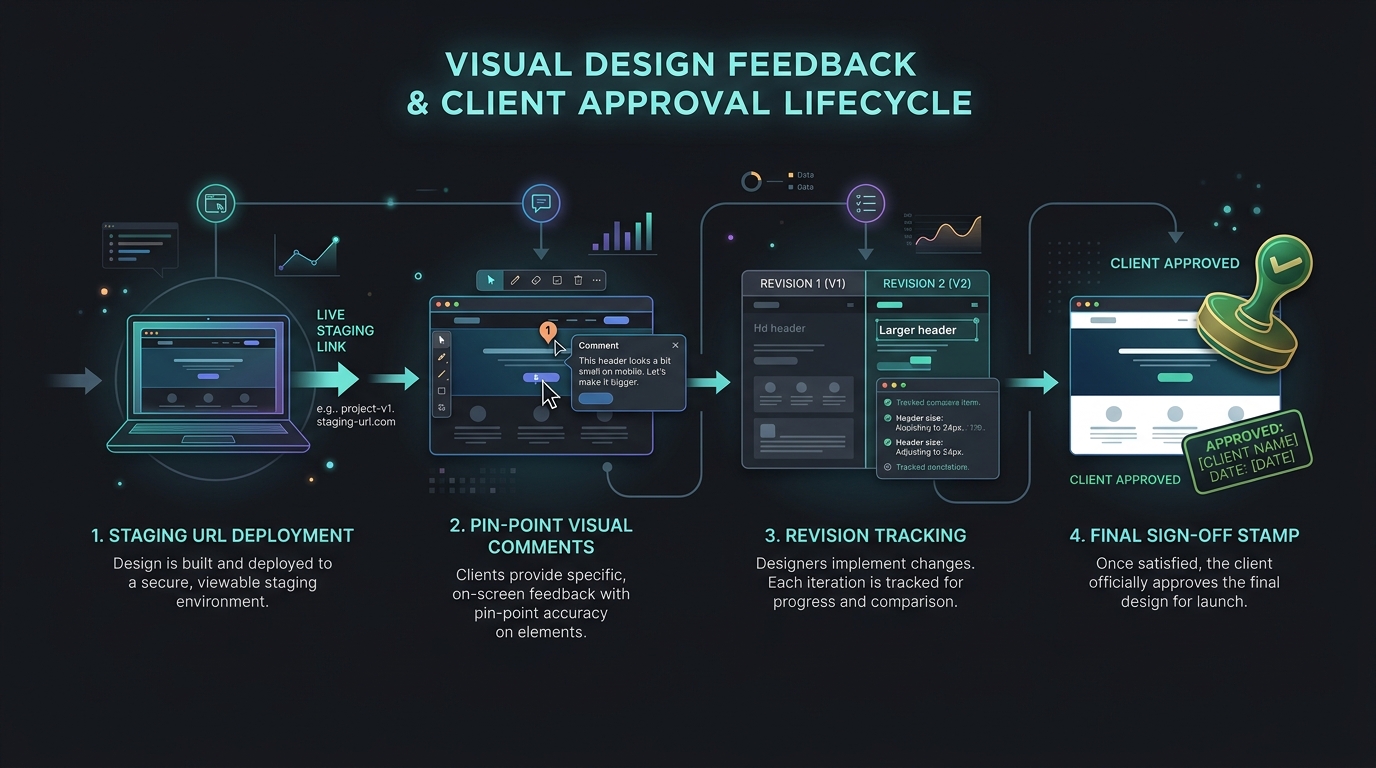
A dedicated design feedback tool turns vague feedback into precise, actionable tasks. You send your client a single link to their staging site or mockup; they click directly on the element they want changed and type their feedback. The software captures an exact screenshot, the CSS selector, screen resolution, and browser details automatically.
Quick Comparison: Best Visual Feedback Tools for Freelancers
| Tool | Medium | Free Tier | Client Login Required | Automatic Bug Metadata | Best For |
|---|---|---|---|---|---|
| Markup.io | Live Web, Images, PDFs | 100% Free Tier | No | Yes (Browser & OS) | Best Overall Web & Copy |
| Pastel | Live Websites & Images | Free (3 canvases) | No | Yes | Responsive Mobile Staging |
| BugHerd | Web Dev Staging | 7-day Trial | No | Deep Dev Metadata | Full-Stack Web Builds |
| Frame.io | Video, Motion, Audio | Free (2GB) | Optional | Frame-Accurate Timecode | Video & Motion Graphics |
| Filestage | Multi-Format Approvals | Free Plan | No | Approval Milestones | Multi-Stakeholder Agencies |
| Usersnap | Web Apps & SaaS | 14-day Trial | No | Screen Recording & Logs | Complex Web Apps |
How We Evaluated Freelance Feedback Tools
- Client Ease-of-Use: Can a non-technical client open the link on their phone or laptop and leave feedback in under 10 seconds without creating an account?
- Context & Metadata Capture: Does the tool log browser viewport dimensions, operating system, and screenshot state to help you reproduce visual bugs?
- Multi-Format Versatility: Can the platform handle live URLs, high-resolution PNG exports from Figma or Penpot, and PDF brochures?
- Resolution Tracking & Workflow: Can you mark comments as “Resolved” to give clients a clear visual sense of progress?
- Integration with Project Management: Can comments sync automatically to free project management tools like Linear, Trello, or Asana?
1. Markup.io — The Best Free Visual Feedback Tool
Owned by Ceros, Markup.io is the most popular visual review tool among freelance designers, copywriters, and front-end developers.
Key Capabilities
- Instant URL Annotation: Paste any live website URL, staging link, or upload an image/PDF, and Markup.io creates an interactive review canvas in 5 seconds.
- Frictionless Guest Commenting: Clients click anywhere to drop a numbered pin and leave a comment. No software installation, browser extensions, or account sign-ups needed.
- Side-by-Side Review: Browse between desktop, tablet, and mobile views to test responsive layout variations.
- Pricing: Extremely generous free tier with unlimited markups; Pro plan ($15/mo) unlocks advanced integrations and export options.
2. Pastel (UsePastel) — The Smoothest Staging Review Experience
Pastel is a favorite among boutique web studios building custom sites on Webflow, WordPress, or custom React codebases.
Standout Highlights
- Live Interactive Browsing: Clients can toggle between “Comment Mode” and “Browse Mode,” allowing them to click navigation menus, open modal dialogues, and submit test forms before leaving feedback.
- Export to Task Boards: Send resolved or active client feedback pins directly into your Trello board or Linear backlog.
- Pricing: Free tier includes 3 active canvases with a 3-day comment window; Solo plan is $24/month for unlimited canvases and permanent review history.
3. Frame.io — The Industry Gold Standard for Video Feedback
If your freelance work includes YouTube video editing, motion design, 3D animation, or commercial video production, Frame.io (an Adobe company) is essential.
Why Video Freelancers Swear by Frame.io
- Frame-Accurate Timecode Comments: When a client types a comment, it snaps to the exact video frame (e.g., 01:14:12).
- On-Screen Annotation Brushes: Clients can draw circles, arrows, and shapes directly on the video frame to point out color grading issues or unwanted background artifacts.
- Version Stacking & Comparison: Compare Version 1 and Version 2 side-by-side with a split-screen slider to prove that requested revisions were executed.
- Pricing: Free tier includes 2GB of active storage and 2 projects; Pro plan is $15/user/month.
4. BugHerd — Best for Technical Web Developers
While Markup.io is geared toward visual styling, BugHerd acts as a visual bug tracker tailored for freelance developers.
Developer Advantages
- Technical Diagnostics: Captures full technical metadata, including CSS selectors, browser engine, operating system, and console error logs.
- Kanban Task Board: Feedback pins automatically populate a developer Kanban board with Backlog, In Progress, and Done columns.
The 3-Round Revision Rule for Freelance Designers
To protect your profit margins and prevent endless revision creep:
- Round 1 (Structural & Wireframe Review): Focus strictly on information architecture, copy flow, and layout hierarchy before polishing typography and colors.
- Round 2 (Visual & Interactive Polish): Deploy your staging site to a feedback tool like Pastel or Markup.io. Give the client a 5-day feedback window to drop all visual comments in one structured batch.
- Round 3 (Final Sign-Off Stamp): Resolve all pinned feedback items, record a 2-minute async video walkthrough via Loom, and request formal sign-off in your client portal.
- Enforce Change Order Fees: If the client introduces completely new design concepts after Round 3 sign-off, submit a formal scope amendment using your proposal software.
WHAT WE APPRECIATED (PROS)
- ✓Pinpoint visual comments eliminate ambiguity over which button or copy block needs changes
- ✓Captures browser, screen resolution, and operating system metadata automatically
- ✓Enforces formal sign-off stamps when a revision round is completed
- ✓Integrates with Trello, Linear, and Asana to convert comments into actionable tasks
DRAWBACKS & FRICTION (CONS)
- ✕Some complex canvas-heavy web applications require proxy script embeds
- ✕Video feedback platforms (like Frame.io) have strict cloud storage tiers
- ✕Free tiers usually limit the number of active projects or canvases
Best Design Feedback Tools for Freelancers in 2026 Rating Breakdown
Freelance UI/UX designers, web developers, graphic artists, and video creators managing multi-round client feedback cycles.
Markup.io is the top free visual feedback tool for web designers and copywriters wanting instant website annotations with zero client logins, while Pastel offers the smoothest multi-page staging review canvas. For freelance video editors and animators, Frame.io remains the gold standard.
EVALUATION METRICS
Speed of setup, friction in daily operations, and intuitive mental model for non-enterprise users.
Utility of capabilities without unnecessary enterprise bloat that slows down solo execution.
Return on investment for a single seat, clear billing tiers, and fair feature gates.
Uptime track record, offline resilience, and friction-free portable data export.
Specific suitability for client collaboration, single-seat economics, and lean overhead.
Frequently Asked Questions
Why not just use built-in Figma comments for client design reviews?+
Figma comments work well for wireframes, but non-technical clients often struggle to navigate deep canvas zooms and layers. Furthermore, Figma cannot collect feedback on live interactive staging websites, responsive mobile views, or video exports, where tools like Markup.io and Pastel excel.
Do clients need to create an account or download an extension to leave feedback?+
Leading tools like Markup.io and Pastel require zero browser extensions and zero mandatory client logins. You simply send the client a shareable link; they click anywhere on the page to leave a comment with their name.
How do design feedback tools prevent endless revision loops?+
Visual feedback tools create a clear timestamped audit log of every requested change. When a client requests contradictory revisions, you can reference the previous resolved comment pins to justify additional out-of-scope billing.

Freelance Tool Guide Team
The editorial team behind Freelance Tool Guide, independently researching and testing software for freelancers and small teams.
More Independent Software Analyses
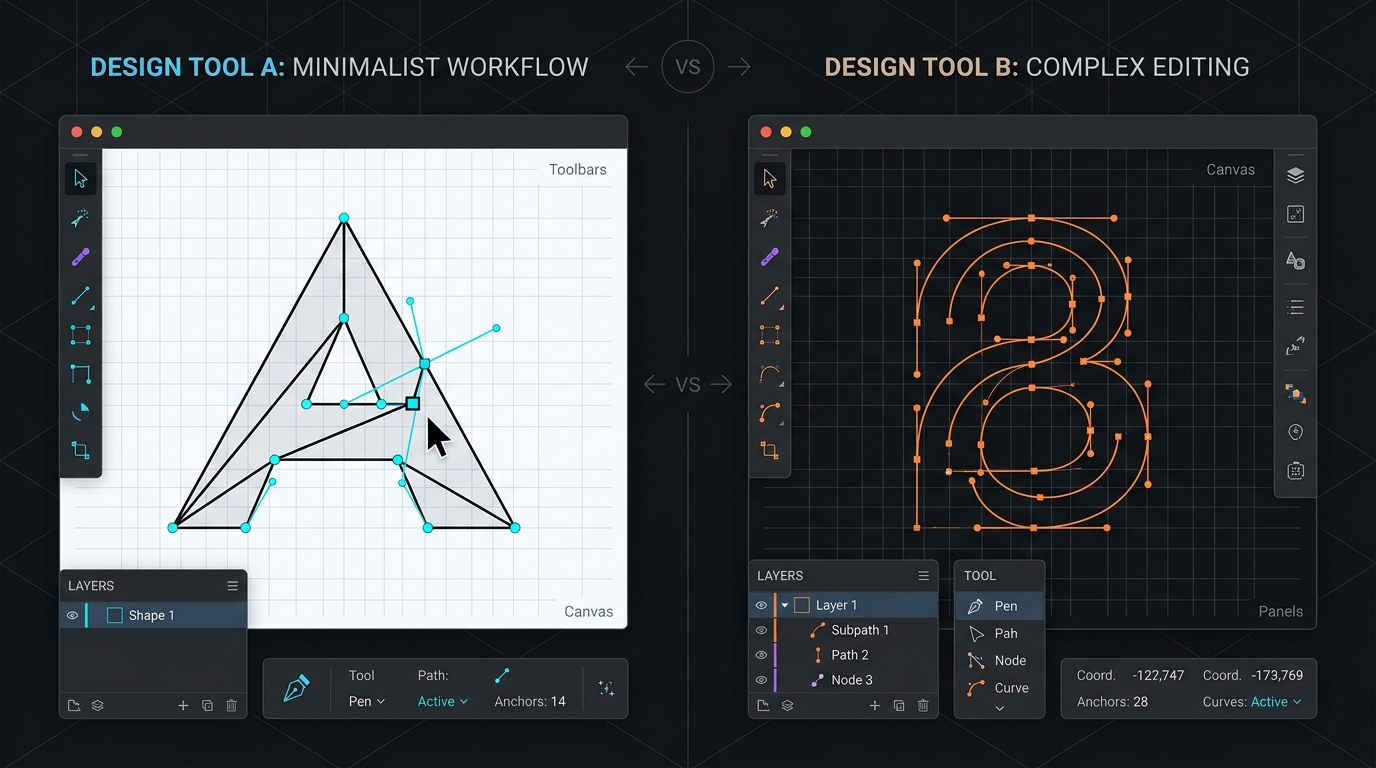
Figma vs Penpot: Can an Open-Source Design Suite Displace the Industry Standard for Freelancers?
A head-to-head evaluation of Figma Professional and Penpot 2.0. We compare real-time client collaboration, component auto-layout, and true cost of ownership.
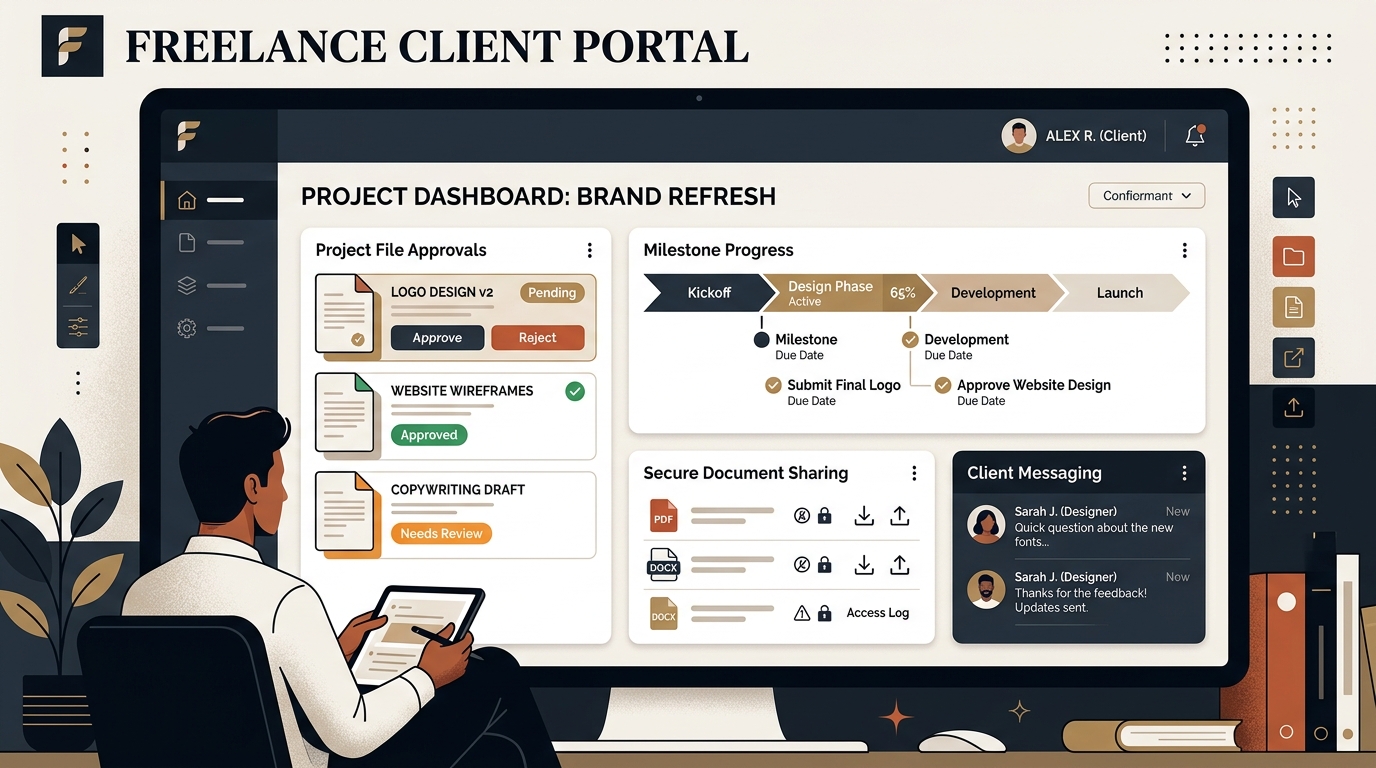
Best Client Portal Software for Freelancers in 2026
Centralize client files, deliverables, messaging, and approvals. We evaluate the best client portal software for solo freelancers and boutique studios.
Best Freelance Communication Tools in 2026
Master client messaging without constant interruptions. We compare Slack, Loom, Twist, Zoom, and async communication tools for freelancers.