Best Freelance Communication Tools in 2026
Being reachable 24/7 on real-time chat destroys deep focus and encourages client micromanagement. Choosing the right communication stack lets you collaborate smoothly while enforcing healthy boundaries.
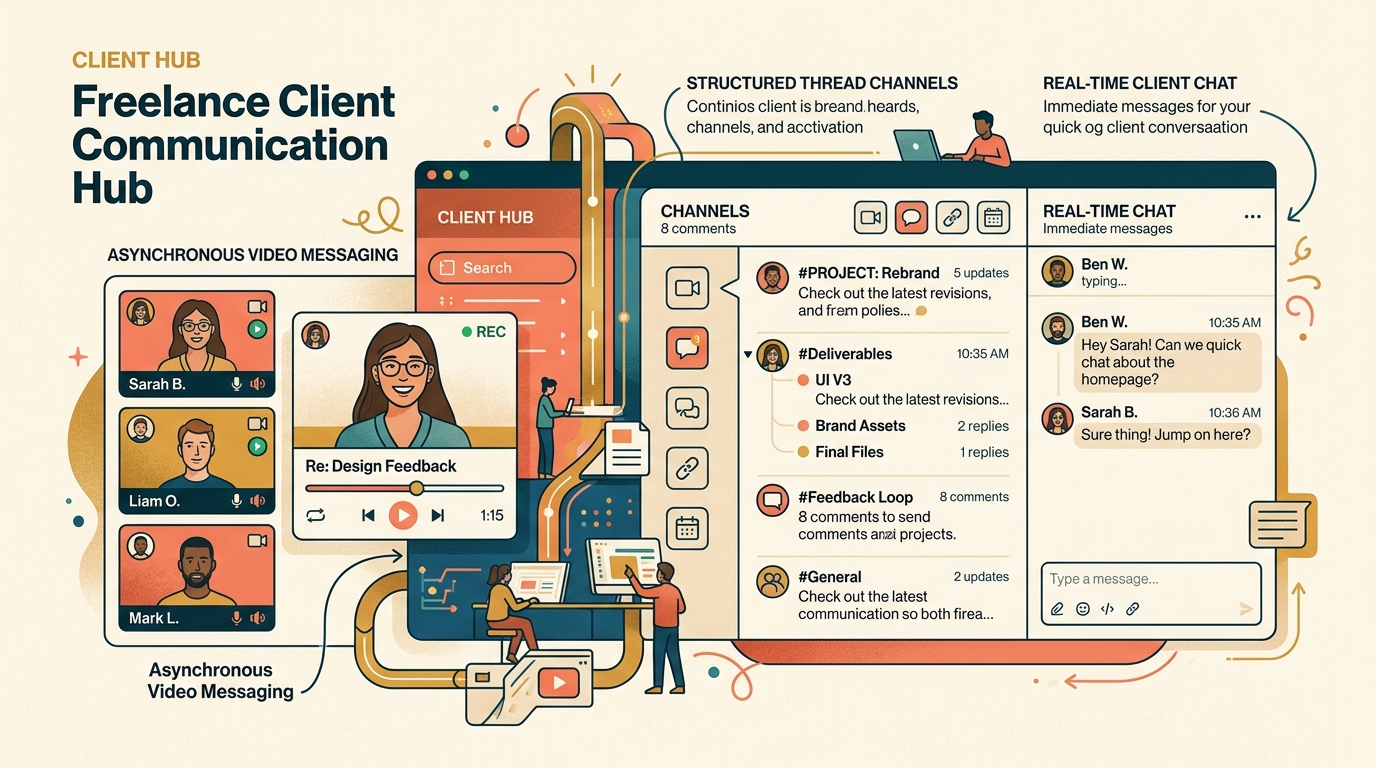
TABLE OF CONTENTS (11 SECTIONS)TAP TO EXPAND
- The Trap of the “Always-On” Freelancer
- Quick Comparison: Best Freelance Communication Tools
- How We Evaluated Freelance Communication Tools
- 1. Loom — The Freelancer’s Secret Weapon for Async Updates
- Why Loom Revolutionizes Freelancing
- 2. Twist — The Best Anti-Slack for Calm Communication
- Key Advantages
- 3. Slack & Slack Connect — The Corporate Standard
- How Freelancers Should Use Slack
- 4. Google Meet vs. Zoom — The Live Video Showdown
- The 3-Tier Freelance Communication Framework
The Trap of the “Always-On” Freelancer
The fastest way to burn out as a freelancer is allowing client communication to bleed across every channel: an SMS at 7:30 PM, a WhatsApp voice note on Saturday morning, an urgent Slack ping at lunch, and three separate email threads.
When you allow clients to dictate communication haphazardly:
- Your workday is fractured into 15-minute micro-intervals, making deep coding, designing, or strategy impossible.
- Important change requests get lost in ephemeral chat rooms.
- Clients mistake your quick responses for 24/7 on-call availability.
The solution is not to stop communicating—it is to architect a deliberate communication stack that favors asynchronous clarity over frantic real-time ping-pong.
Quick Comparison: Best Freelance Communication Tools
| Tool | Primary Mode | Free Plan | Best For | Focus Defense | Client Friction |
|---|---|---|---|---|---|
| Loom | Async Video / Screen | Free (25 videos) | Project Walkthroughs & Demos | High (Async) | Zero (Web links) |
| Twist | Async Threaded Chat | Free (1 month history) | Calm Client & Studio Messaging | Highest | Low |
| Slack | Real-Time Channels | Free (90-day history) | Tech-Savvy Clients (Slack Connect) | Low | Low |
| Google Meet | Live Video Meetings | Free (60 min limits) | Fast Zero-Install Video Calls | Moderate | Lowest |
| Zoom | Live Video Meetings | Free (40 min limits) | Corporate Standard & Breakouts | Moderate | Low |
| Discord | Voice / Text Channels | 100% Free | Developer / Web3 / Community | Low | High (Non-tech clients) |
How We Evaluated Freelance Communication Tools
- Asynchronous Respect for Deep Work: Does the tool allow you to answer thoughtfully on your own schedule, or does it demand instantaneous replies?
- Client Onboarding Ease: Does the client need to install desktop software, or can they watch, listen, and comment directly in a standard web browser?
- Context Preservation: Can you find past discussions, feedback notes, and approved decisions six months later without endless scrolling?
- Integration with the Freelance Stack: Does the tool link to your client portal software, AI meeting assistants, and email clients?
- Cost Efficiency for Solo Operators: Does the platform provide robust functionality without forcing enterprise multi-seat contracts?
1. Loom — The Freelancer’s Secret Weapon for Async Updates
If you only adopt one new communication tool this year, make it Loom.
Why Loom Revolutionizes Freelancing
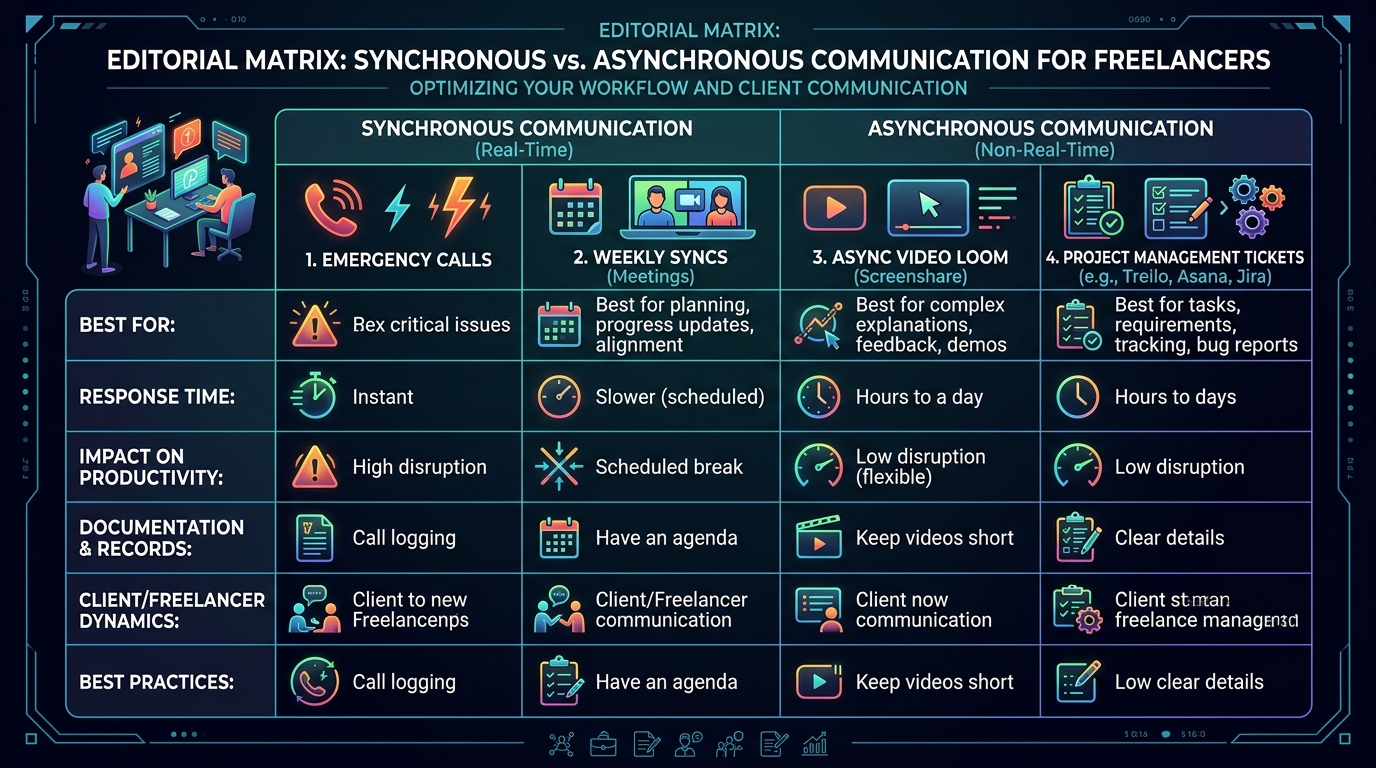
- Cut Meetings by 70%: Instead of scheduling a 45-minute call using your scheduling app to demo a staging website or design prototype, record a 3-minute Loom video walking through your work.
- Rich Context & Tone: Video conveys nuance, enthusiasm, and architectural reasoning that gets lost in cold text emails.
- Timestamped Client Comments: Clients can pause your video at 1:42 and leave a comment directly on that specific screen frame.
- Pricing: Free tier includes 25 videos (up to 5 minutes each); Business tier ($12.50/mo) unlocks unlimited recording length, custom branding, and 4K recording.
2. Twist — The Best Anti-Slack for Calm Communication
Created by the team behind Todoist, Twist is engineered specifically to eliminate the anxiety and notification noise of traditional chat platforms.
Key Advantages
- Thread-First Architecture: In Twist, you cannot post a loose, unstructured message. Every conversation is a dedicated topic thread with a clear title (e.g., “Q3 Homepage Redesign: Copy Approvals”).
- No Green Online Bubbles: There are no presence indicators. Clients and collaborators never expect an instantaneous response.
- Pricing: Robust free tier; Unlimited plan is $6/user/month.
3. Slack & Slack Connect — The Corporate Standard
Many tech startups, SaaS companies, and established businesses live entirely in Slack.
How Freelancers Should Use Slack
- Use Slack Connect: Never let clients add you as a full workspace member if you can avoid it. Ask them to send a Slack Connect invitation to your own freelance Slack workspace. This unifies all client channels into your single desktop app without workspace-hopping.
- Enforce Strict Do Not Disturb (DND): Configure Slack to silence all notifications automatically from 6 PM to 9 AM.
4. Google Meet vs. Zoom — The Live Video Showdown
When a live conversation is genuinely necessary:
- Google Meet: The lowest-friction choice for clients. There is no software to download; clients click a browser link and are inside the call in two seconds. Pairs naturally with Google Calendar.
- Zoom: Best for high-definition recording, screen control sharing, and connecting to AI meeting transcription tools like Fathom.
The 3-Tier Freelance Communication Framework
To protect your productivity, categorize all client communications into three strict tiers:
TIER 1: EMERGENCY ONLY (Phone / SMS)
↳ Server is down, payment cleared, critical launch outage.
  Expected Response: Within 1 hour.

TIER 2: ASYNC PROJECT UPDATES (Loom / Client Portal / Email)
↳ Deliverable reviews, milestone approvals, feedback requests.
  Expected Response: Within 24 business hours.

TIER 3: STRATEGY & DISCOVERY (Scheduled Video Calls)
↳ Kickoffs, quarterly roadmap reviews, complex technical architecture.
  Expected Response: Pre-booked 48 hours in advance via calendar link.
Publish these response standards inside your welcome packet and client portal to set clear expectations on day one.
WHAT WE APPRECIATED (PROS)
- ✓Replaces unneeded synchronous meetings with asynchronous video demos
- ✓Establishes clear communication boundaries to eliminate late-night message anxiety
- ✓Provides organized threaded channels to prevent lost project discussions
- ✓Maintains an immutable archive of client decisions and deliverable feedback
DRAWBACKS & FRICTION (CONS)
- ✕Inviting clients into always-on real-time chat can lead to scope creep
- ✕Managing guest accounts across 5 separate client Slack workspaces causes app bloat
- ✕Video tools require reliable upload bandwidth for HD screen captures
Best Freelance Communication Tools in 2026 Rating Breakdown
Solo freelancers, contractors, and independent agencies looking to streamline client messaging, async updates, and video conferencing.
Loom is the most essential communication tool for freelancers, replacing 60-minute status meetings with 3-minute video walkthroughs. For structured, calm async team chat, Twist is vastly superior to Slack for protecting deep focus.
EVALUATION METRICS
Speed of setup, friction in daily operations, and intuitive mental model for non-enterprise users.
Utility of capabilities without unnecessary enterprise bloat that slows down solo execution.
Return on investment for a single seat, clear billing tiers, and fair feature gates.
Uptime track record, offline resilience, and friction-free portable data export.
Specific suitability for client collaboration, single-seat economics, and lean overhead.
Frequently Asked Questions
Should I invite clients into a shared Slack or Discord channel?+
Only if clearly scoped. Real-time chat creates an unspoken expectation of immediate response times. If you do use Slack, use Slack Connect (shared channels), disable push notifications outside your working hours, and set a clear written policy: 'I check Slack twice daily at 11 AM and 3 PM.'
Why is async video (like Loom) better than a live video call for freelancers?+
Async video eliminates timezone friction, allows you to deliver a polished, structured demonstration without interruption, and gives the client a permanent recording they can share internally with other stakeholders.
What is the difference between Slack and Twist for freelance work?+
Slack is optimized for real-time presence and fast-scrolling chat rooms, which encourages continuous checking. Twist (by Doist) is thread-first and async by default, meaning every message requires a clear subject line and there are no green 'online' presence bubbles.

Freelance Tool Guide Team
The editorial team behind Freelance Tool Guide, independently researching and testing software for freelancers and small teams.
More Independent Software Analyses
Best Client Portal Software for Freelancers in 2026
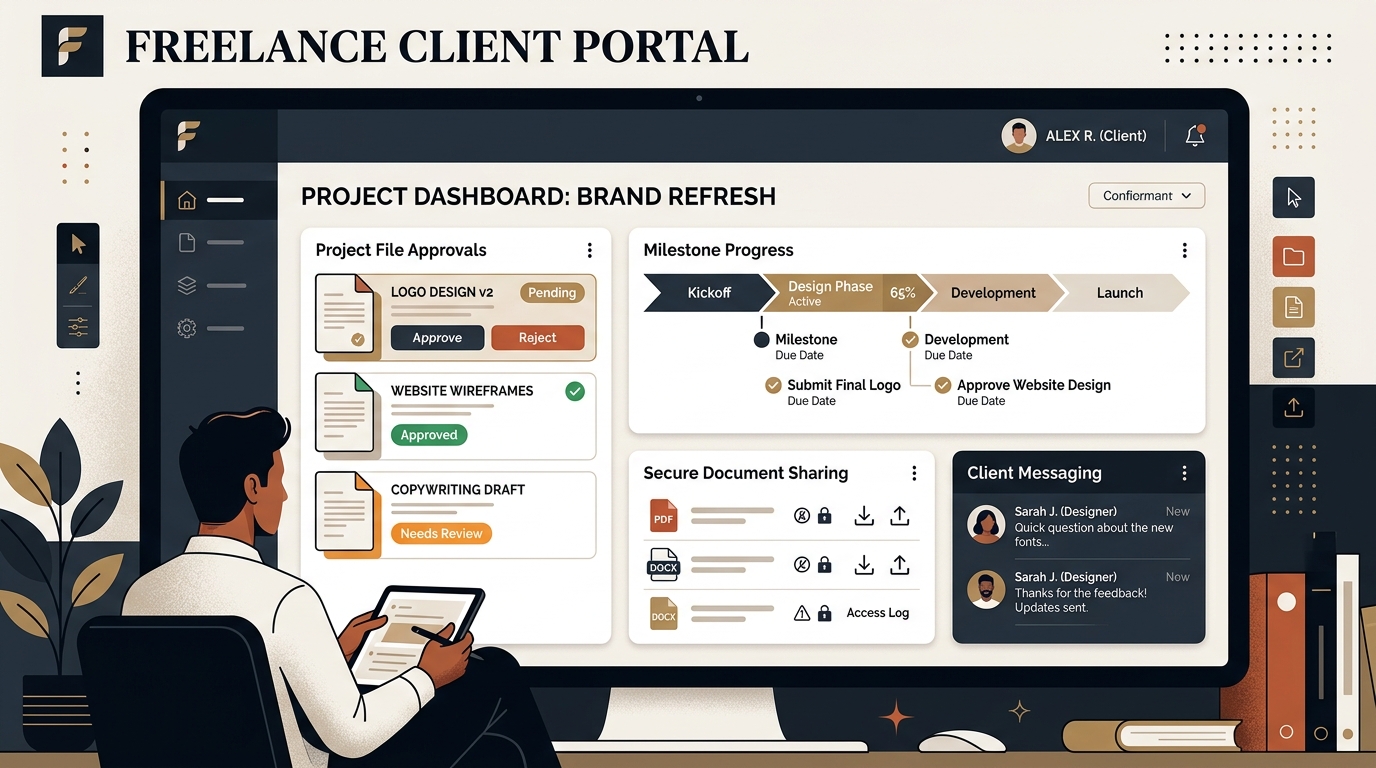
Centralize client files, deliverables, messaging, and approvals. We evaluate the best client portal software for solo freelancers and boutique studios.
Best Email Clients for Freelancers in 2026
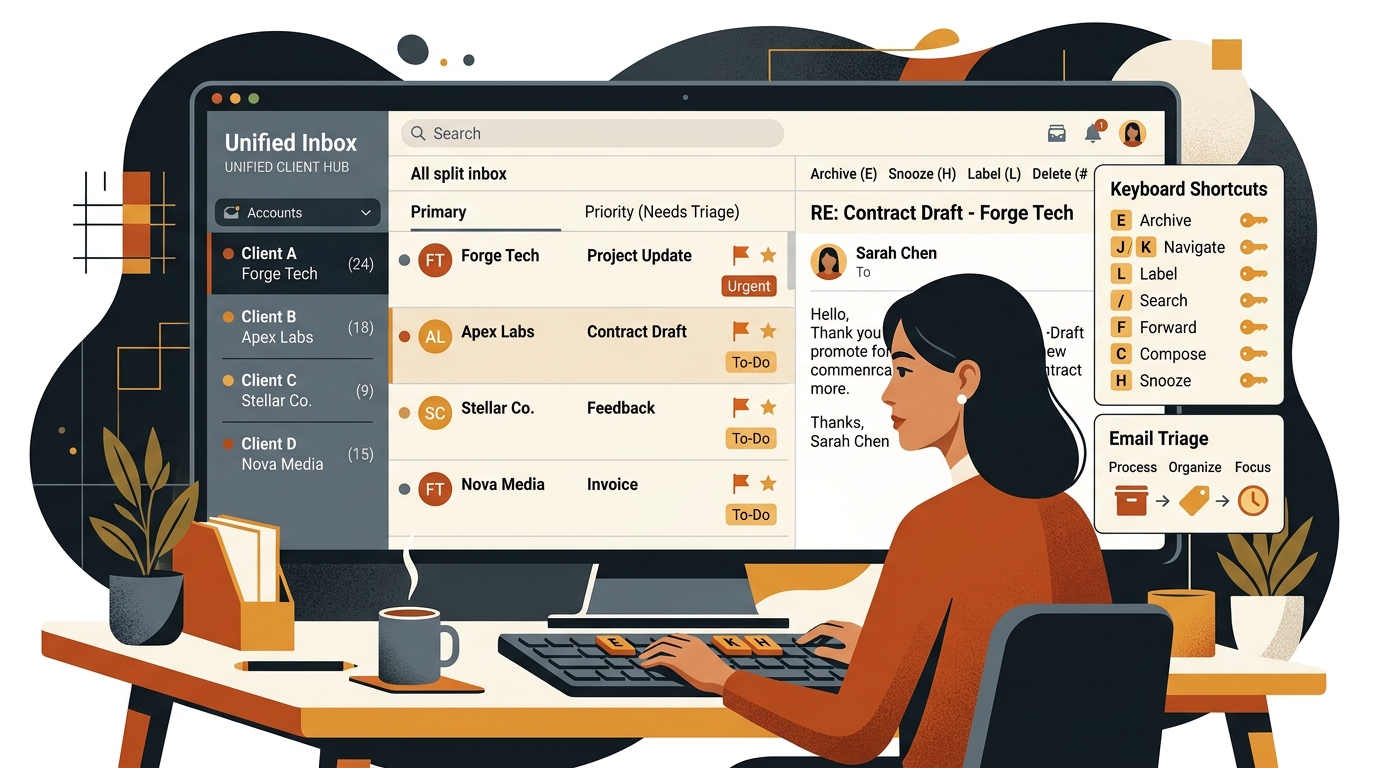
Tame inbox overload across multiple client accounts. We compare the best email clients and unified inboxes for solo freelancers and consultants.
Best Scheduling Apps for Freelancers in 2026
Eliminate email tag for client calls. We compare the best scheduling apps and Calendly alternatives for freelancers, consultants, and solo studios.