Best Email Clients for Freelancers in 2026
Freelancers rarely have just one inbox. Between your own agency domain, client-issued Google Workspace accounts, and vendor notifications, juggling 4+ email addresses in web browsers invites missed deadlines.
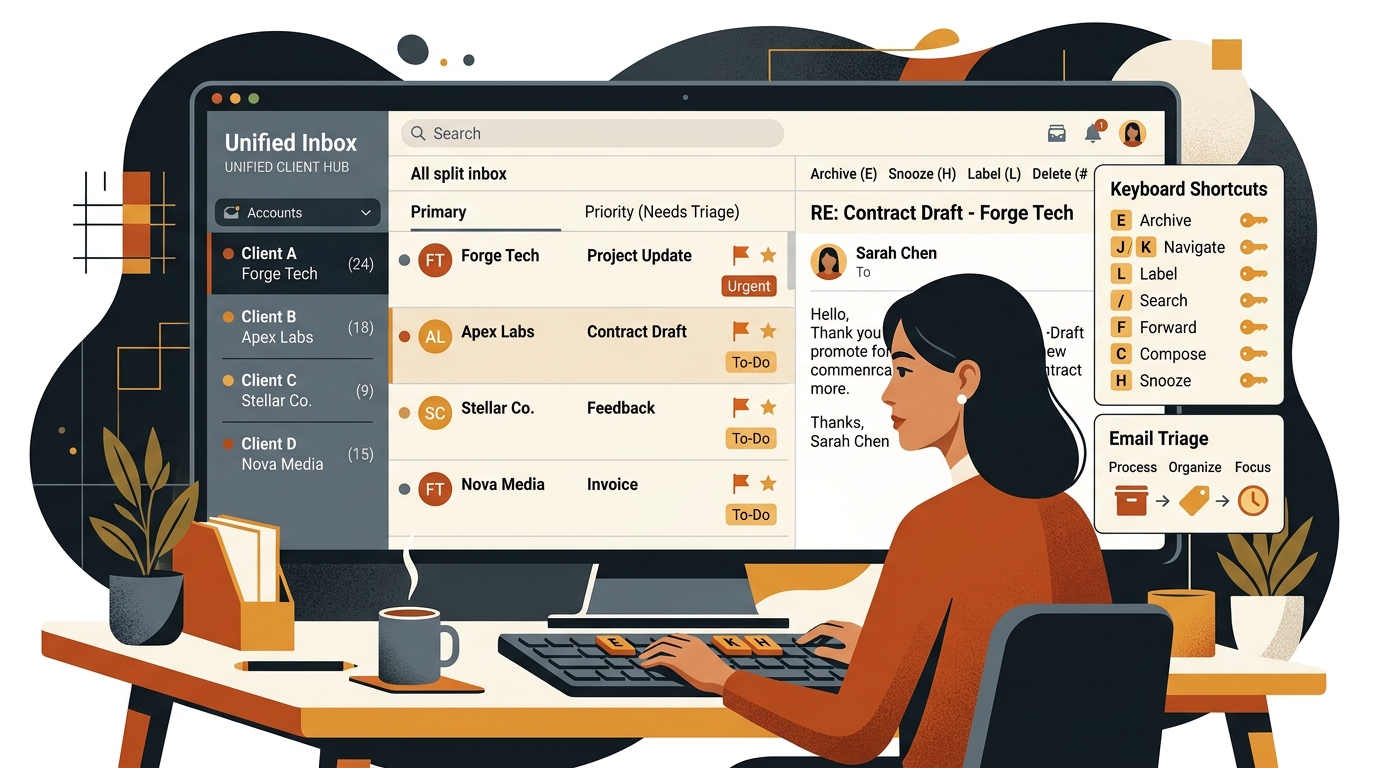
TABLE OF CONTENTS (14 SECTIONS)TAP TO EXPAND
- The Multi-Inbox Reality of Modern Freelancing
- Quick Comparison: Best Email Clients for Freelancers
- How We Evaluated Freelance Email Apps
- 1. Spark Mail — The Best Cross-Platform Email Client for Freelancers
- Key Freelancer Features
- 2. Mimestream — The Best Native Email Client for Mac Users
- Why Freelance Developers and Designers Love Mimestream
- 3. Superhuman — The Ultimate High-Velocity Email Experience
- Standout Capabilities
- 4. Shortwave — The Best AI-Native Email Workspace
- Key Highlights
- 5. Mozilla Thunderbird — The Best Open-Source & Privacy-First Option
- Advantages
- 5 Email Rules for Solo Freelancers
The Multi-Inbox Reality of Modern Freelancing
As a freelance professional, your email workflow is structurally different from an in-house employee:
- You have your primary business email (
you@yourdomain.com). - Client A creates a contractor account for you on their Google Workspace (
you@clientA.com). - Client B provisions an enterprise Microsoft 365 account on their corporate domain (
you@clientB.corp). - You have a personal email for administrative invoices, insurance, and receipts.
Opening four separate browser tabs and constantly switching active profiles consumes battery, slows your laptop, and increases the chance of missing an urgent client revision.
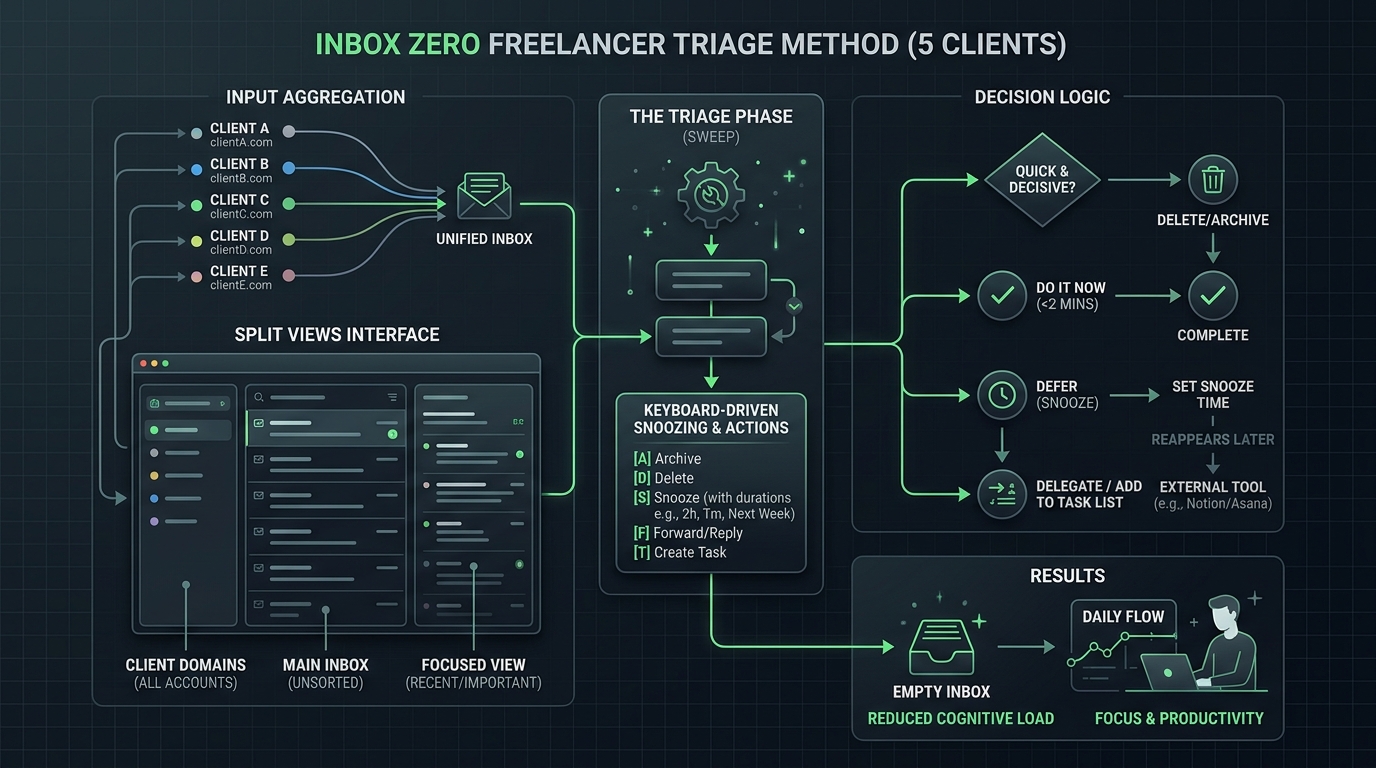
A dedicated desktop email client unifies all your communication channels into one streamlined interface, allowing you to search across all accounts, schedule send times, snooze non-urgent threads, and hit Inbox Zero in minutes.
Quick Comparison: Best Email Clients for Freelancers
| Tool | Platforms | Price | Free Plan | Multi-Account Unified Inbox | Standout Feature |
|---|---|---|---|---|---|
| Spark Mail | Mac, Windows, iOS, Android | $4.99/mo | Yes | Yes (Excellent) | Smart Inbox & Cross-Platform |
| Mimestream | macOS, iOS | $4.99/mo | 14-day Trial | Yes (Gmail/Workspace) | Native Swift macOS Speed |
| Superhuman | Mac, Windows, Web, iOS, Android | $30/mo | No | Yes | Blazing Keyboard Triage & AI |
| Shortwave | Web, Mac, Windows, iOS, Android | $8.50/mo | Generous Free | Yes (Gmail focused) | AI Assistant & Thread Bundles |
| Thunderbird | Mac, Windows, Linux | Open Source | 100% Free | Yes | Privacy & Local Data Control |
| Microsoft Outlook | Mac, Windows, Web, Mobile | $6/mo (365) | Free Web | Yes | Enterprise Exchange Harmony |
How We Evaluated Freelance Email Apps
Our review framework focuses on the day-to-day productivity of independent operators:
- Unified Multi-Account Management: Does the client seamlessly blend multiple IMAP, Google Workspace, iCloud, and Exchange accounts without disconnect bugs?
- Triage Speed & Keyboard Navigation: Can you archive, snooze, tag, and reply to emails without touching your mouse?
- Search Depth Across Years of History: When a client asks about a deliverable from eight months ago, can the app instantly locate the attachment across all accounts?
- Offline Access: Can you review client briefs, draft proposals, and search past emails while working on a flight or train?
- Data Privacy & Encryption: Does the vendor respect client confidentiality without selling telemetry or unvetted AI training?
1. Spark Mail — The Best Cross-Platform Email Client for Freelancers
Spark by Readdle is our top recommendation for freelancers working across mixed operating systems (e.g., Windows PC desktop paired with an iPhone or MacBook).
Key Freelancer Features
- Smart Inbox Grouping: Automatically categorizes incoming mail into Personal/Clients, Newsletters, and Notifications, ensuring client emails never get buried under automated SaaS receipts.
- Unified Send As: Reply to any message and Spark automatically selects the matching outgoing account (
you@clientA.comvsyou@yourstudio.com) to prevent embarrassing domain mix-ups. - Email Mute & Snooze: Snooze non-urgent client feedback until your scheduled focus block tomorrow morning.
- Pricing: Robust free tier; Premium subscription is $4.99/month (billed annually) for AI email drafting and team delegation.
2. Mimestream — The Best Native Email Client for Mac Users
If you work exclusively on macOS and your accounts are hosted on Google Workspace or Gmail, Mimestream is in a league of its own.
Why Freelance Developers and Designers Love Mimestream
- Pure Native macOS App: Written in native Swift, Mimestream launches instantly, uses negligible system memory, and has zero electron-app lag.
- Direct Gmail API Integration: Unlike traditional IMAP clients, Mimestream syncs labels, server-side filters, vacation responders, and Google Workspace aliases with 100% fidelity.
- Rock-Solid Privacy: Mimestream connects directly from your Mac to Google’s servers—your email data never passes through a middleman server.
- Pricing: $49.99/year ($4.17/mo) with a 14-day free trial.
3. Superhuman — The Ultimate High-Velocity Email Experience
Superhuman is built for consultants, agency owners, and executive freelancers who process 100+ emails per day and view time as their scarcest asset.
Standout Capabilities
- Sub-100ms Interactions: Every command executes in under 100 milliseconds using pure keyboard navigation.
- Split Inboxes: Dedicate one split view to VIP client contracts, another to prospect inquiries from your lead generation outreach, and a third to team updates.
- Automated Follow-up Reminders: Reminds you if a client has not replied to your proposal within 3 days.
- Cost: $30/month. A serious investment, but justified for consultants billing $150+/hour who save 4–5 hours per week.
4. Shortwave — The Best AI-Native Email Workspace
Created by former Google engineers, Shortwave treats your inbox like a modern to-do list.
Key Highlights
- Thread Bundles: Groups receipts, newsletters, and status updates into collapsible bundles that you can archive with a single keystroke.
- Context-Aware AI Assistant: Ask questions like “What was the budget Client B approved in their last email?” and Shortwave surfaces the exact quote and source thread.
- Generous Free Plan: Free tier includes 90 days of searchable history and core AI summarization.
5. Mozilla Thunderbird — The Best Open-Source & Privacy-First Option
For independent developers and privacy-conscious contractors, Thunderbird offers an entirely free, open-source, local-first email powerhouse.
Advantages
- 100% Free Forever: No monthly subscriptions, tracking pixels, or vendor lock-in.
- Unlimited Accounts & Storage: Store gigabytes of archived client correspondence locally on your own drives.
- Extensible Ecosystem: Add custom add-ons for OpenPGP encryption, calendar integrations, and custom CSS themes.
5 Email Rules for Solo Freelancers
- Never Check Email Continuously: Turn off desktop banner notifications. Process your inbox in 2 dedicated batches (e.g., 11:30 AM and 4:30 PM).
- Use Email Templates (Snippets): Create reusable snippets for common scenarios: onboarding kickoffs, invoice payment reminders, and scope change requests.
- Always Confirm Receipts: When a client sends a major project brief, send a 1-sentence acknowledgment (“Received, reviewing the details now and will update you by Thursday”). This eliminates client anxiety and prevents follow-up pings.
- Move Project Deliverables to Your Client Portal: Avoid sending final deliverable zip files over email; link directly to your client portal software to maintain version control.
- Separate Inquiries from Operations: Use dedicated filters to route inbound prospective leads directly to your freelance CRM so new business opportunities never sit unattended.
WHAT WE APPRECIATED (PROS)
- ✓Unifies multiple client Google Workspace, iCloud, and Microsoft 365 accounts in one window
- ✓Keyboard-first triage allows clearing 50 emails in under 5 minutes
- ✓Email scheduling, snooze, and follow-up reminders prevent lost leads
- ✓Split views separate personal, newsletter, and client priority communications
DRAWBACKS & FRICTION (CONS)
- ✕Native desktop clients require local storage for offline caching
- ✕Some premium tools charge $25-$30/month per user
- ✕Third-party AI email features require vetting client confidentiality agreements
Best Email Clients for Freelancers in 2026 Rating Breakdown
Freelancers, independent developers, and digital consultants managing 2 to 6 separate email addresses across multiple client domains.
Spark is the most versatile unified email client for freelancers managing multi-account inboxes across macOS, Windows, iOS, and Android. For macOS-exclusive power users on Gmail, Mimestream provides blisteringly fast native performance, while Superhuman remains the premium standard for high-volume executive consultants.
EVALUATION METRICS
Speed of setup, friction in daily operations, and intuitive mental model for non-enterprise users.
Utility of capabilities without unnecessary enterprise bloat that slows down solo execution.
Return on investment for a single seat, clear billing tiers, and fair feature gates.
Uptime track record, offline resilience, and friction-free portable data export.
Specific suitability for client collaboration, single-seat economics, and lean overhead.
Frequently Asked Questions
Why not just use standard web Gmail in multiple browser profiles?+
Switching between 4 separate browser tabs for different Google accounts creates notification fatigue, high RAM usage, and makes searching across all client communications simultaneously impossible. A unified client indexes all accounts in one search bar.
Are AI email assistants safe for confidential client communications?+
You must review vendor data policies. Standalone clients like Mimestream use direct Gmail APIs without routing your messages through third-party servers. If an email app uses cloud AI summarization, ensure they do not train foundation models on user emails.
Which email app is best for keyboard-driven inbox zero?+
Superhuman pioneered keyboard-driven triage, but Shortwave and Spark offer similar speed and split-inbox filtering at a fraction of the cost.

Freelance Tool Guide Team
The editorial team behind Freelance Tool Guide, independently researching and testing software for freelancers and small teams.
More Independent Software Analyses
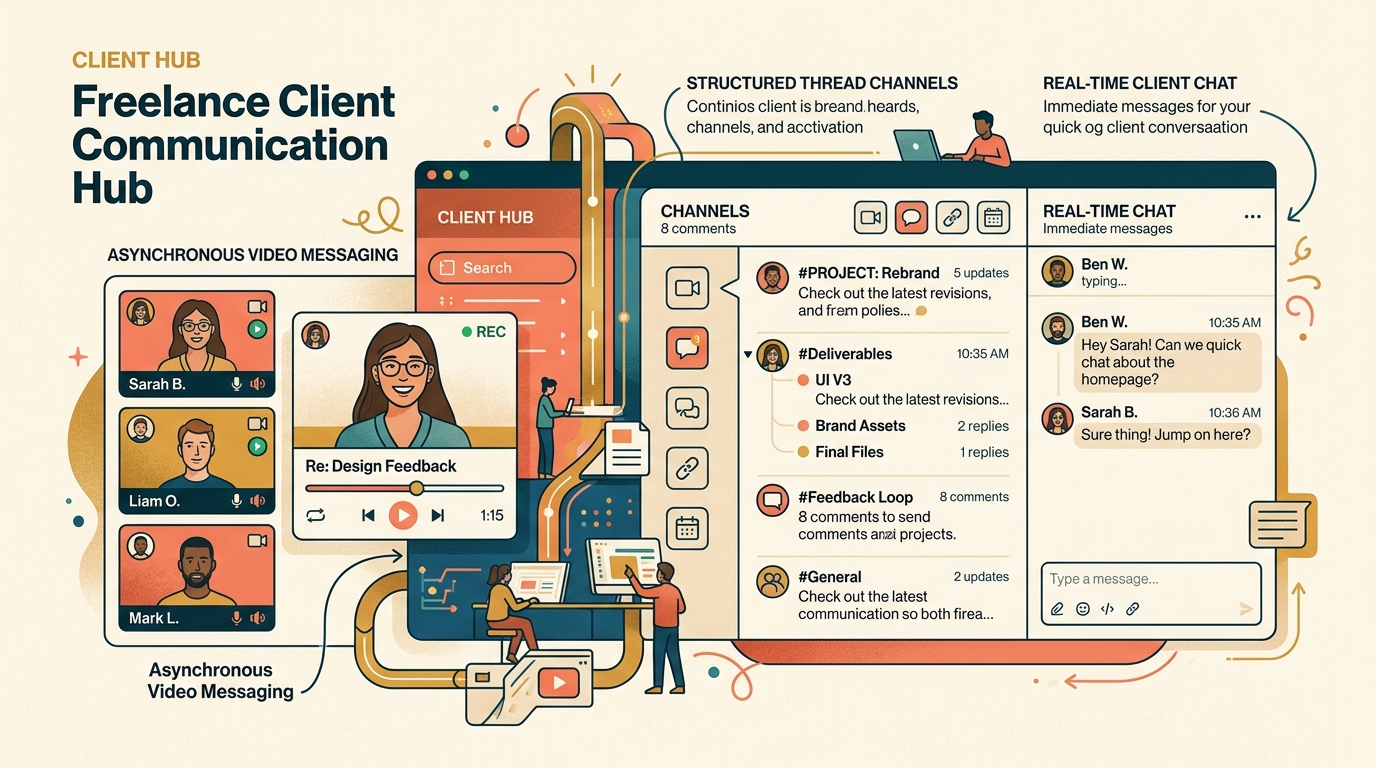
Best Freelance Communication Tools in 2026
Master client messaging without constant interruptions. We compare Slack, Loom, Twist, Zoom, and async communication tools for freelancers.
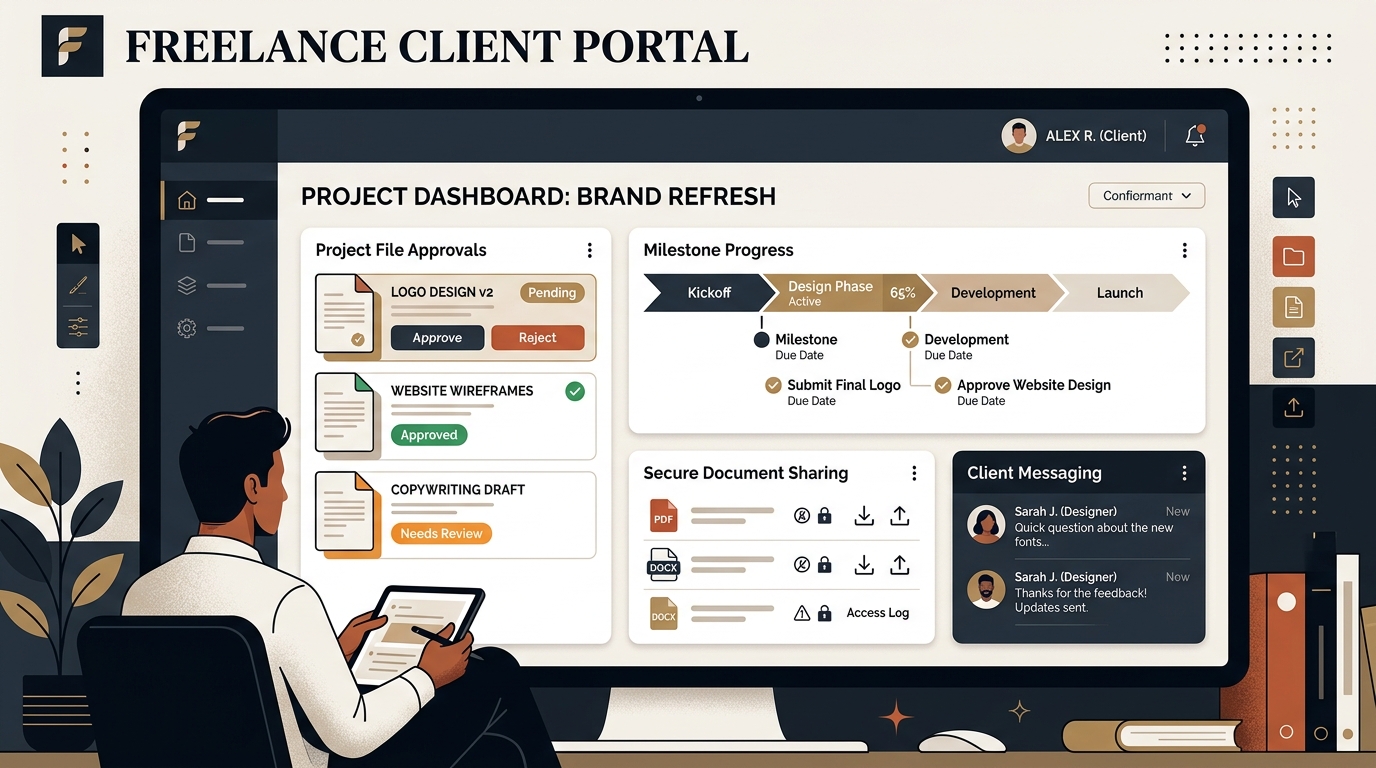
Best Client Portal Software for Freelancers in 2026
Centralize client files, deliverables, messaging, and approvals. We evaluate the best client portal software for solo freelancers and boutique studios.
Best CRM Software for Freelancers: Free & Affordable Options
Managing client leads across messy spreadsheets? Discover the best CRM tools for solo consultants and freelancers to track deals, follow-ups, and retainer value.