How to Use AI for Freelance Lead Generation (Without Sounding Like a Bot)
Mass-blasting 500 identical AI-generated emails will get your domain blacklisted. Here is how top freelancers use AI not to write spam, but to scale deep, personalized prospect research.

The Automation Trap
The moment generative AI became mainstream, the internet was flooded with “gurus” promising that you could acquire 100 freelance clients a month by connecting ChatGPT to an automated email sender.
The result? Decision-makers’ inboxes are now completely overrun by identical, poorly-prompted AI spam starting with: “I hope this email finds you well! As an AI language model, I noticed your company…”
If you use AI to mass-blast generic templates, you will not get clients; you will get your email domain permanently blacklisted.
The correct way to use AI for freelance lead generation is not to replace the writing process entirely, but to radically accelerate the research phase. Here is the exact workflow to write hyper-personalized cold emails that actually convert in 2026.
Quick Answer: The AI Lead Generation Stack
Do not buy generic “AI Sales” wrapper tools. Build your own workflow using foundational models:
- For Deep Prospect Research: Use Perplexity Pro. It will search the live web for a target company’s recent news, hiring trends, and financial reports instantly.
- For Drafting the Pitch: Use Claude 3.7 Sonnet. As noted in our Claude vs ChatGPT comparison, Claude has a far more natural, understated tone that is essential for cold B2B sales.
- For Tracking the Leads: Use a dedicated freelance CRM to track who you pitched and when to follow up.
The Workflow: Research First, Write Second
Cold emails fail because they are selfish. They focus entirely on the freelancer’s skills rather than the client’s current pain points. AI can fix this.
Step 1: The Perplexity Reconnaissance Prompt
Once you have identified a target company and a specific decision-maker (e.g., the VP of Marketing), open Perplexity. Do not ask it to write an email yet. Ask it to research the company’s current strategic focus.
Use this prompt:
“I am a freelance [your role, e.g., web developer/copywriter]. I want to pitch my services to [Target Company]. Search the web for their recent press releases, product launches, or job postings from the last 3 months. Summarize their top 2 strategic priorities right now. Then, identify 1 specific gap in their current [website/marketing/product] that I could solve.”
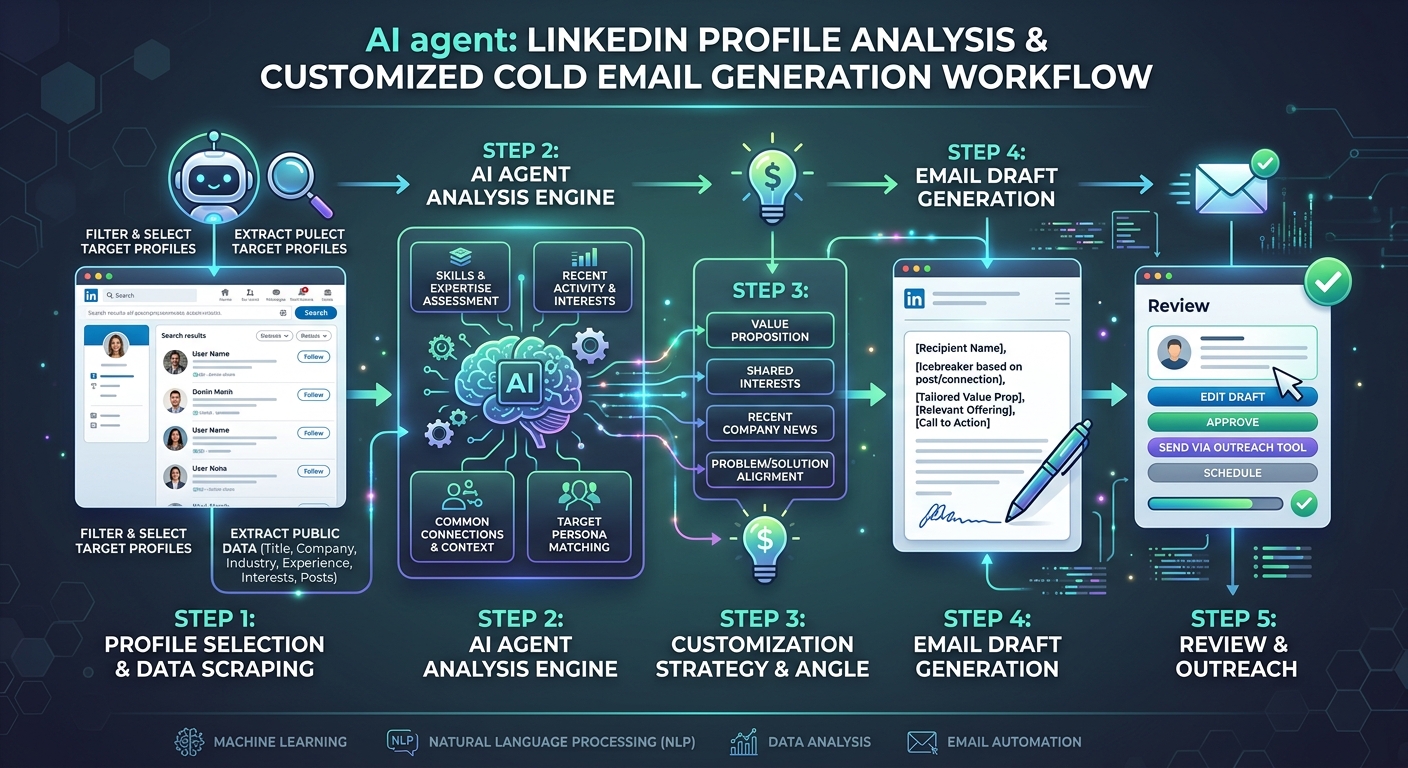 Instead of blasting generic templates, use AI to map a company’s recent activities directly to your freelance service offering.
Step 2: The Claude Drafting Prompt
Take the research generated by Perplexity and move to Claude. You must aggressively constrain Claude’s writing style, or it will generate unreadable corporate fluff.
Use this prompt:
“I need to write a cold email to [Name], the [Title] at [Company]. Based on this research [paste Perplexity research], I want to pitch my freelance services to help them with [Specific Pain Point].
Write a cold email following these STRICT rules: - Maximum 5 sentences. - Grade 6 reading level. Short, punchy sentences. - NO exclamation points. NO emojis. - NO opening pleasantries (‘I hope you are well’). Start immediately with an observation about their recent [news event]. - The Call to Action must be a low-friction question, not a demand for a 30-minute call. - Tone: Confident, understated, peer-to-peer.”
Step 3: The Human Editing Polish
Never copy and paste the raw output. You must act as the final editor.
- Remove “AI Words”: Delete words like delve, testament, tapestry, synergy, or catalyst.
- Verify the Hook: Does the opening sentence sound like a human wrote it? If it sounds like a template (
"I noticed you are the VP of Marketing at [Company]"), rewrite it to be specific ("Saw the announcement about your expansion into the European market yesterday."). - Check the Sender: Ensure your email signature links to your updated portfolio platform.
The Follow-Up Sequence
The reality of freelance sales is that 80% of your responses will come from the follow-up, not the initial email. You can use Claude to generate these follow-ups, but keep them incredibly brief.
The “Value Add” Follow-Up (Day 4):
“Hey [Name] - following up on my previous note. I actually ran a quick audit on your current [website/copy/app] and noticed [one specific easily fixable issue]. I recorded a 2-minute Loom video showing how to fix it here: [Link]. Let me know if you want to chat about implementing this.”
By combining the high-speed synthesis of modern AI tools with strict, human-led editorial standards, you can execute a highly effective outbound sales strategy without ever looking like a spammer.
WHAT WE APPRECIATED (PROS)
- ✓Reduces prospect research time from 20 minutes to 2 minutes per lead
- ✓Identifies specific business pain points based on a company's recent activity
- ✓Generates highly personalized email hooks that bypass standard spam filters
- ✓Helps overcome writer's block when drafting the initial pitch
DRAWBACKS & FRICTION (CONS)
- ✕AI naturally writes in a verbose, sycophantic tone that sounds artificial
- ✕Hallucinations can lead to referencing non-existent company events or executives
- ✕Over-reliance on automation risks destroying your professional reputation
How to Use AI for Freelance Lead Generation (Without Sounding Like a Bot) Rating Breakdown
Freelancers struggling to find new clients who want to transition from passive inbound referrals to active outbound sales.
AI should never be allowed to press 'send' unsupervised. But when used as a high-speed research assistant, models like Claude 3.7 can synthesize a company's pain points in seconds, allowing you to write highly relevant pitches.
EVALUATION METRICS
Speed of setup, friction in daily operations, and intuitive mental model for non-enterprise users.
Utility of capabilities without unnecessary enterprise bloat that slows down solo execution.
Return on investment for a single seat, clear billing tiers, and fair feature gates.
Uptime track record, offline resilience, and friction-free portable data export.
Specific suitability for client collaboration, single-seat economics, and lean overhead.
Frequently Asked Questions
Should I use AI to automate my entire cold email sequence?+
No. Fully automated AI outbound tools are currently destroying email deliverability. Google and Microsoft spam filters easily detect generic AI syntax. You must use AI for research, and human editing for the final output.
Is Claude or ChatGPT better for writing sales emails?+
Claude is vastly superior. ChatGPT tends to write with excessive emojis, corporate jargon ('delve', 'synergy'), and an overly enthusiastic tone. Claude produces much more natural, understated business prose.
How many cold emails should I send per day?+
As a freelancer, you should aim for 5 to 10 highly researched, deeply personalized emails per day. Quality always beats quantity in freelance B2B sales.

Freelance Tool Guide Team
The editorial team behind Freelance Tool Guide, independently researching and testing software for freelancers and small teams.
More Independent Software Analyses
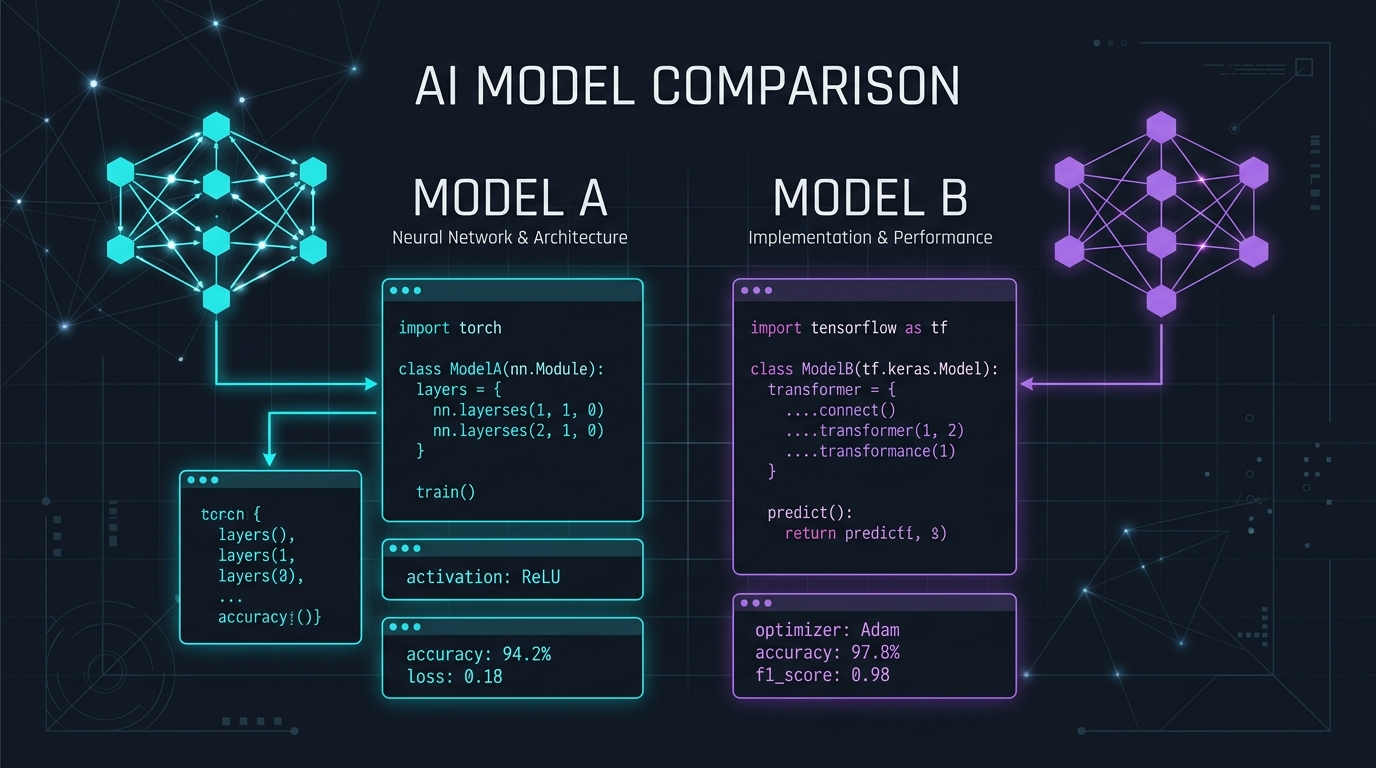
Claude Pro vs ChatGPT Plus: Which AI Subscription Delivers the Highest Freelance ROI?
We pitted Claude 3.7 Sonnet against ChatGPT Plus across technical coding, client proposal drafting, and deep market research. Here is the definitive winner.

Best AI Tools for Freelancers in 2026: Tools That Actually Save Time
Cut through AI hype. Here are the top generative AI and automation tools that actually boost solo freelance output without introducing sloppy hallucinations.
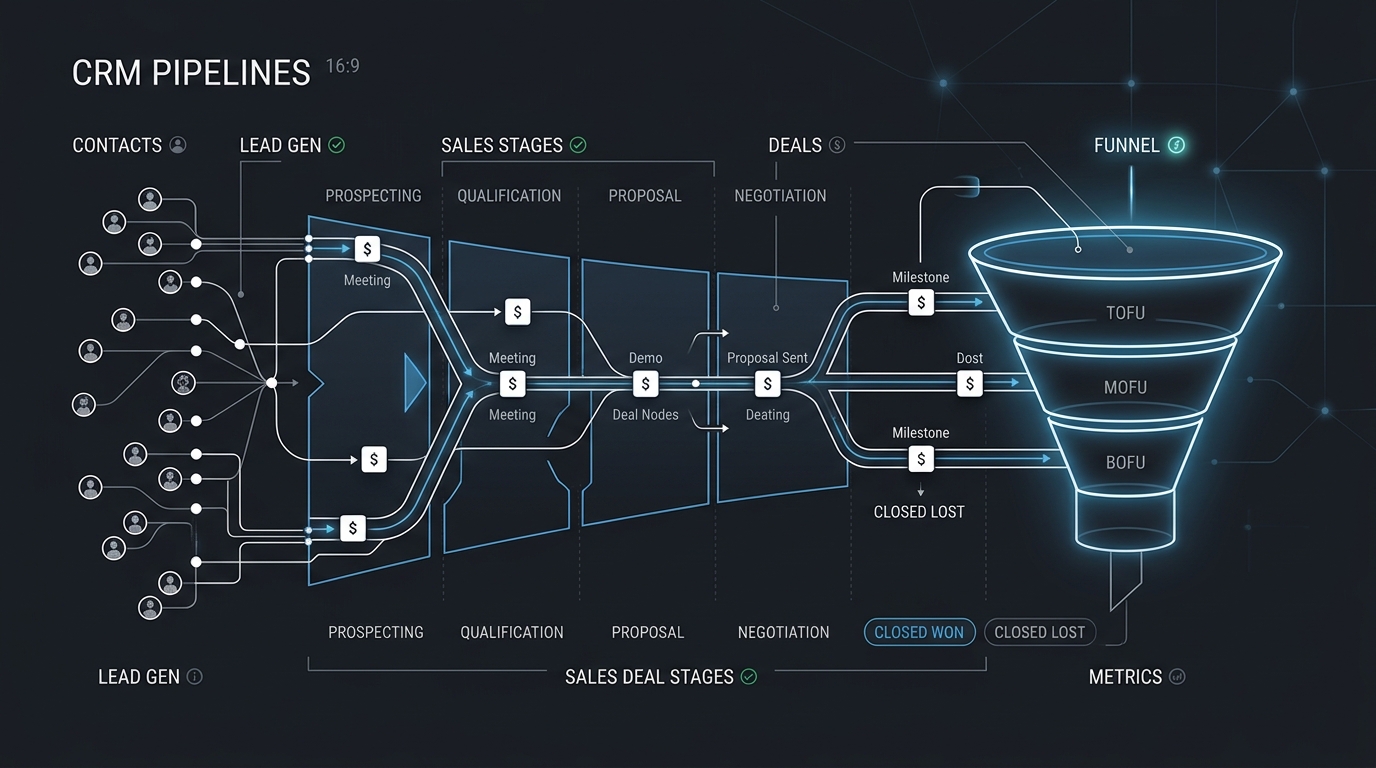
Best CRM Software for Freelancers: Free & Affordable Options
Managing client leads across messy spreadsheets? Discover the best CRM tools for solo consultants and freelancers to track deals, follow-ups, and retainer value.