Best AI Tools for Freelancers in 2026: Tools That Actually Save Time
90% of AI tools marketed to freelancers are glorified wrapper gimmicks. These 6 verified AI systems actually accelerate technical delivery, market research, and client deliverables.

TABLE OF CONTENTS (13 SECTIONS)TAP TO EXPAND
- Separating High-Leverage AI from SaaS Gimmicks
- Quick Comparison: Best AI Tools for Freelance Workflows
- 1. Claude 3.7 Sonnet: The Benchmark for Technical & Strategic Depth
- Why Freelancers Rely On It
- 2. Cursor: The AI-Native Code Editor
- Why Freelancers Rely On It
- 3. Perplexity Pro: Live-Grounded Market Research
- 4. Granola: Frictionless Client Call Notes
- 5. Raycast AI: Keyboard-First AI Command Palette
- Recommended AI Stacks by Freelance Discipline
- The Software Developer Stack
- The Strategic Consultant Stack
- The Creative & Copywriting Stack
Separating High-Leverage AI from SaaS Gimmicks
In 2026, the software market is flooded with generic AI wrappers that promise to “automate your freelance business.” Most of these tools provide little more than basic prompt templates layered over commodity API endpoints.
For an independent consultant, billing higher rates requires uncompromising quality and speed. An AI tool is only valuable if it performs real work:
- It reduces hours of tedious boilerplate development without introducing subtle bugs.
- It synthesizes complex client specifications and market data with source attribution.
- It automates administrative overhead (like call note-taking) so you can spend more time doing billable work.
Below are the 6 best AI tools for freelancers that deliver genuine, verified productivity gains.
Quick Comparison: Best AI Tools for Freelance Workflows
| AI Tool | Best Use Case | Pricing Model | Standout Strength | Key Limitation |
|---|---|---|---|---|
| Claude 3.7 Sonnet | Long-context coding & client strategy writing | Free tier / $20/mo (Pro) | Superior architectural reasoning, fewer hallucinations | Strict message rate limits during peak hours |
| Cursor | AI-native full-stack software development | Free tier / $20/mo (Pro) | Multi-file codebase indexing, Composer agent | Requires switching from vanilla VS Code |
| Perplexity Pro | Sourced market research & RFP discovery | Free tier / $20/mo (Pro) | Live web grounding with verifiable academic citations | Not designed for code generation |
| ChatGPT Plus | Voice mode, custom GPTs & image generation | Free tier / $20/mo (Plus) | Multimodal versatility, custom workflows, Python sandbox | Tends to write more verbose, formulaic copy |
| Granola | Client call notes & action item extraction | Free tier / $10/mo (Pro) | Human-in-the-loop transcript summarization | Mac-only desktop application |
| Midjourney | High-fidelity editorial & UI concept art | From $10/mo | Photorealistic visual generation, precise stylization | Discord interface workflow (web alpha rolling out) |
1. Claude 3.7 Sonnet: The Benchmark for Technical & Strategic Depth
 Claude excels at long-context document synthesis, contract analysis, and architectural refactoring.
For solo developers, technical writers, and business strategists, Claude 3.7 Sonnet (by Anthropic) has emerged as the premier frontier model for complex deliverables.
Why Freelancers Rely On It
- 200k+ Context Window: You can upload an entire 80-page client technical brief, a full API specification, or thousands of lines of legacy code and ask Claude to spot edge cases or draft an architectural proposal.
- Superior Tone and Nuance: Claude writes in an authentic, professional voice that avoids the repetitive, formulaic clichés common in other models.
- Hybrid Reasoning: Claude 3.7 Sonnet seamlessly balances instantaneous coding answers with extended deep-thinking chains for complex algorithmic problems.
For an exhaustive head-to-head evaluation of Claude against its main rival, read our benchmark comparison of Claude Pro vs ChatGPT Plus for freelance coding and research.
2. Cursor: The AI-Native Code Editor
If you build software, websites, or APIs for clients, Cursor is the single highest-ROI tool you can install. Built as a fork of VS Code, Cursor incorporates AI deep into the IDE layer.
Why Freelancers Rely On It
- Full-Codebase Vector Indexing: Cursor indexes your entire repository locally, allowing the AI to understand dependencies, helper utilities, and database schemas across dozens of files simultaneously.
- Cursor Composer: You can prompt Cursor to implement an entire feature (e.g., “Add Stripe webhook verification and update the user schema”), and it will generate, edit, and lint multiple files across your project in seconds.
To see how Cursor stacks up against GitHub’s official extension, explore our detailed review of Cursor vs GitHub Copilot for freelance developers.
3. Perplexity Pro: Live-Grounded Market Research
Client discovery sessions often require rapid competitive intelligence. When pitching a client in an unfamiliar vertical (e.g., FinTech compliance or logistics APIs), searching Google yields pages of sponsored ads and SEO fluff.
Perplexity Pro acts as an AI research assistant with live web grounding:
- Every fact, market statistic, and API endpoint is backed by direct, clickable inline citations.
- You can toggle Pro Search to guide multi-step research queries that scour regulatory filings, documentation pages, and news archives.
- You can upload client PDFs and ask Perplexity to cross-reference their requirements against live industry standards.
4. Granola: Frictionless Client Call Notes
Solo operators rarely have the luxury of an administrative assistant on client Zoom calls. If you are taking frantic notes by hand, you can easily miss crucial client requirements.
Granola is a specialized AI notepad designed for client meetings:
- It records client calls locally without adding intrusive “AI Bots” to the Zoom or Google Meet room.
- During the call, you jot down quick bullet points; Granola enriches your personal notes with exact quotes, action items, and deliverable timelines from the audio transcript.
- You can instantly paste the generated meeting recap into your client channel or freelance project management workspace.
5. Raycast AI: Keyboard-First AI Command Palette
If you use macOS, you don’t need to keep a dozen browser tabs open for quick AI lookups. By enabling AI inside Raycast, you gain instant access to GPT-4o, Claude 3.7, and Perplexity from any application via a single keystroke.
To learn how to configure hotkeys for text translation, code explanation, and clipboard history, check our full Raycast Pro review for solo developers.
Recommended AI Stacks by Freelance Discipline
The Software Developer Stack
- Primary IDE: Cursor ($20/mo)
- Architectural Reasoning: Claude 3.7 Sonnet Pro ($20/mo)
- Quick Hotkey Lookups: Raycast AI
The Strategic Consultant Stack
- Long-Form Drafting & Synthesis: Claude Pro ($20/mo)
- Market & Sourced Research: Perplexity Pro ($20/mo)
- Client Meeting Records: Granola (Free / $10/mo)
The Creative & Copywriting Stack
- Ideation & Voice Drafting: ChatGPT Plus ($20/mo)
- Visual Concepts & Moodboards: Midjourney ($10/mo)
- Proposals & Client CRM: Freelance CRM software + Proposal software
WHAT WE APPRECIATED (PROS)
- ✓Massive reduction in boilerplate drafting and refactoring time
- ✓Accurate long-context document synthesis and technical analysis
- ✓Automated client meeting transcripts with summarized action items
- ✓Real-time citation grounding for market and competitive intelligence
DRAWBACKS & FRICTION (CONS)
- ✕Frontier subscriptions ($20/mo each) can quickly stack up
- ✕Requires rigorous human review to prevent hallucinations in client code
- ✕Data privacy considerations when sharing proprietary client secrets
Best AI Tools for Freelancers in 2026: Tools That Actually Save Time Rating Breakdown
Solo software developers, technical writers, creative directors, and consultants looking for high-leverage AI tools with rigorous accuracy.
Claude 3.7 Sonnet stands out as a leading model for complex codebase refactoring and nuanced client deliverables. Cursor delivers exceptional speed for freelance developers, while Perplexity Pro eliminates hours of tedious market research.
EVALUATION METRICS
Speed of setup, friction in daily operations, and intuitive mental model for non-enterprise users.
Utility of capabilities without unnecessary enterprise bloat that slows down solo execution.
Return on investment for a single seat, clear billing tiers, and fair feature gates.
Uptime track record, offline resilience, and friction-free portable data export.
Specific suitability for client collaboration, single-seat economics, and lean overhead.
Frequently Asked Questions
Which AI subscription gives the best value for a solo freelancer?+
If you write code or produce detailed technical reports, Claude Pro (with Claude 3.7 Sonnet) delivers the highest reasoning accuracy and fewest hallucinations per dollar. For general web search, voice notes, and multimodal tasks, ChatGPT Plus remains a versatile Swiss Army knife.
How do I ensure client confidentiality when using AI tools?+
Always check the data retention policy of the AI tool. Use enterprise or API-based access where vendor data training is disabled by default, never paste API keys or confidential production credentials, and utilize zero-knowledge local tooling whenever possible.
Can AI tools replace the need for junior freelance assistants?+
Yes. For tasks like transcribing client meetings, generating boilerplate unit tests, proofreading proposals, and summarizing 50-page RFP documents, modern AI tools outperform traditional administrative assistance at a fraction of the cost.

Freelance Tool Guide Team
The editorial team behind Freelance Tool Guide, independently researching and testing software for freelancers and small teams.
More Independent Software Analyses
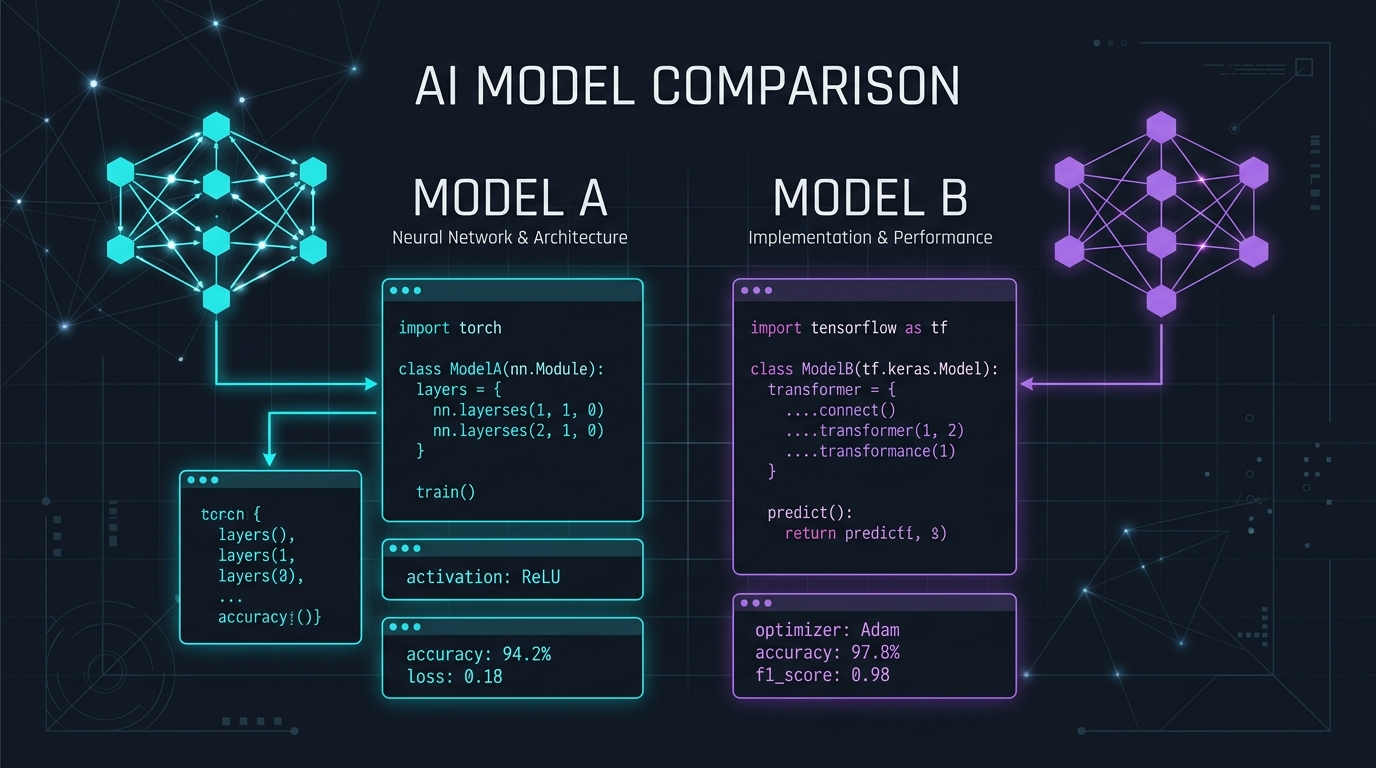
Claude Pro vs ChatGPT Plus: Which AI Subscription Delivers the Highest Freelance ROI?
We pitted Claude 3.7 Sonnet against ChatGPT Plus across technical coding, client proposal drafting, and deep market research. Here is the definitive winner.
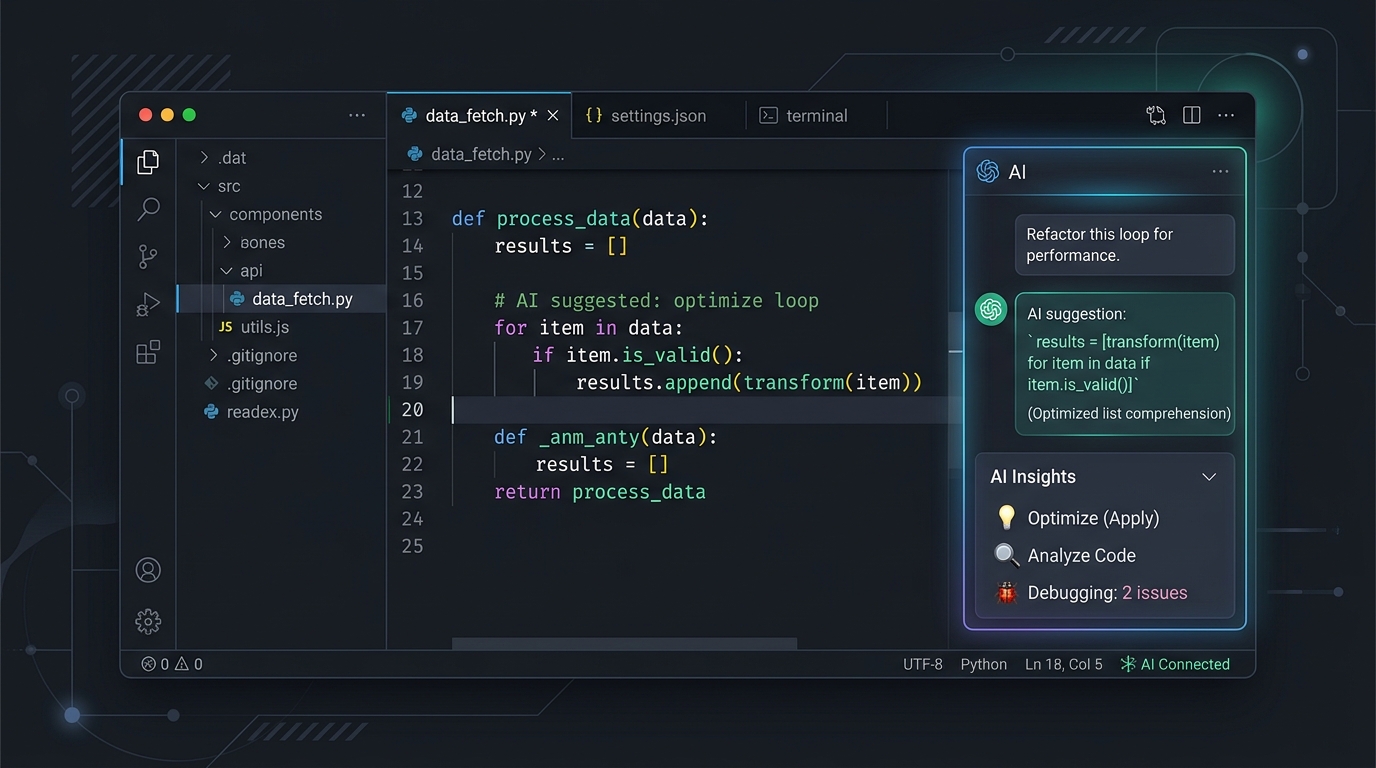
Cursor vs GitHub Copilot: The Definitive 2026 Freelance Developer Review
We benchmarked Cursor and GitHub Copilot across 12 live client codebases. Here is our empirical verdict on repo context, cost efficiency, and AI speed.

Best AI Meeting Assistants for Freelancers in 2026
Capture client action items without missing a word. We compare the best AI meeting note-takers, recorders, and transcription tools for freelancers.