Best AI Meeting Assistants for Freelancers in 2026
Trying to take detailed notes while actively leading a client strategy call leads to divided focus and missed nuances. AI meeting assistants generate high-accuracy transcripts and structured action items automatically.

TABLE OF CONTENTS (12 SECTIONS)TAP TO EXPAND
- The Problem with Manual Note-Taking on Client Calls
- Quick Comparison: Best AI Meeting Assistants for Freelancers
- How We Evaluated AI Meeting Note-Takers
- 1. Fathom — The Best Overall AI Meeting Assistant for Freelancers
- Key Freelancer Advantages
- 2. Granola — The Best Discreet, Bot-Free AI Note-Taker for Mac
- Why Freelancers Love Granola
- 3. tl;dv — Best for Sharing Video Snippets with Clients
- Standout Feature
- 4. Fireflies.ai — Best for Deep Audio Search & Multi-Channel Calls
- Strengths
- Legal & Professional Best Practices for AI Meeting Recorders
The Problem with Manual Note-Taking on Client Calls
Leading a client discovery session or architectural review is mentally demanding. You have to diagnose the client’s business problems, manage conversational tone, read subtle body language, and formulate strategic recommendations in real time.
If you are simultaneously typing 80 words per minute to capture meeting notes:
- Eye contact and rapport suffer.
- You miss crucial subtext when the client expresses hesitation about budget or deadlines.
- You waste 30 to 45 minutes after every call formatting messy bullet points into an email recap.
An AI meeting assistant for freelancers transforms this workflow. The AI records the session, transcribes the conversation with speaker identification, and generates an executive summary with extracted action items—ready to send to the client five minutes after the call concludes.
Quick Comparison: Best AI Meeting Assistants for Freelancers
| Tool | Free Tier | Entry Paid Price | Bot-Free Desktop Mode | Zoom / Meet / Teams | Best For |
|---|---|---|---|---|---|
| Fathom | Unlimited 100% Free | $15/mo (Team/Pro) | No (Bot joins) | Zoom, Meet, Teams | Best Overall Value |
| Granola | Free (25 meetings) | $10/mo | Yes (Native macOS) | All Platforms | Discreet / High Trust |
| tl;dv | Free (Unlimited) | $18/mo (Pro) | No (Bot joins) | Meet, Zoom, Teams | Video Snippet Clips |
| Fireflies.ai | Free (800 min) | $10/mo (Pro) | No (Bot joins) | All Major + Dialers | Deep CRM & Audio Search |
| Otter.ai | Free (300 min/mo) | $10/mo (Pro) | No (Bot joins) | Zoom, Meet, Teams | Live Transcription |
| Avoma | 14-day Trial | $19/mo | No (Bot joins) | All Platforms | Pipeline Intelligence |
How We Evaluated AI Meeting Note-Takers
Our evaluation methodology tests AI meeting assistants on the practical needs of solo consultants:
- Summary Quality & Action Item Extraction: Does the summary capture the nuance of client commitments (e.g., “Client will provide brand guide by Friday” vs “Freelancer will submit wireframes by Tuesday”), or does it generate generic conversational fluff?
- Client Experience & Trust: Does the tool offer clear recording notifications, or does it disrupt the meeting with obtrusive visual bots?
- Export & Task Integrations: Can you sync summaries directly to your freelance CRM, free project management boards, or Notion?
- Data Privacy & Retention: Does the vendor encrypt recordings and allow you to permanently delete client audio files upon project completion?
- Free Plan Generosity: Can a solo freelancer capture their weekly meetings without running into strict artificial paywalls?
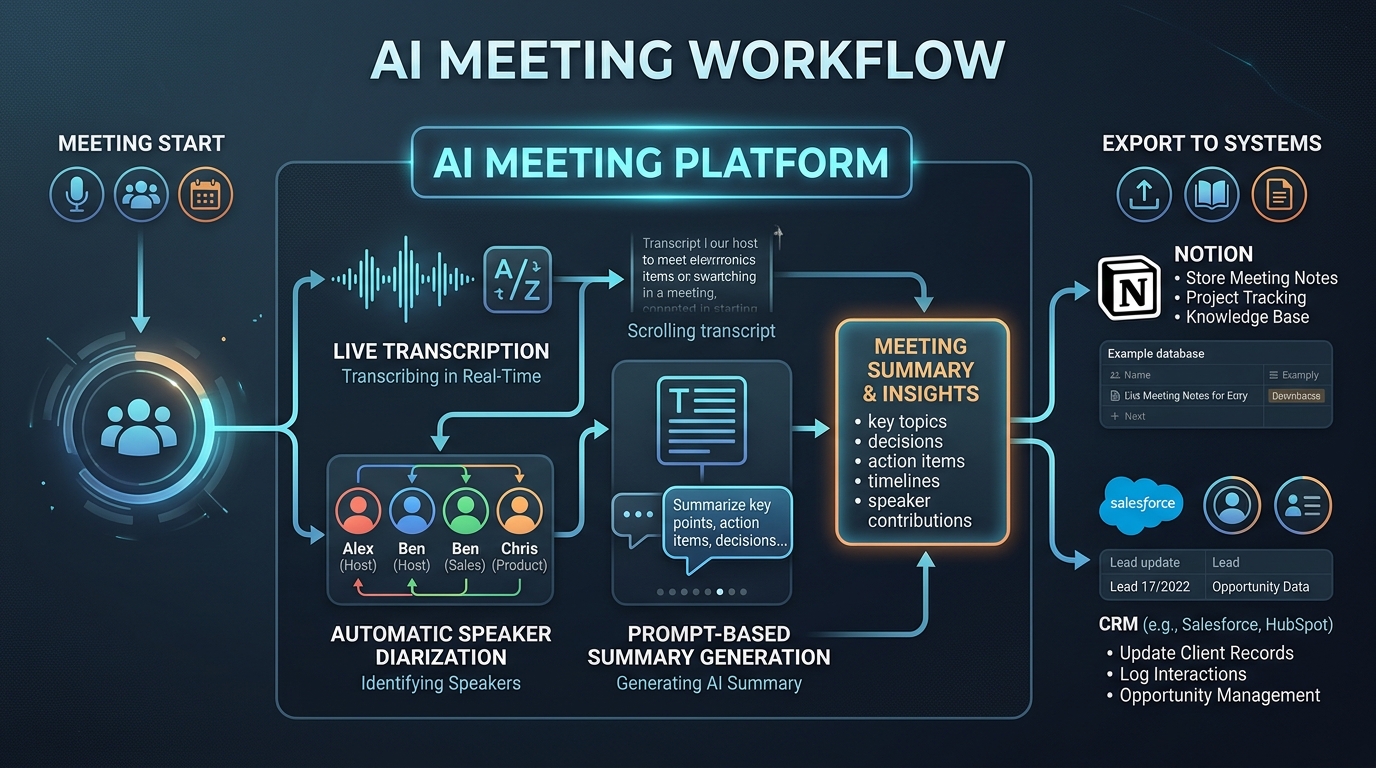
1. Fathom — The Best Overall AI Meeting Assistant for Freelancers
Fathom stands out as an exceptional value in the AI meeting category. While many competitors place heavy artificial caps on their free plans, Fathom gives solo users unlimited recording and transcription completely free.
Key Freelancer Advantages
- Instant Post-Call Recaps: Within 30 seconds of ending a call, Fathom generates a bulleted summary broken down by topic, decisions made, and assigned action items.
- 1-Click Timestamp Bookmarks: Click a button on your screen during the call to bookmark a critical client quote or milestone change.
- Frictionless Sharing: Share a password-protected link with the client, or copy the formatted Markdown summary directly into your email client.
- Pricing: Free forever for individuals. Pro ($15/mo) adds custom AI summary templates and Zapier automations.
2. Granola — The Best Discreet, Bot-Free AI Note-Taker for Mac
For high-ticket consultants and executive coaches, having a visual bot named “John’s AI NoteTaker” enter a private Zoom room can feel awkward or intrusive. Granola takes a completely different approach.
Why Freelancers Love Granola
- No Bots Allowed: Granola runs locally on macOS, capturing incoming system audio and your microphone directly. No bots ever join your meeting.
- Human + AI Hybrid Notes: Jot down a few rough keywords during the call, and Granola combines your personal shorthand with the full transcript to build tailored notes.
- Powered by Premier LLMs: Leverages state-of-the-art models (similar to Claude Pro and ChatGPT Plus) to write sophisticated, context-aware summaries.
- Pricing: Free for 25 meetings; $10/month for unlimited meetings.
3. tl;dv — Best for Sharing Video Snippets with Clients
If you conduct user research interviews, UX teardowns, or design critiques, sending a 45-minute video recording is useless because nobody has time to re-watch it. tl;dv (Too Long; Didn’t View) excels at video bite-sized clips.
Standout Feature
- Video Time-Stamped Highlights: Highlight a 30-second section of the transcript, and tl;dv creates a shareable video clip of the client giving specific feedback. Perfect for embedding directly into your client portal software.
4. Fireflies.ai — Best for Deep Audio Search & Multi-Channel Calls
Fireflies.ai is a versatile audio intelligence hub that can record not just Zoom and Google Meet, but also uploaded audio files, phone dialers, and voice memos.
Strengths
- Conversation Intelligence: Tracks speaker talk-time ratios, sentiment, and keyword occurrences (e.g., how many times the client mentioned “budget” or “security”).
- CRM Automation: Automatically logs meeting notes and audio links into your CRM deal records.
Legal & Professional Best Practices for AI Meeting Recorders
Before deploying an AI assistant on your next client call, adopt these professional protocols:
- Always Obtain Verbal Consent First: Regardless of whether your local state is one-party or two-party consent, asking permission builds immense client trust:
“I use an AI assistant to generate our meeting recap so I don’t have to look down and type notes while we talk. Is it okay with you if it records our conversation for notes?”
- Review Notes Before Sending: Never blindly forward an unedited AI summary to a client. Spend 90 seconds verifying that action items, dollar amounts, and deadlines are 100% accurate.
- Respect Confidentiality Agreements: If you have signed a strict corporate Non-Disclosure Agreement (NDA) with proprietary trade secrets, verify your tool’s data privacy settings or switch to manual note-taking for that specific engagement.
WHAT WE APPRECIATED (PROS)
- ✓Extracts crystal-clear action item checklists and decisions within seconds of hanging up
- ✓Allows 100% active listening without frantically typing notes during client calls
- ✓Searchable transcripts index past client feedback across months of conversations
- ✓Integrates with Notion, Asana, and CRMs to turn talk into actionable tasks
DRAWBACKS & FRICTION (CONS)
- ✕Visible meeting bots can make conservative corporate clients uncomfortable
- ✕Requires strict compliance with regional two-party consent recording laws
- ✕Background chatter, heavy accents, and cross-talk can occasionally cause minor transcription errors
Best AI Meeting Assistants for Freelancers in 2026 Rating Breakdown
Solo consultants, agency owners, freelance designers, and developers who conduct regular discovery calls, client feedback sessions, and project retrospectives.
Fathom offers the best overall free AI meeting assistant with zero recording limits and instant post-call summaries, while Granola provides a discreet, bot-free desktop note-taking experience ideal for sensitive client interviews. For multi-platform recording across Zoom, Meet, and Teams, tl;dv and Fireflies.ai excel.
EVALUATION METRICS
Speed of setup, friction in daily operations, and intuitive mental model for non-enterprise users.
Utility of capabilities without unnecessary enterprise bloat that slows down solo execution.
Return on investment for a single seat, clear billing tiers, and fair feature gates.
Uptime track record, offline resilience, and friction-free portable data export.
Specific suitability for client collaboration, single-seat economics, and lean overhead.
Frequently Asked Questions
Is it legal to record client calls with an AI meeting assistant?+
Recording laws vary strictly by jurisdiction. In 'two-party consent' states in the US (such as California and Massachusetts) and under European GDPR regulations, you must obtain explicit permission from all participants before recording. Always inform your client at the start of the call: 'I have my AI assistant transcribing so I can give you my full attention—is it okay if we record this for notes?'
Can I use an AI meeting assistant without an annoying bot joining the call?+
Yes. Tools like Granola run directly on your Mac desktop, listening to your microphone and system audio without sending a visible third-party bot into your Zoom or Google Meet room.
How accurate are AI meeting summaries for technical software discussions?+
Modern models (powered by Claude 3.5 Sonnet and GPT-4o engines in tools like Fathom and Fireflies) achieve over 95% technical accuracy, correctly transcribing API endpoints, database schemas, and architectural terminology.

Freelance Tool Guide Team
The editorial team behind Freelance Tool Guide, independently researching and testing software for freelancers and small teams.
More Independent Software Analyses
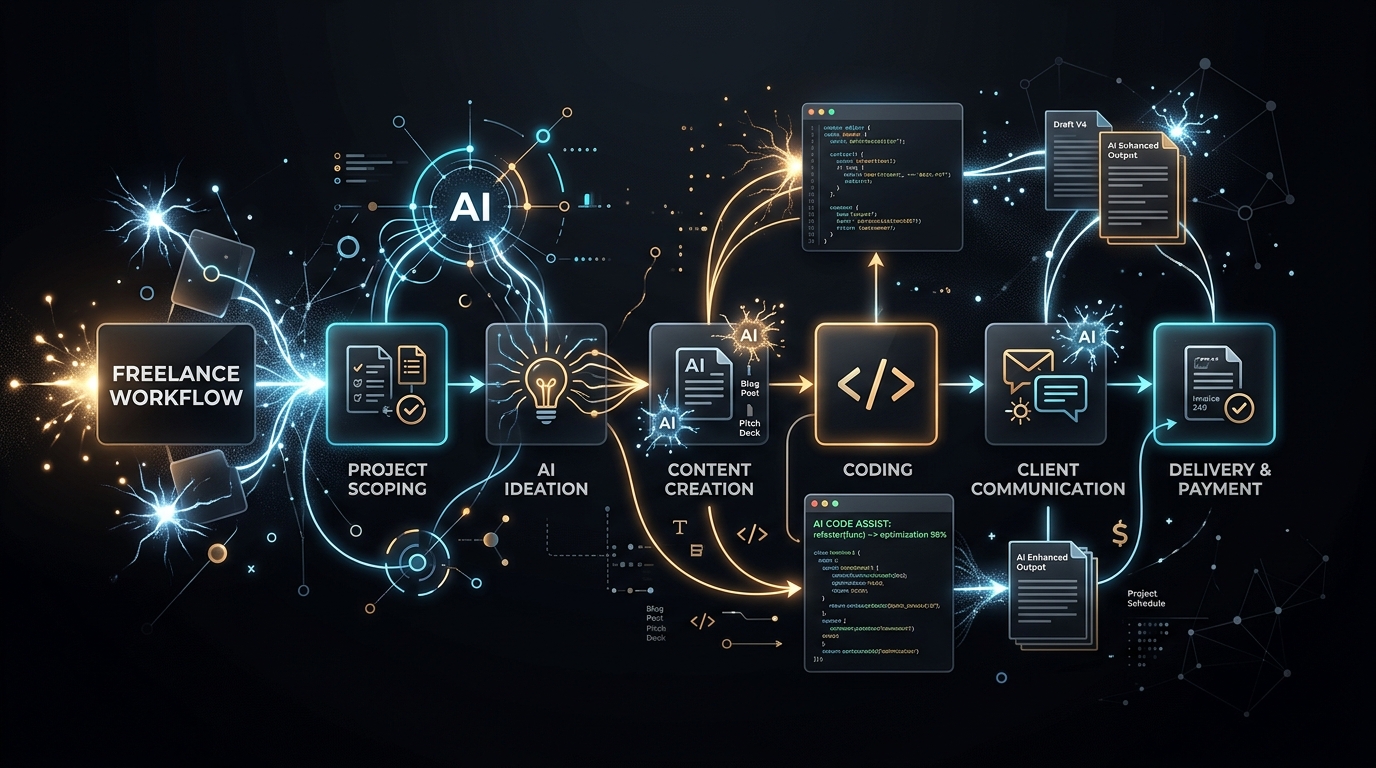
Best AI Tools for Freelancers in 2026: Tools That Actually Save Time
Cut through AI hype. Here are the top generative AI and automation tools that actually boost solo freelance output without introducing sloppy hallucinations.
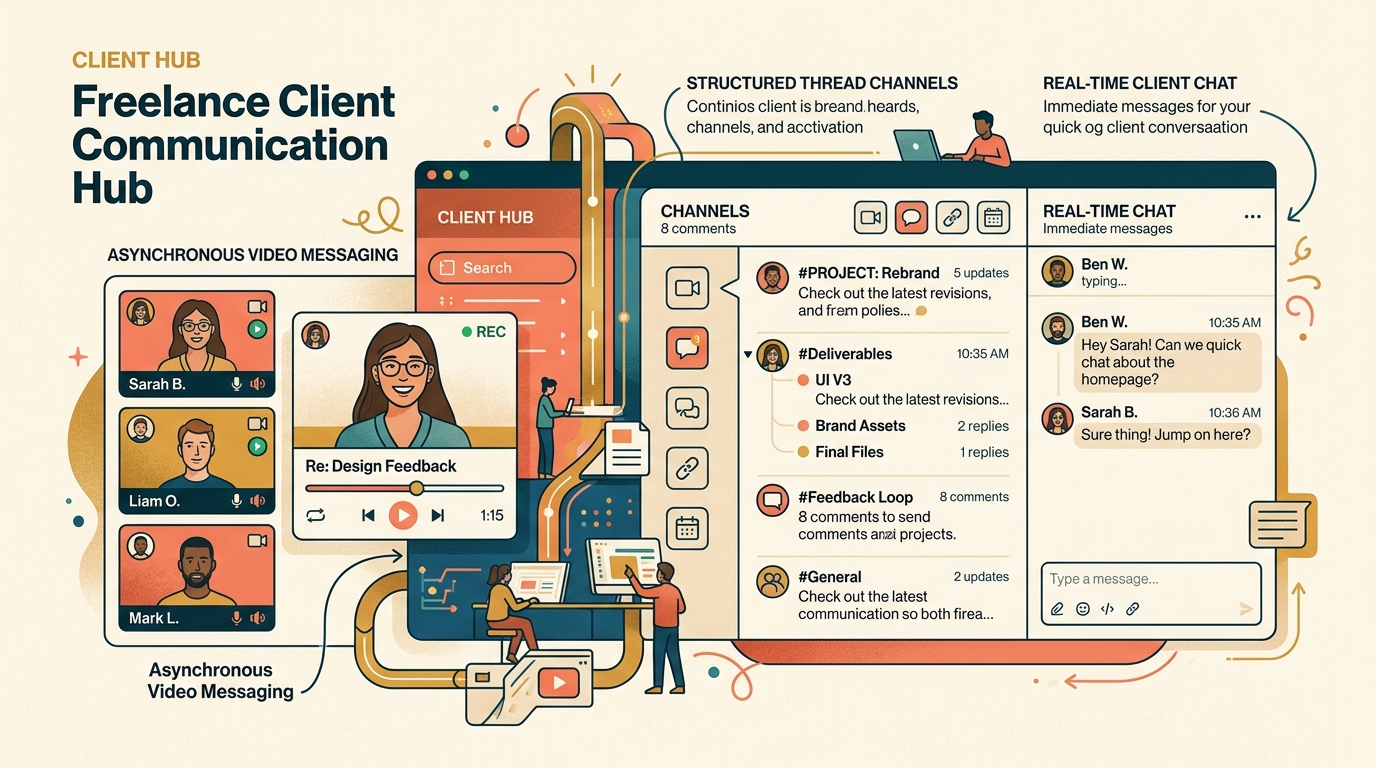
Best Freelance Communication Tools in 2026
Master client messaging without constant interruptions. We compare Slack, Loom, Twist, Zoom, and async communication tools for freelancers.
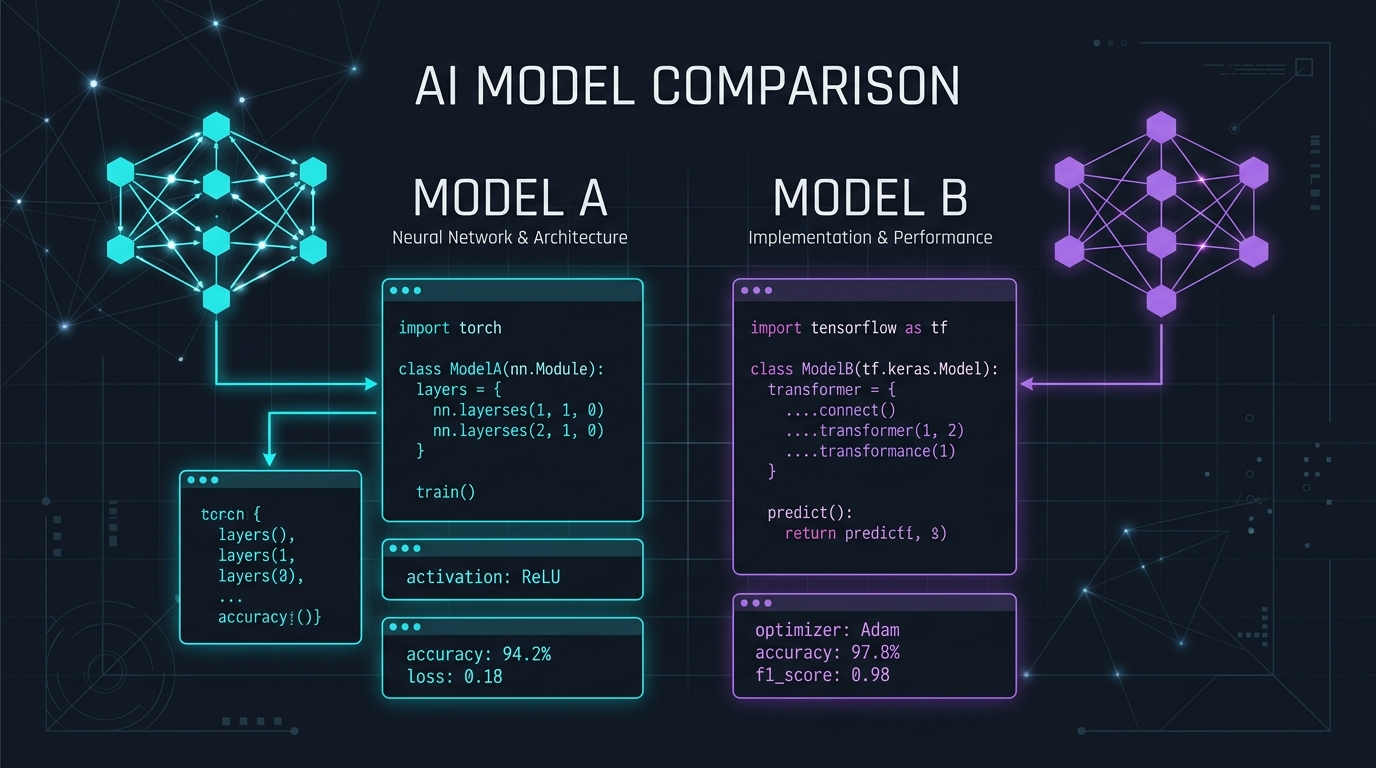
Claude Pro vs ChatGPT Plus: Which AI Subscription Delivers the Highest Freelance ROI?
We pitted Claude 3.7 Sonnet against ChatGPT Plus across technical coding, client proposal drafting, and deep market research. Here is the definitive winner.