Raycast Pro Review: The Essential macOS Command Center for Freelancers
Raycast quietly consolidates five separate utility subscriptions into one native launcher, saving an estimated 25 minutes of context switching every working day.
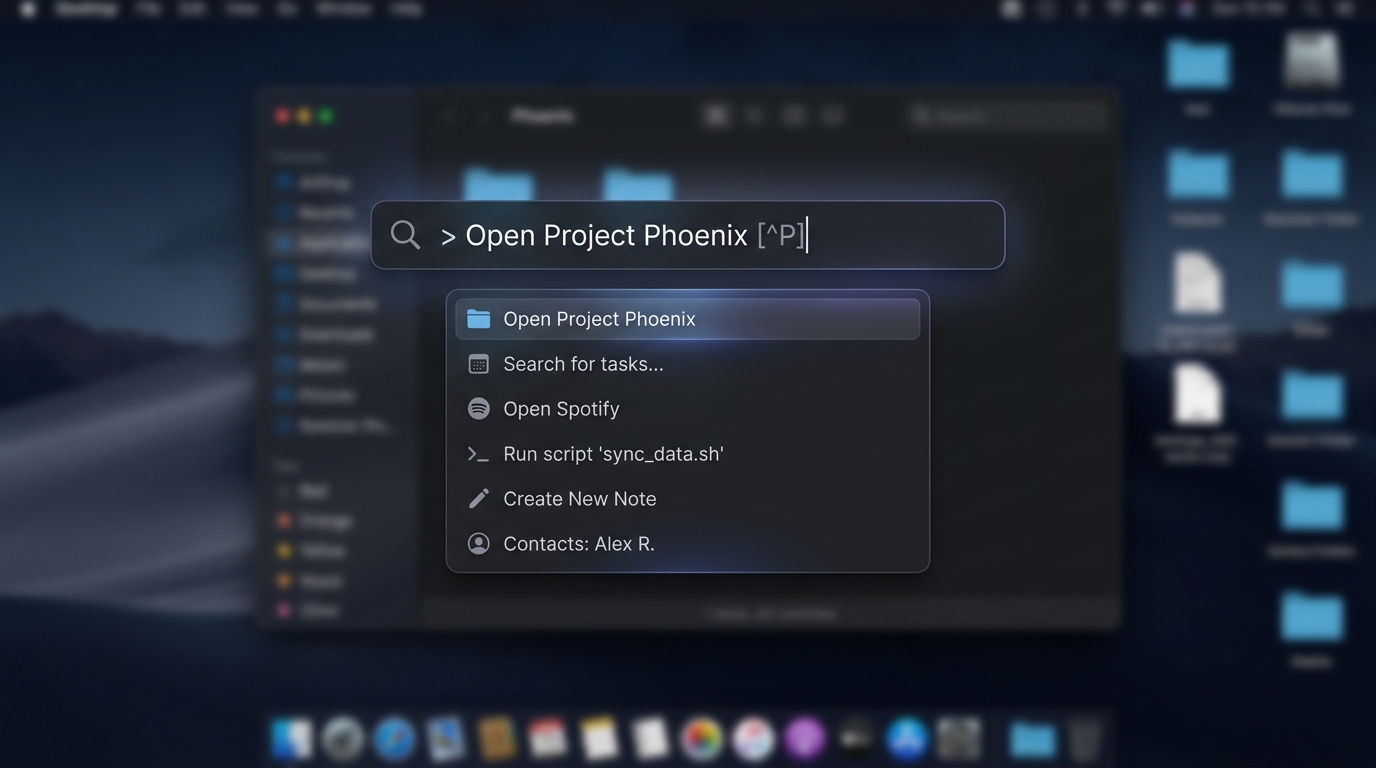
TABLE OF CONTENTS (8 SECTIONS)TAP TO EXPAND
- The Micro-Friction Tax in Freelance Work
- Core Features That Solo Operators Rely On
- 1. Built-in Clipboard History
- 2. Window Management (Goodbye Rectangle)
- 3. Deep 1Password & Linear Extensions
- Real-World Performance & Resource Impact
- Who It’s Best For & Who Should Pass
- Raycast Pro & Raycast AI: Is the $8/Month Justified?
The Micro-Friction Tax in Freelance Work
Consider how many times during an ordinary client workday you perform these atomic actions:
- Copying a staging API key from 20 minutes ago in your clipboard
- Resizing two browser windows side-by-side to compare a staging and production deployment
- Looking up a foreign currency conversion for an overseas invoice quote
- Converting a UNIX timestamp from a production error log into human-readable UTC
If each of these micro-tasks requires reaching for your mouse, launching a browser tab, and navigating a website, you pay a continuous cognitive tax that fractures deep work.
Raycast is an extensible macOS launcher engineered to eliminate this micro-friction. Here is our hands-on appraisal after one full year of daily production use.
Core Features That Solo Operators Rely On
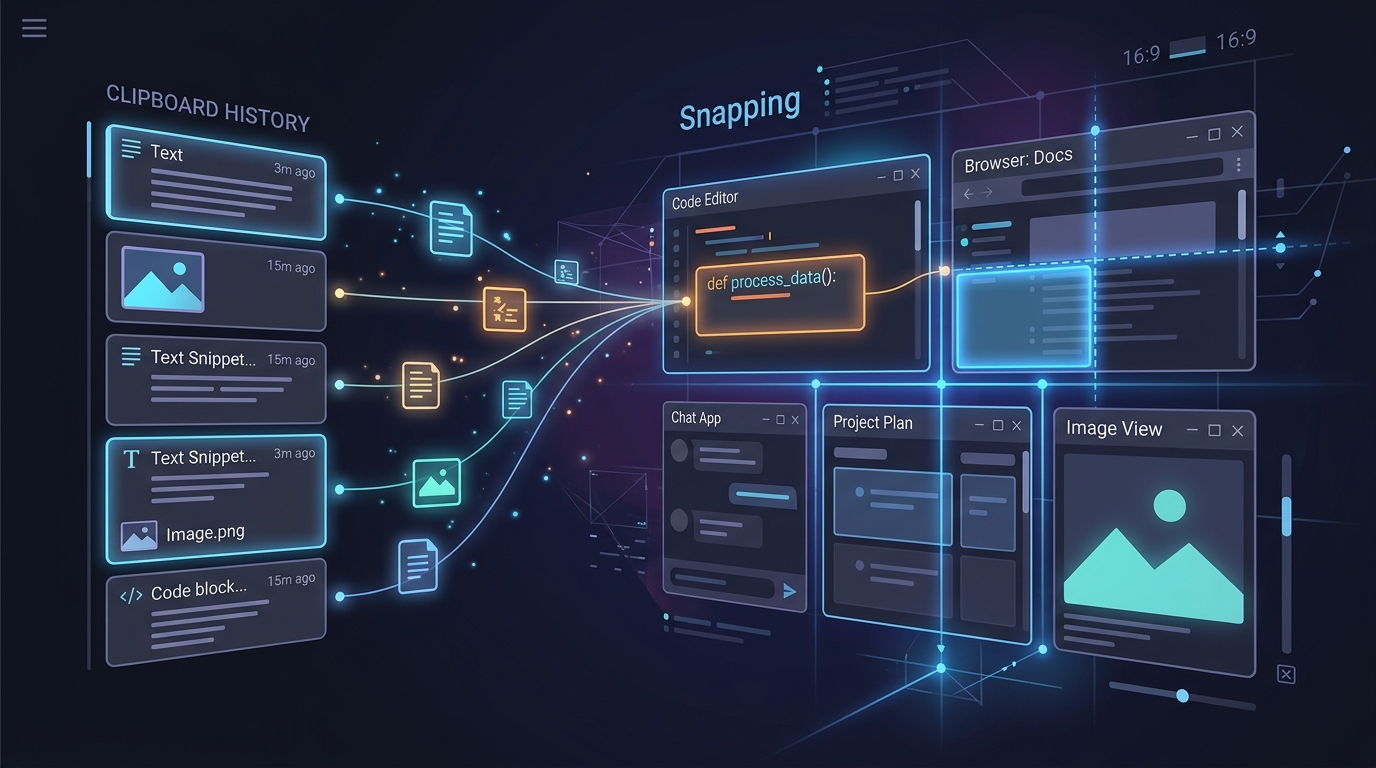 Raycast replaces Spotlight and multiple menu-bar apps with a single extensible command interface.
1. Built-in Clipboard History
Raycast retains an encrypted, searchable local history of every snippet of text, code, hex color, and image you have copied. Pressing Cmd + Opt + V reveals a instant search modal. You can pin frequently used client tax IDs, VAT numbers, and Zoom links for instant retrieval.
2. Window Management (Goodbye Rectangle)
Forget third-party window management utilities. Raycast includes native commands for Left Half, Right Half, Maximize, First Third, and Center. We bind these to simple shortcuts (Hyper + Left Arrow, etc.) to arrange client split-screens in milliseconds.
3. Deep 1Password & Linear Extensions
Through the open-source Raycast Store, you can query your 1Password vaults without opening the main desktop application, search GitHub pull requests across client organizations, and create issues in Linear without interrupting your editor flow in Cursor.
Real-World Performance & Resource Impact
Many modern developer utilities run on Electron, idling at hundreds of megabytes of RAM and draining laptop batteries during mobile client work sessions.
During our testing on Apple Silicon (M2 and M3 Max MacBooks):
- Memory Footprint: Raycast idles at approximately 60MB to 95MB of RAM, compared to 600MB+ for typical Electron-based productivity wrappers.
- CPU & Battery: Average background CPU utilization stayed consistently under 0.2%, with no measurable battery delta during full-day travel sessions.
- Local Data Privacy: Clipboard history and text snippets are stored in an encrypted SQLite database on your local disk (
~/Library/Application Support/com.raycast.macos). Sensitive copied values like client API tokens never leave your machine unless you explicitly prompt an AI command.
Who It’s Best For & Who Should Pass
| Freelancer Profile | Recommendation | Primary Value Driver |
|---|---|---|
| Solo Software Engineers | Essential | Terminal shortcuts, GitHub PR search, window tiling, snippet expansion |
| UI/UX Designers | High Value | Hex color picker, Figma file search, screenshot cleanup, client link bookmarks |
| Technical Consultants | High Value | Timezone conversions across overseas clients, quick meeting join, 1Password access |
| Windows / Linux Users | Not Applicable | Raycast is macOS-exclusive (Windows client is currently in active waitlist beta) |
Raycast Pro & Raycast AI: Is the $8/Month Justified?
Raycast Pro costs $8/month billed annually ($10/month monthly). What do you actually get?
- Integrated AI Everywhere: Pressing
Tabinside Raycast invokes conversational AI powered by your choice of Claude 3.7 Sonnet, GPT-4o, or Perplexity. It can explain selected code on your screen, draft client emails, or convert curl commands into fetch calls. - Cloud Sync: Keeps all your custom snippet expansions, extensions, and keybindings synchronized between your studio desktop and travel laptop.
- Custom Themes & Window Styling: Visual customization options for power users.
If you already pay for Claude Pro or ChatGPT Plus, the free tier of Raycast is more than sufficient for everyday command operations. However, if you want quick inline AI answers directly on your desktop without browser tab clutter, Raycast Pro is worth every penny. For developers building a comprehensive toolset, see how Raycast anchors our full Freelance Developer Software Stack guide.
WHAT WE APPRECIATED (PROS)
- ✓Replaces window managers, clipboard managers, snippet expanders, and calculators
- ✓Extensive open-source extension store with 1,500+ verified integrations
- ✓Raycast Pro AI allows instant inline queries via Claude 3.7 and GPT-4o
- ✓Zero noticeable background CPU or battery consumption on Apple Silicon
DRAWBACKS & FRICTION (CONS)
- ✕macOS only (no Windows or Linux support, though Windows version is in development)
- ✕Pro subscription ($8/mo) is required for cloud syncing settings across multiple Macs
- ✕Can lead to plugin hoarder syndrome if you install too many extensions
Raycast Pro The Essential macOS Command Center for Freelancers Rating Breakdown
macOS software engineers, product designers, and consultants who live on their keyboard.
Raycast is the single highest-leverage productivity investment a macOS freelancer can make. Even the completely free tier eliminates multiple paid utility subscriptions.
EVALUATION METRICS
Speed of setup, friction in daily operations, and intuitive mental model for non-enterprise users.
Utility of capabilities without unnecessary enterprise bloat that slows down solo execution.
Return on investment for a single seat, clear billing tiers, and fair feature gates.
Uptime track record, offline resilience, and friction-free portable data export.
Specific suitability for client collaboration, single-seat economics, and lean overhead.
Frequently Asked Questions
Is Raycast truly free?+
Yes. The core Raycast application is 100% free with no ads or tracking. It includes unlimited clipboard history, window tiling, snippet management, calculator, and the extension store. The paid Pro tier adds Raycast AI, cloud synchronization, and custom themes.
How does Raycast replace other paid macOS apps?+
Out of the box, Raycast replaces Rectangle ($10), Paste ($15/yr), TextExpander ($40/yr), and provides direct 1Password and Linear integration right from your keyboard shortcut.

Freelance Tool Guide Team
The editorial team behind Freelance Tool Guide, independently researching and testing software for freelancers and small teams.
More Independent Software Analyses
Cursor vs GitHub Copilot: The Definitive 2026 Freelance Developer Review
We benchmarked Cursor and GitHub Copilot across 12 live client codebases. Here is our empirical verdict on repo context, cost efficiency, and AI speed.
Linear Review: The Zero-Friction Project Tracker for Solo Operators
Why Linear is the ultimate project management tool for freelance software engineers and boutique studios. Real-world testing, client portals, and pricing.
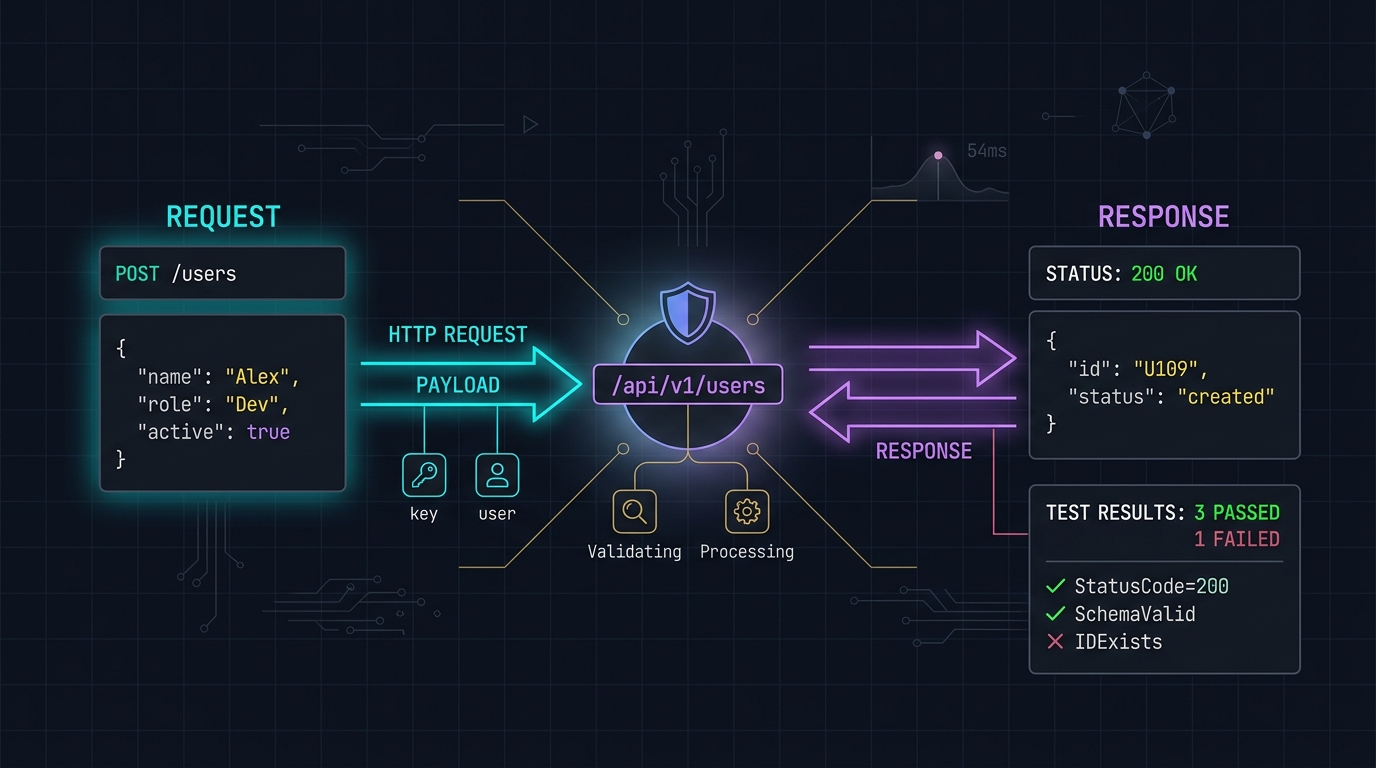
Postman Alternatives: Why Freelancers Are Switching to Hoppscotch and Bruno
Postman's forced cloud accounts and bloated Electron footprint have alienated independent developers. We evaluate lightweight, local-first API testing tools.