Best Scheduling Apps for Freelancers in 2026
Exchanging five emails to schedule a 30-minute discovery call wastes billable hours and frustrates high-value prospects. Modern booking tools automate timezone math, calendar buffers, and deposit collection.
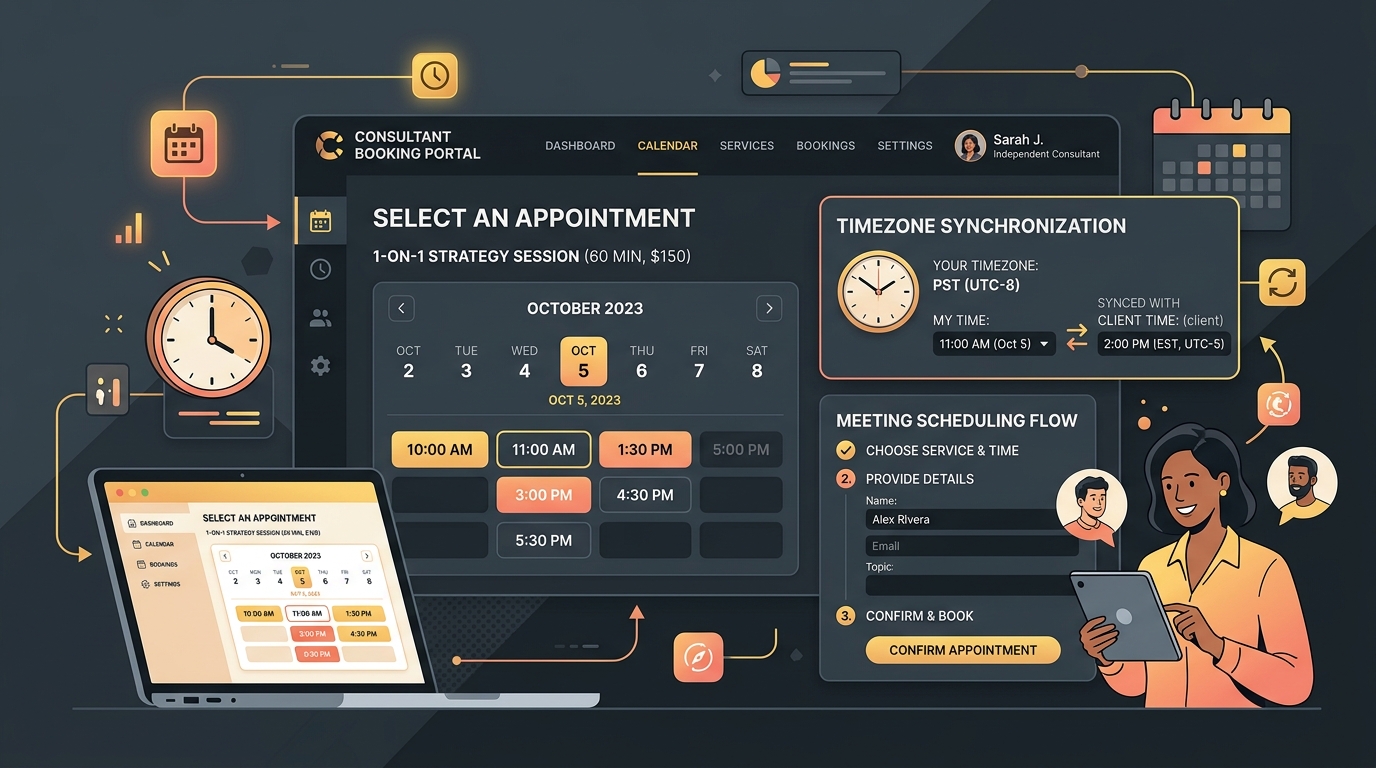
TABLE OF CONTENTS (14 SECTIONS)TAP TO EXPAND
- The Hidden Cost of the “When Are You Free?” Email Dance
- Quick Comparison: Best Freelance Scheduling Software
- How We Evaluated Freelancer Scheduling Tools
- 1. Cal.com — The Best Overall Scheduling Tool for Freelancers
- Key Advantages for Freelancers
- 2. SavvyCal — The Most Thoughtful, Client-Centric Booking Flow
- Why Clients Prefer SavvyCal
- 3. Calendly — The Ubiquitous Industry Standard
- Strengths & Trade-offs
- 4. Google Calendar Appointment Schedules — Best Zero-Cost Native Option
- Strengths
- 5. Motion — Best for AI-Driven Schedule Optimization
- How It Works for Freelancers
- Recommended Freelancer Booking Workflow
The Hidden Cost of the “When Are You Free?” Email Dance
A prospective client reaches out about a new software build or branding retainer. You reply with three proposed time slots. They respond 14 hours later saying they can make Thursday at 2 PM—a slot that you just booked with another client 30 minutes earlier.
This friction kills momentum. Every additional email exchange introduces drop-off risk where a prospect loses interest, finds another contractor, or lets their internal priority slip.
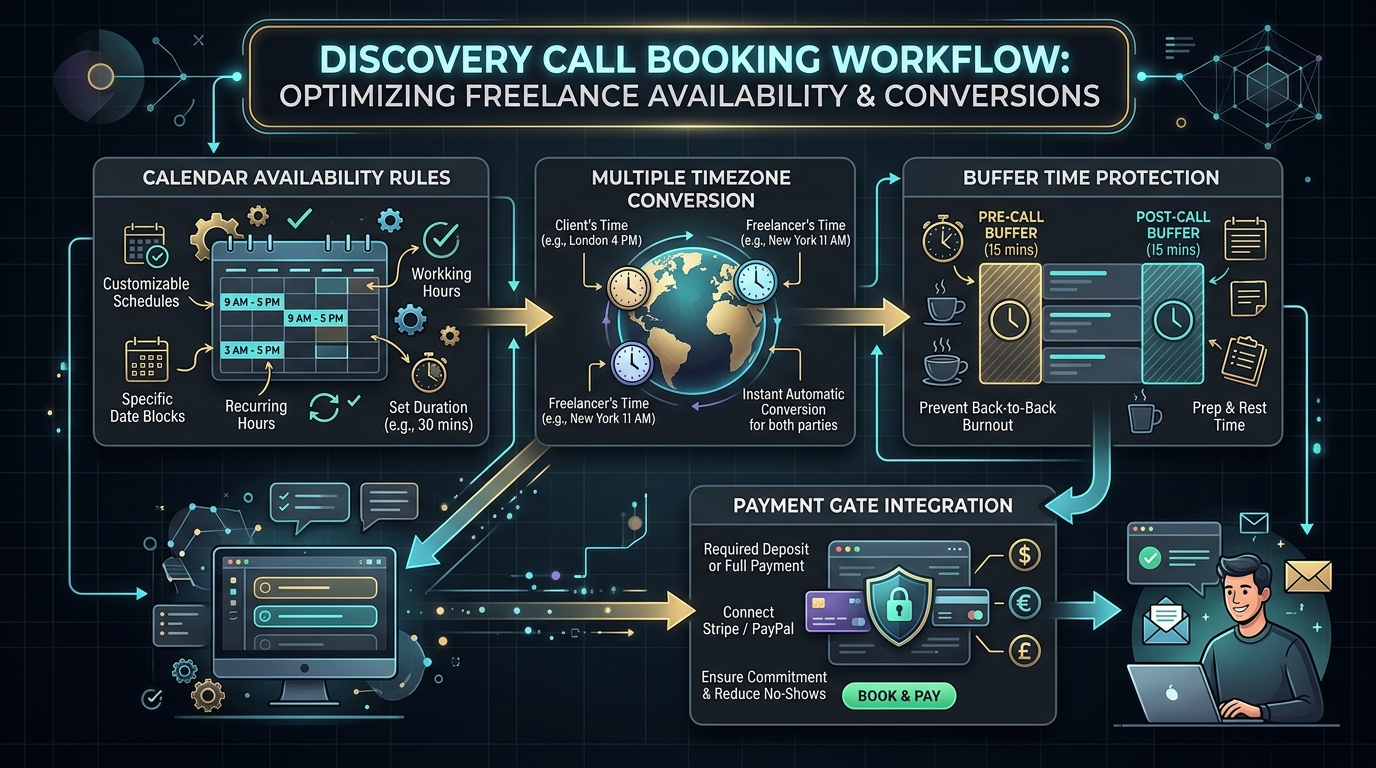
A dedicated scheduling app for freelancers automates this entire lifecycle:
- It displays real-time availability across your personal, freelance, and client-provided Google/Outlook calendars.
- It automatically converts meeting slots into the prospect’s local timezone.
- It asks qualification questions before the meeting (e.g., “What is your estimated project budget?”).
- It places automated 15-minute buffers between calls to protect your focus and prevents meeting burnout.
Quick Comparison: Best Freelance Scheduling Software
| Tool | Free Tier | Starting Paid Price | Best For | Multi-Calendar Sync | Paid Consultation Support |
|---|---|---|---|---|---|
| Cal.com | Unlimited Events Free | $12/mo (Team) | Best Overall / Open-Source | Yes (Multiple) | Yes (Stripe) |
| Calendly | 1 Event Type Free | $10/mo (Standard) | Corporate Familiarity | Yes (Paid) | Yes (Paid) |
| SavvyCal | 14-day Trial | $12/mo (Basic) | Client-Centric UX | Yes | Yes (Stripe) |
| Motion | 7-day Trial | $19/mo | AI Auto-Scheduling | Yes | No (Calendar focus) |
| Google Calendar | Included in Workspace | $6/mo (Workspace) | Zero Extra Software | 1 Primary | Yes (Stripe) |
| YouCanBookMe | 1 Grid Free | $10.80/mo | Simple Embeds | Yes | Yes |
How We Evaluated Freelancer Scheduling Tools
Our evaluation criteria prioritize the realities of running a solo business:
- Client Experience & Empathy: Does the booking interface feel respectful and frictionless for the person picking a slot?
- Multi-Calendar Conflict Detection: Can the app read your personal calendar, your studio calendar, and a client-issued Google Workspace account simultaneously to block conflicts?
- Availability & Deep Work Defense: Does the tool let you cap daily meeting hours, enforce minimum notice periods (e.g., no bookings under 4 hours notice), and add travel/prep buffers?
- Intake Form Customization: Can you embed custom qualification questions to route prospects to your freelance CRM or client portal?
- Pricing Transparency & Value: Can a solo freelancer use the tool without being forced into expensive multi-seat enterprise tiers?
1. Cal.com — The Best Overall Scheduling Tool for Freelancers
Cal.com is the modern open-source standard in scheduling. Unlike older competitors that lock essential features behind paid tiers, Cal.com gives solo freelancers an extraordinary feature set completely free.
Key Advantages for Freelancers
- Unlimited Booking Types on Free Tier: Create 15-minute quick syncs, 45-minute discovery consultations, and 60-minute technical architecture reviews without paying a subscription.
- Multi-Calendar Conflict Checking: Connect your primary freelance Google Calendar, a secondary personal Apple iCloud calendar, and corporate client accounts so you never get double-booked.
- Payment Collection: Connect your Stripe account to charge upfront consulting fees with 0% platform surcharge on paid plans.
- White-Label Polish: Embed booking widgets cleanly on your website or use a custom URL without aggressive third-party marketing banners.
2. SavvyCal — The Most Thoughtful, Client-Centric Booking Flow
Traditional scheduling links force clients to mentally cross-reference your available times with their own calendar tab. SavvyCal solves this UX flaw by allowing recipients to overlay their own Google or Outlook calendar directly on top of your booking page.
Why Clients Prefer SavvyCal
- Interactive Calendar Overlay: Your client sees their own schedule in real-time, instantly spotting mutually open windows without toggling browser tabs.
- Ranked Availability: Guide prospects toward your preferred meeting days (e.g., “I prefer Tuesdays and Thursdays for discovery calls”) while keeping other slots as backups.
- Personalized Links: Send pre-filled links with the client’s name and email already populated, showing exceptional attention to detail.
- Pricing: $12/month for the Basic plan; 14-day free trial available.
3. Calendly — The Ubiquitous Industry Standard
Calendly is the most recognized name in scheduling. Because millions of executives and corporate clients use Calendly daily, there is zero friction or hesitation when a prospect receives a Calendly link.
Strengths & Trade-offs
- Universal Integrations: Syncs effortlessly with Zoom, Google Meet, Microsoft Teams, Slack, and Zapier.
- Free Plan Limits: The free plan is limited to one active event type. If you need separate links for discovery calls, project kickoffs, and paid coaching, you must upgrade to the Standard plan ($10/seat/mo).
4. Google Calendar Appointment Schedules — Best Zero-Cost Native Option
If you already pay for a Google Workspace account for your business email, you already have access to Google Calendar Appointment Scheduling.
Strengths
- No Extra App: Everything is managed directly inside the Google Calendar interface you already use every day.
- Stripe Payments: Supports booking deposits and payment enforcement.
- Limitation: Offers less aesthetic customization and lacks advanced multi-calendar overlay features found in SavvyCal or Cal.com.
5. Motion — Best for AI-Driven Schedule Optimization
Motion is more than a booking link; it is an AI calendar engine that dynamically plans your entire workday.
How It Works for Freelancers
- When you create tasks, Motion automatically slots them into open focus blocks on your calendar.
- When a client books a meeting via your Motion link, Motion automatically reshuffles your non-urgent background tasks around the new call.
- Pricing: $19/month (billed annually) for individuals. Best suited for freelancers who struggle with time-blocking and daily task prioritization.
Recommended Freelancer Booking Workflow
To maintain boundaries and prevent discovery calls from cannibalizing billable client hours:
- Set Strict Meeting Windows: Restrict client booking availability to 2–3 dedicated half-days (e.g., Tuesday & Thursday afternoons 1 PM – 5 PM). Reserve mornings for uninterrupted coding, design, or writing.
- Enforce a 24-Hour Notice Rule: Never allow same-day surprise bookings. Set a minimum scheduling notice of 12 to 24 hours so your daily agenda remains predictable.
- Add 15-Minute Buffers: Always configure automatic buffers after every call to write recap notes, update your freelance CRM, or log hours in your time tracking software.
- Qualify Before Committing: Add 2 mandatory fields to your booking form:
- “What is the core challenge you want to solve on this call?”
- “What is your expected timeline and budget range?”
WHAT WE APPRECIATED (PROS)
- ✓Eliminates back-and-forth timezone confusion for international clients
- ✓Protects focused deep work with automated buffers and maximum daily meeting limits
- ✓Qualifies prospects using intake forms and pre-meeting questionnaires
- ✓Collects upfront consulting fees via integrated Stripe payments
DRAWBACKS & FRICTION (CONS)
- ✕Sending cold booking links without context can sometimes feel transactional
- ✕Free plans often restrict multiple event types or custom SMS reminders
- ✕Requires strict personal calendar hygiene to prevent double bookings
Best Scheduling Apps for Freelancers in 2026 Rating Breakdown
Solo consultants, independent contractors, and freelance service providers who book discovery calls, client reviews, and paid consulting sessions.
Cal.com is our top recommendation for freelancers seeking an open-source, customizable booking platform with an unbeatable free tier and zero branding fees. SavvyCal offers the most client-friendly booking experience by overlaying calendars, while Calendly remains the universal corporate standard.
EVALUATION METRICS
Speed of setup, friction in daily operations, and intuitive mental model for non-enterprise users.
Utility of capabilities without unnecessary enterprise bloat that slows down solo execution.
Return on investment for a single seat, clear billing tiers, and fair feature gates.
Uptime track record, offline resilience, and friction-free portable data export.
Specific suitability for client collaboration, single-seat economics, and lean overhead.
Frequently Asked Questions
Is sending a booking link considered rude by high-ticket consulting clients?+
Context matters. Rather than dropping a bare link, offer courteous options: 'Feel free to grab a time that fits your schedule directly on my calendar [link], or let me know a couple of windows that work best for you.' This gives busy executives autonomy while preserving personal rapport.
Which scheduling app has the best free tier for solo freelancers?+
Cal.com provides the most generous free plan, offering unlimited booking event types, multiple connected calendars, webhooks, and zero vendor branding on your booking page.
Can I charge clients upfront for paid consultation calls?+
Yes. Cal.com, Calendly, and SavvyCal integrate directly with Stripe to require credit card payment before an appointment slot is locked onto your calendar.

Freelance Tool Guide Team
The editorial team behind Freelance Tool Guide, independently researching and testing software for freelancers and small teams.
More Independent Software Analyses
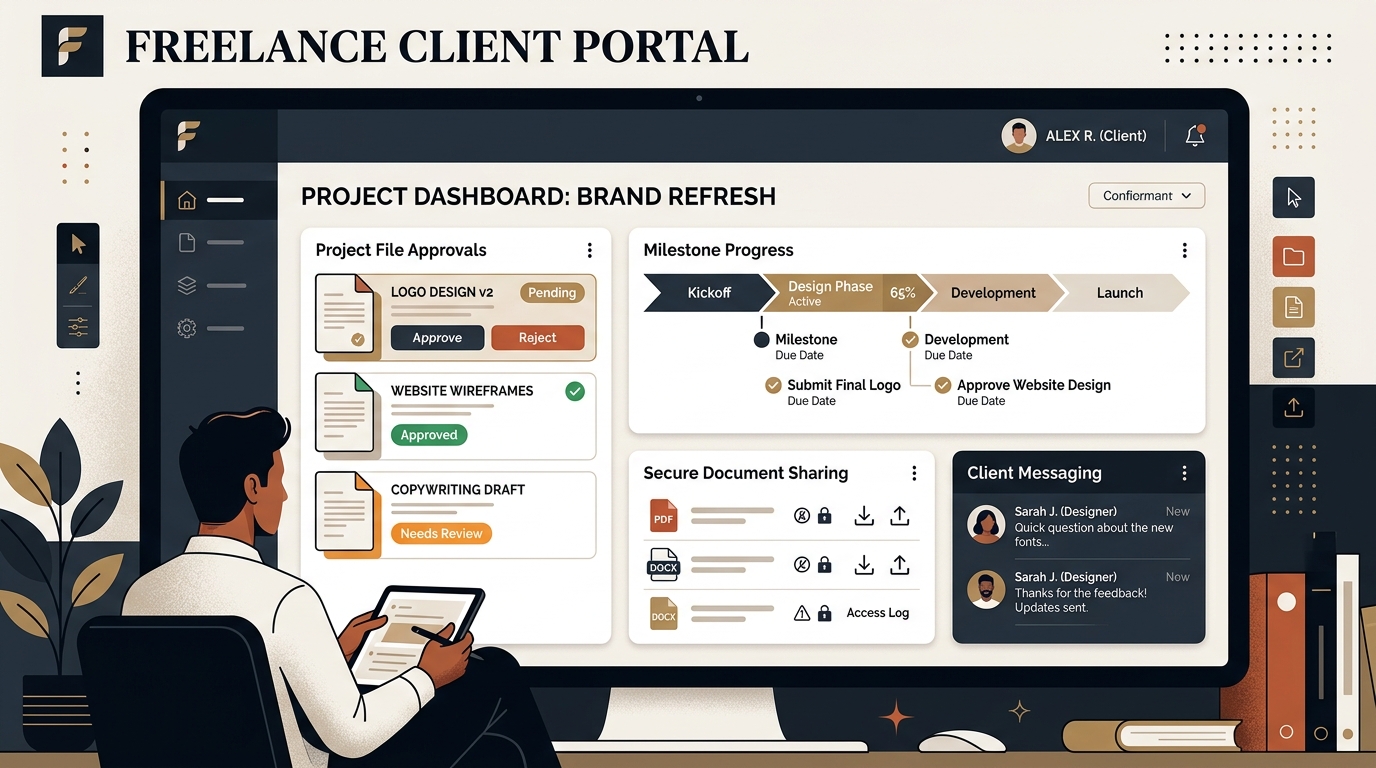
Best Client Portal Software for Freelancers in 2026
Centralize client files, deliverables, messaging, and approvals. We evaluate the best client portal software for solo freelancers and boutique studios.
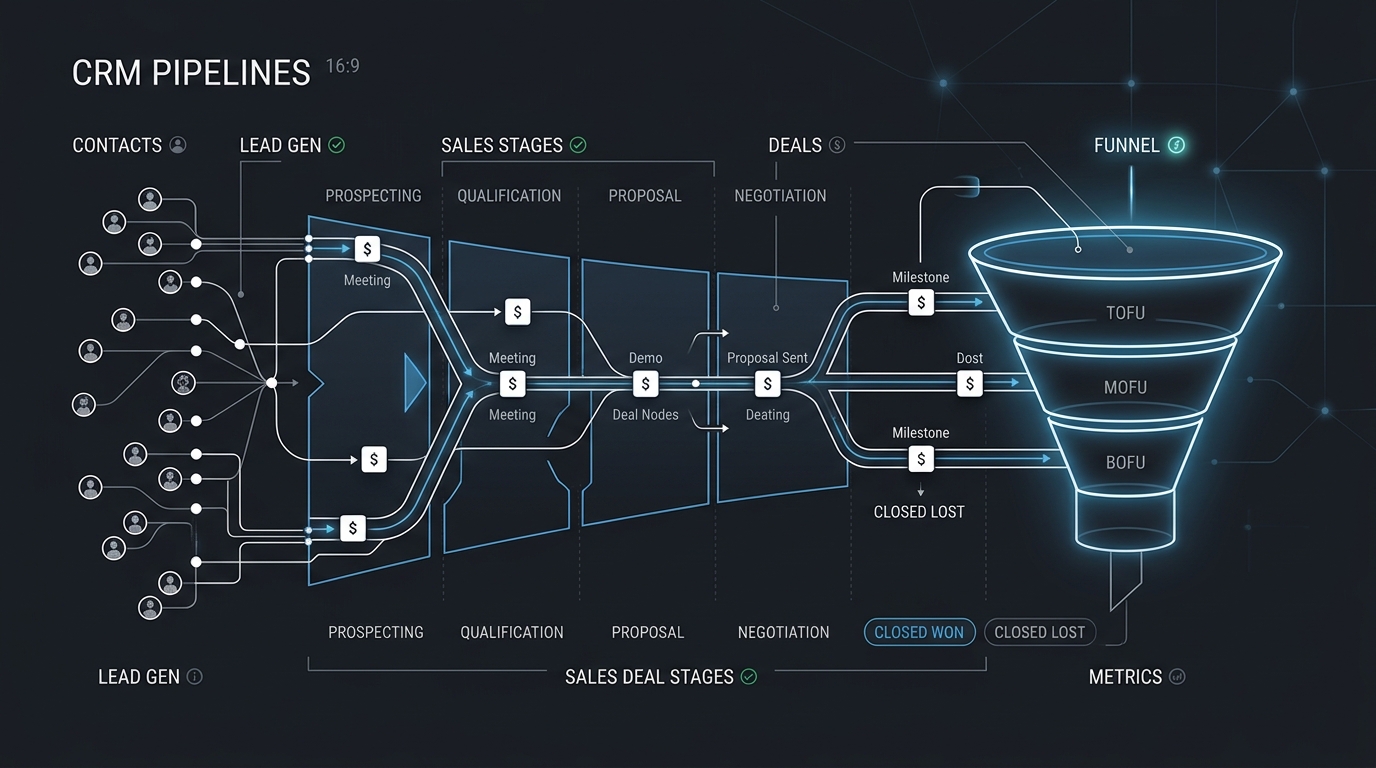
Best CRM Software for Freelancers: Free & Affordable Options
Managing client leads across messy spreadsheets? Discover the best CRM tools for solo consultants and freelancers to track deals, follow-ups, and retainer value.
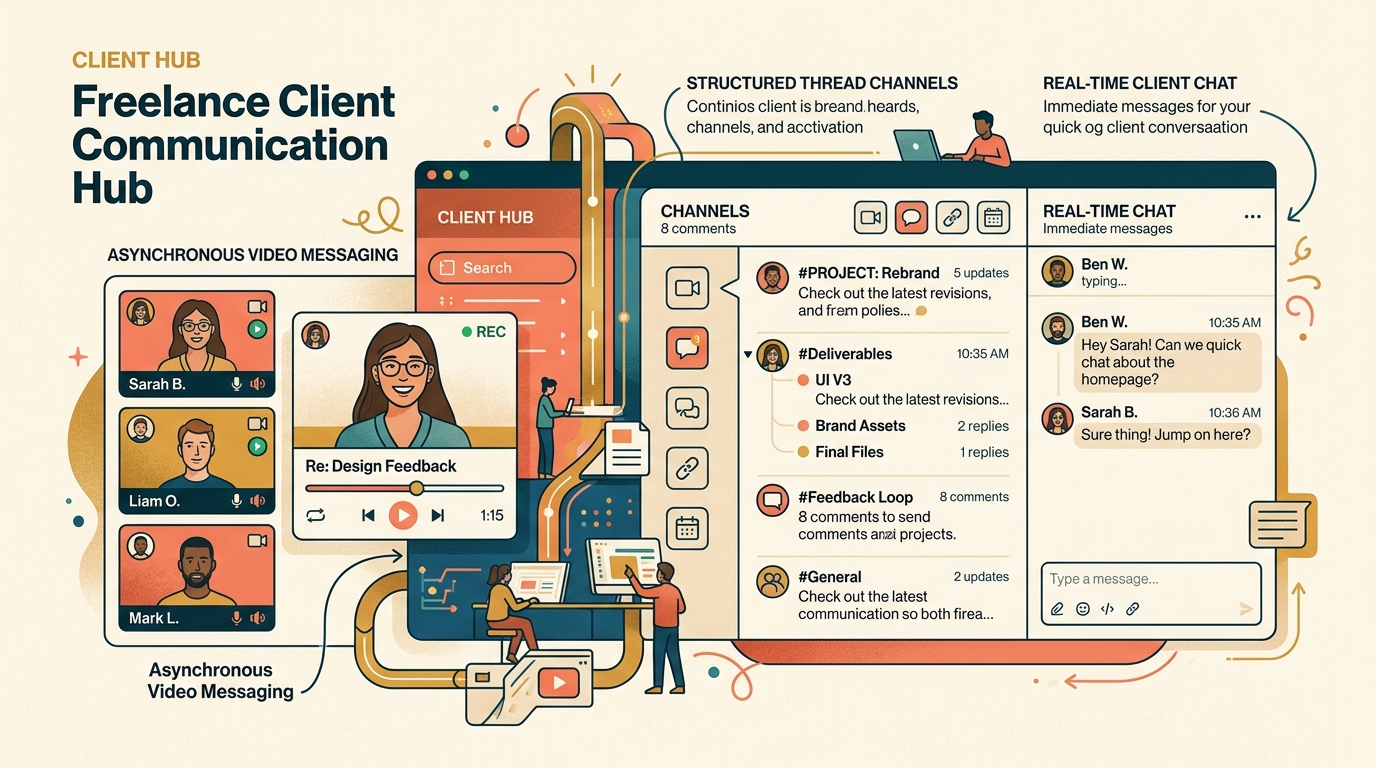
Best Freelance Communication Tools in 2026
Master client messaging without constant interruptions. We compare Slack, Loom, Twist, Zoom, and async communication tools for freelancers.