Best E-Signature Software for Freelancers in 2026
Starting client work without a signed contract risks non-payment, dispute exposure, and scope creep. Modern e-signature software delivers legally binding digital signatures with tamper-evident audit trails.

TABLE OF CONTENTS (14 SECTIONS)TAP TO EXPAND
- Why Every Freelance Project Must Start with an E-Signature
- Quick Comparison: Best E-Signature Software for Freelancers
- How We Evaluated Freelance E-Signature Platforms
- 1. SignWell — The Best Dedicated E-Signature Tool for Freelancers
- Key Advantages
- 2. PandaDoc — Best for Proposals + Contracts Combined
- Strengths & Trade-offs
- 3. eSignatures.io — Best Pay-As-You-Go Alternative (No Subscriptions)
- Why eSignatures.io is a Game-Changer
- 4. Dropbox Sign — Best for Existing Dropbox Cloud Users
- Key Benefits
- 5. DocuSign & Adobe Acrobat Sign — The Enterprise Veterans
- Freelancer Drawbacks
- The 4-Step Contract Signing Workflow for Freelancers
Why Every Freelance Project Must Start with an E-Signature
Every seasoned freelancer has a horror story about beginning client work on “good faith” or informal email confirmations. Two months into the build, the client changes their mind on scope, denies agreeing to your payment terms, or delays the final $8,000 invoice indefinitely.
Without a signed, legally valid contract, recovering unpaid fees is an uphill battle.
Modern e-signature software makes getting a signed agreement as effortless as clicking a link:
- You upload your Master Services Agreement (MSA) or Statement of Work (SOW).
- You place initial, signature, and date fields.
- The client opens the link on their phone or laptop, draws or types their signature, and receives an instant PDF copy with a cryptographic audit certificate.
Before sending your next contract, consult our independent contractor legal checklist to ensure your terms cover intellectual property transfer, late fee penalties, and scope change clauses.
Quick Comparison: Best E-Signature Software for Freelancers
| Tool | Free Tier | Entry Paid Plan | Document Limit | Reusable Templates | Pay-As-You-Go Option |
|---|---|---|---|---|---|
| SignWell | 3 docs/month | $8/mo | Unlimited (Heavy plan) | Yes (1 free, unl. paid) | No |
| PandaDoc | Free eSign plan | $19/mo | Unlimited e-signatures | Yes (Paid) | No |
| eSignatures.io | No monthly fee | $0.49 per contract | Unlimited | Yes | Yes (Pure Pay-As-You-Go) |
| Dropbox Sign | 3 docs/month | $15/mo | Unlimited | Yes (5 included) | No |
| SignNow | 7-day Trial | $8/mo (annual) | Unlimited | Yes | No |
| DocuSign | 30-day Trial | $10/mo | 5 docs/mo (Personal) | No (Personal tier) | No |
| Adobe Acrobat Sign | 7-day Trial | $12.99/mo | Unlimited | Yes | No |
How We Evaluated Freelance E-Signature Platforms
- Audit Trail Integrity & Legal Standards: Does the platform produce court-admissible audit trails complying with ESIGN, UETA, and eIDAS guidelines?
- Pricing Structure for Solo Contractors: Does the vendor penalize low-volume freelancers with restrictive document caps or force expensive enterprise seats?
- Template Capabilities: Can you save standard NDA and contractor agreement templates to send out new deals in under 60 seconds?
- Mobile Signing UX: Can a client easily review and sign your contract on an iPhone or Android screen without pinch-to-zoom frustration?
- Integration with the Freelance Stack: Does it connect cleanly with your proposal software, client portal, and cloud storage?
1. SignWell — The Best Dedicated E-Signature Tool for Freelancers
SignWell (formerly Docsketch) is designed specifically for solo professionals, consultants, and small agencies who want the legal compliance of DocuSign without the corporate pricing gouge.
Key Advantages
- Affordable Unlimited Signing: At $8/month (billed annually), SignWell’s Personal plan provides unlimited document sending, 5 reusable templates, and automated signer reminders.
- Flawless Client UX: SignWell guides clients through each required field step-by-step, preventing them from missing critical initials.
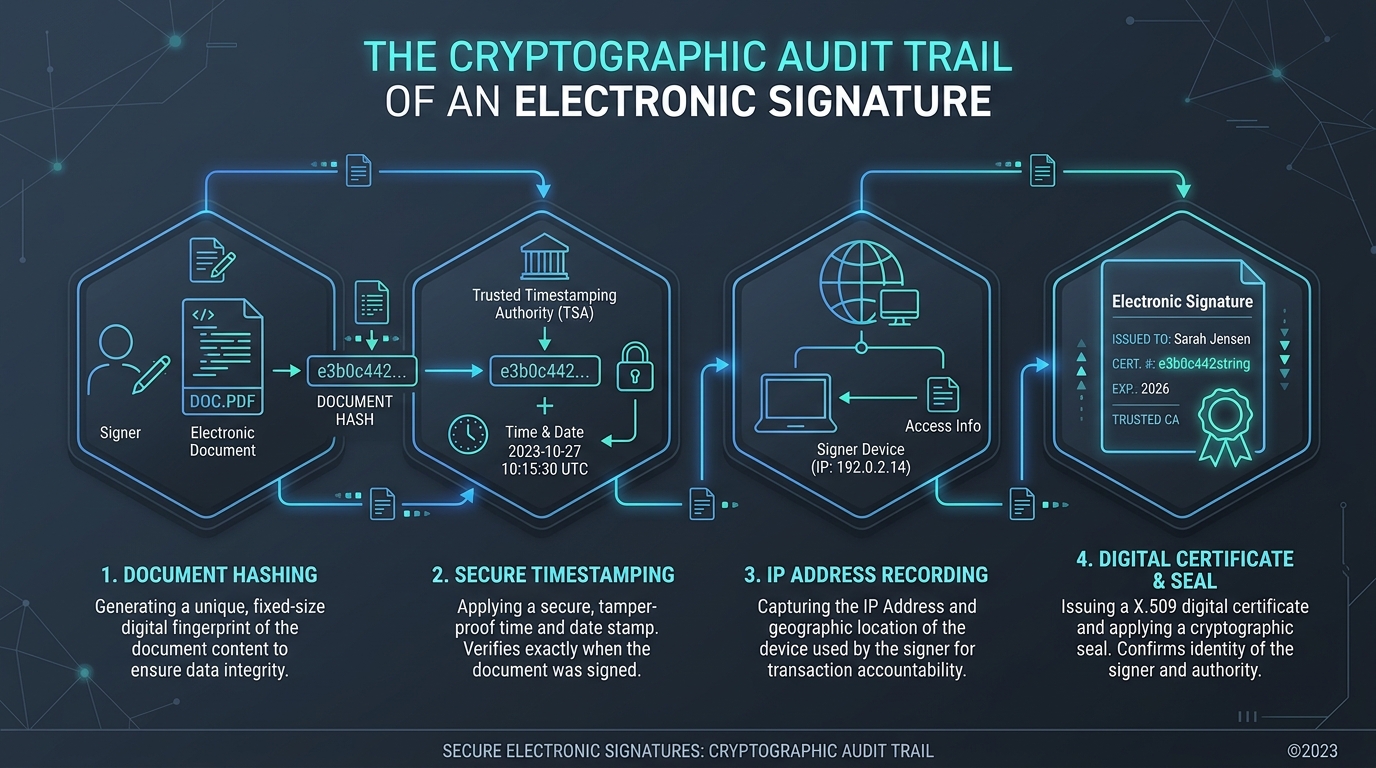
- Audit Report Included: Every completed document generates a comprehensive Certificate of Completion showing IP addresses, timestamps, and unique cryptographic hashes.
2. PandaDoc — Best for Proposals + Contracts Combined
If you want to merge your proposal sales deck and binding legal contract into a single interactive document, PandaDoc is the industry leader.
Strengths & Trade-offs
- Free E-Sign Tier: PandaDoc offers a free electronic signature plan that lets you upload existing PDFs and collect legally binding signatures at zero cost.
- Interactive Pricing Tables: On paid plans ($19/mo), clients can select optional upsell packages directly inside the document before signing.
- Integrated Deposit Collection: Require a 50% upfront deposit via credit card or ACH before the signed contract finalizes.
3. eSignatures.io — Best Pay-As-You-Go Alternative (No Subscriptions)
Most freelancers do not sign 30 contracts every month. If you sign 2 to 4 major contracts per quarter, paying a $15-$25 recurring monthly subscription is a waste of money.
Why eSignatures.io is a Game-Changer
- Flat $0.49 Per Sent Contract: You only pay 49 cents when a contract is sent. If you send zero contracts in February, your bill is $0.00.
- Zero Feature Gating: You get full API access, SMS contract signing, unlimited templates, and complete audit certificates on every single contract.
- Clean & Transparent: No hidden fees, no seat minimums, and credits never expire.
4. Dropbox Sign — Best for Existing Dropbox Cloud Users
Dropbox Sign (formerly HelloSign) is deeply woven into the Dropbox cloud ecosystem.
Key Benefits
- Direct Cloud Storage Workflow: Send documents directly from your Dropbox folders; signed copies automatically sync back to your client archives.
- Intuitive Template Builder: Setting up merge tags and signature fields takes seconds.
- Pricing: Free tier includes 3 signature requests per month; Essentials plan is $15/month for unlimited documents.
5. DocuSign & Adobe Acrobat Sign — The Enterprise Veterans
DocuSign and Adobe Sign are household names in corporate enterprise. If your clients are Fortune 500 banks or healthcare companies with strict procurement policies, sending a DocuSign agreement provides immediate corporate familiarity.
Freelancer Drawbacks
- Strict Limits on Cheap Plans: DocuSign’s $10/mo Personal plan caps you at 5 documents per month, which is easily exhausted if a client requires multiple addenda.
- Expensive Standard Tiers: Upgrading to standard plans costs $25–$30/month, making them poor value for solo operators compared to SignWell or PandaDoc.
The 4-Step Contract Signing Workflow for Freelancers
  DRAFT CONTRACT          SEND E-SIGNATURE         AUDIT & ARCHIVE          COLLECT DEPOSIT
┌─────────────────┐     ┌──────────────────┐     ┌─────────────────┐     ┌──────────────────┐
│ SOW + Terms in  │ ──► │ SignWell /       │ ──► │ Signed PDF to   │ ──► │ 50% Deposit via  │
│ Template Editor │     │ eSignatures.io   │     │ Cloud Storage   │     │ Stripe / Invoicing│
└─────────────────┘ └──────────────────┘ └─────────────────┘ └──────────────────┘- Lock Your Scope in Writing: Never begin kickoff calls or wireframing until both parties have executed the agreement.
- Set Automated Expiration Dates: Configure your e-signature requests to expire after 14 days to create urgency and prevent stale pricing estimates from being signed months later.
- Store Executed PDFs in 2 Locations: Keep one copy in your cloud storage archive and upload a copy to your freelance client portal.
- Link Signing to Deposit Invoicing: In your contract clauses, specify that project timelines commence only after the signed agreement and the initial deposit have both cleared.
WHAT WE APPRECIATED (PROS)
- ✓Generates tamper-evident cryptographic audit trails with IP timestamps
- ✓Eliminates print-sign-scan delays with 1-click mobile signing
- ✓Supports reusable contract templates for fast client onboarding
- ✓Automates signing reminder notifications to busy client executives
DRAWBACKS & FRICTION (CONS)
- ✕DocuSign and Adobe impose strict monthly signature limits on entry-level plans
- ✕Electronic signature legal frameworks vary across international jurisdictions
- ✕High enterprise subscription tiers are excessive for solo contractors
Best E-Signature Software for Freelancers in 2026 Rating Breakdown
Solo freelancers, consultants, and developers who need clients to sign Master Services Agreements (MSAs), Statements of Work (SOWs), and Non-Disclosure Agreements (NDAs).
SignWell and PandaDoc offer the most practical, cost-effective e-signature solutions for solo freelancers who need reliable contract templates without DocuSign's expensive enterprise subscription. For pay-as-you-go simplicity with zero monthly fees, eSignatures.io is unbeatable.
EVALUATION METRICS
Speed of setup, friction in daily operations, and intuitive mental model for non-enterprise users.
Utility of capabilities without unnecessary enterprise bloat that slows down solo execution.
Return on investment for a single seat, clear billing tiers, and fair feature gates.
Uptime track record, offline resilience, and friction-free portable data export.
Specific suitability for client collaboration, single-seat economics, and lean overhead.
Frequently Asked Questions
Are electronic signatures legally binding for freelance contracts?+
In the United States (under the ESIGN Act and UETA) and the European Union (under eIDAS regulations), standard electronic signatures are legally binding for most commercial agreements, provided there is clear intent to sign, consent to do business electronically, and a secure audit trail. However, statutory legal requirements vary by country, jurisdiction, and contract type; consulting qualified legal counsel is always advised for complex international deals.
Why do freelancers look for DocuSign alternatives?+
DocuSign's entry-level Personal plan ($10/mo) strictly caps users at only 5 signature requests per month, and upgrading to the Standard plan costs $25/user/month. Alternatives like SignWell, PandaDoc, and eSignatures.io offer significantly higher document allowances or pay-as-you-go pricing.
What is an e-signature audit trail, and why does it matter?+
An audit trail is a tamper-evident digital certificate attached to the signed PDF. It logs the exact time, date, signer email, IP address, and cryptographic document hash, proving in a legal dispute that the contract was not altered after execution.

Freelance Tool Guide Team
The editorial team behind Freelance Tool Guide, independently researching and testing software for freelancers and small teams.
More Independent Software Analyses
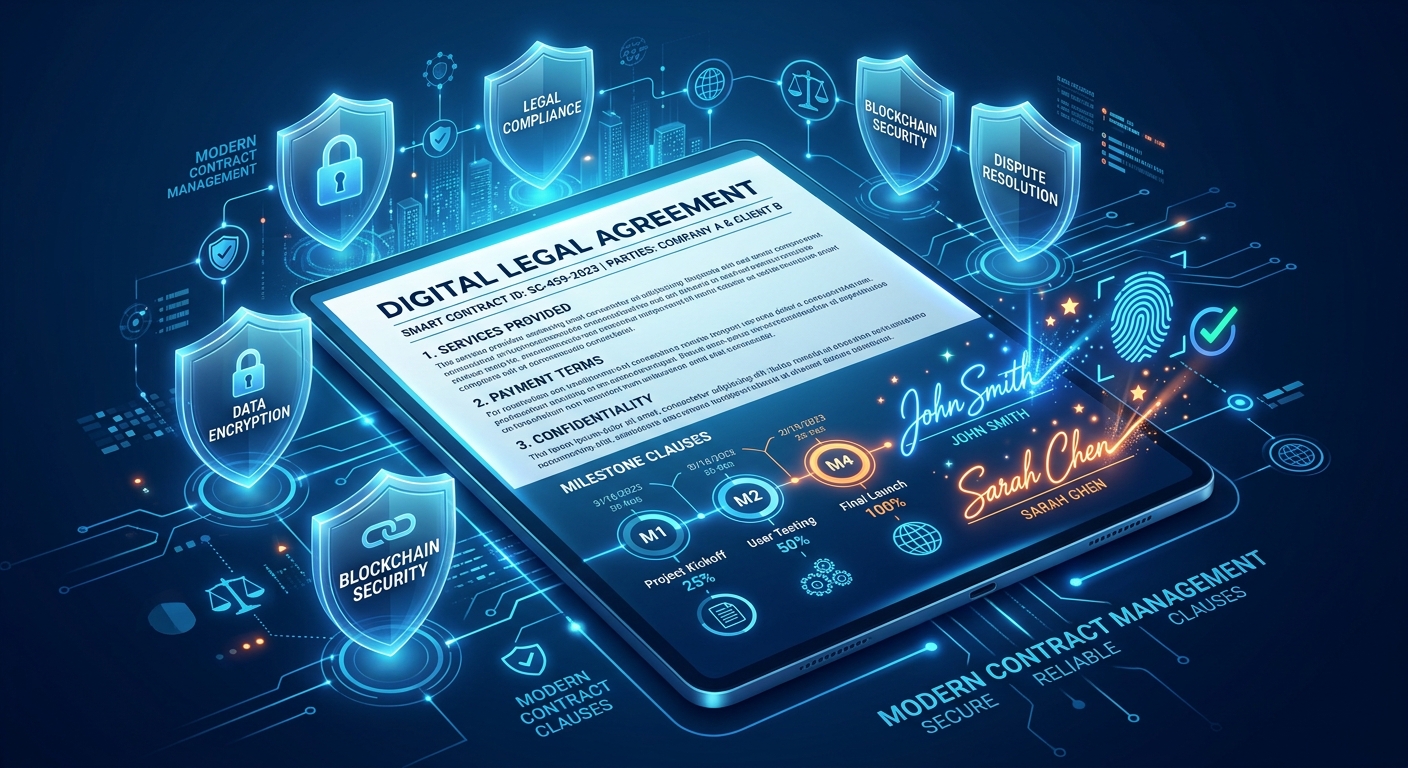
The Independent Contractor Checklist: 7 Clauses Every Freelance Agreement Needs
Do not start client work on a handshake. Protect your income and intellectual property with this 7-point freelance contract checklist designed for independent contractors in 2026.
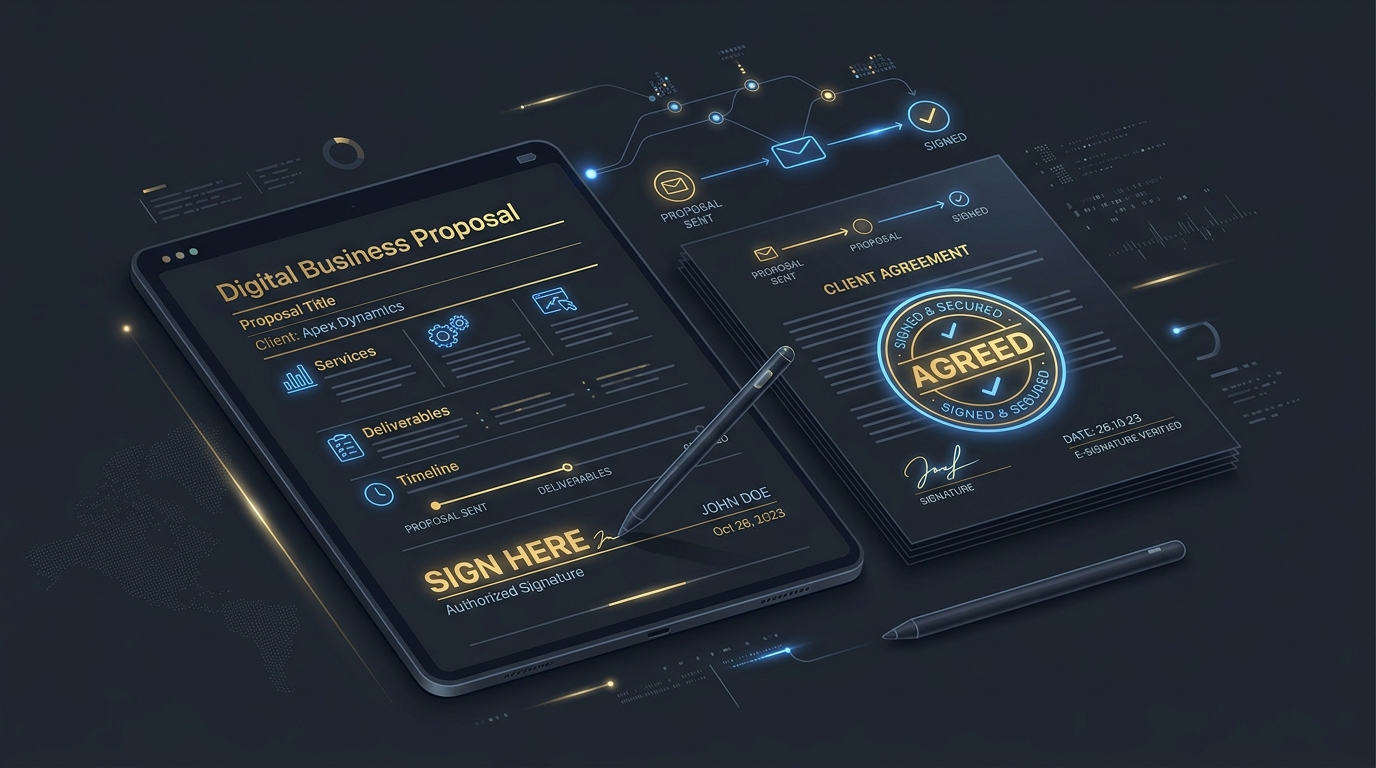
Best Proposal Software for Freelancers: Free & Paid Options
Win bigger client contracts with less friction. We test the best proposal software and e-signature tools for freelancers, comparing speed, analytics, and templates.
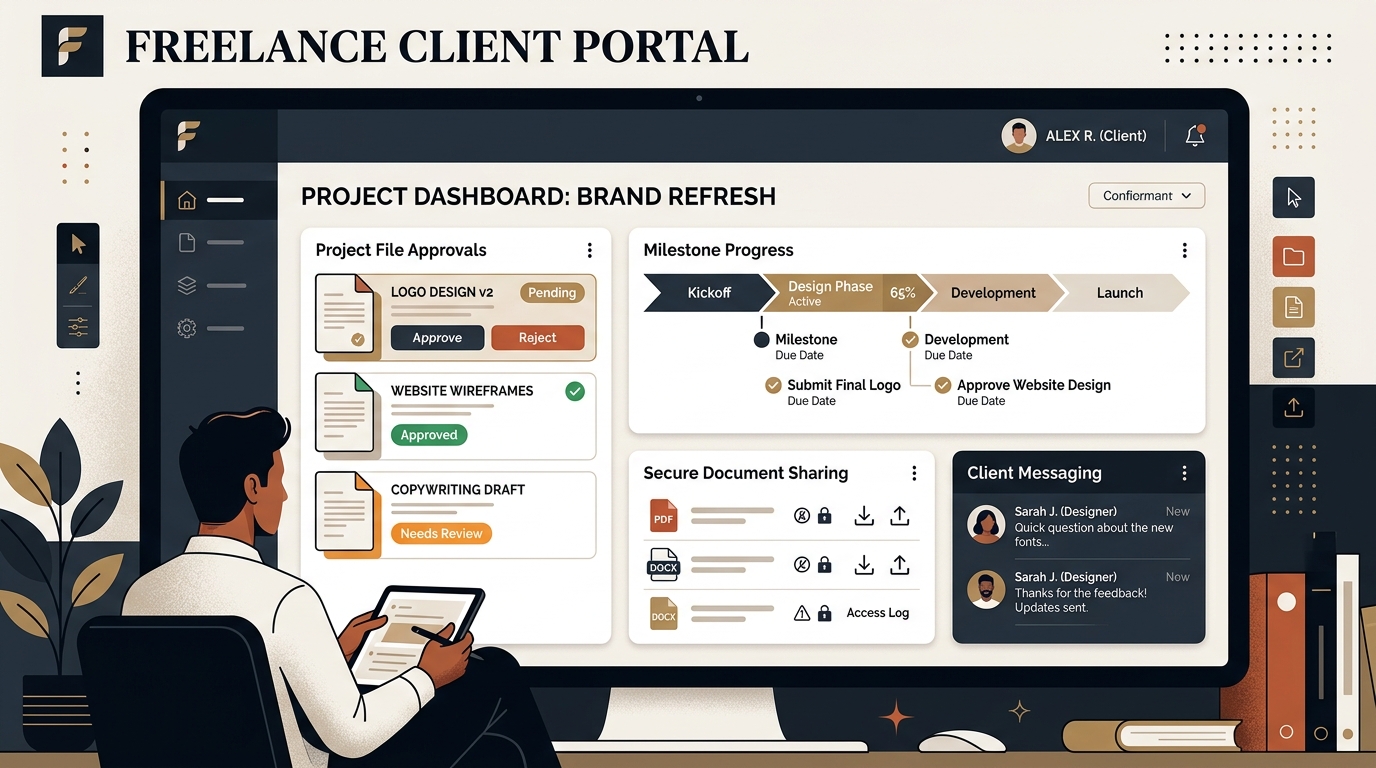
Best Client Portal Software for Freelancers in 2026
Centralize client files, deliverables, messaging, and approvals. We evaluate the best client portal software for solo freelancers and boutique studios.