Best Expense Tracking Apps for Freelancers in 2026
Every unlogged business expense, software subscription, or mileage log is money lost at tax time. Modern expense tracking apps automate receipt OCR, bank feeds, and category tagging.
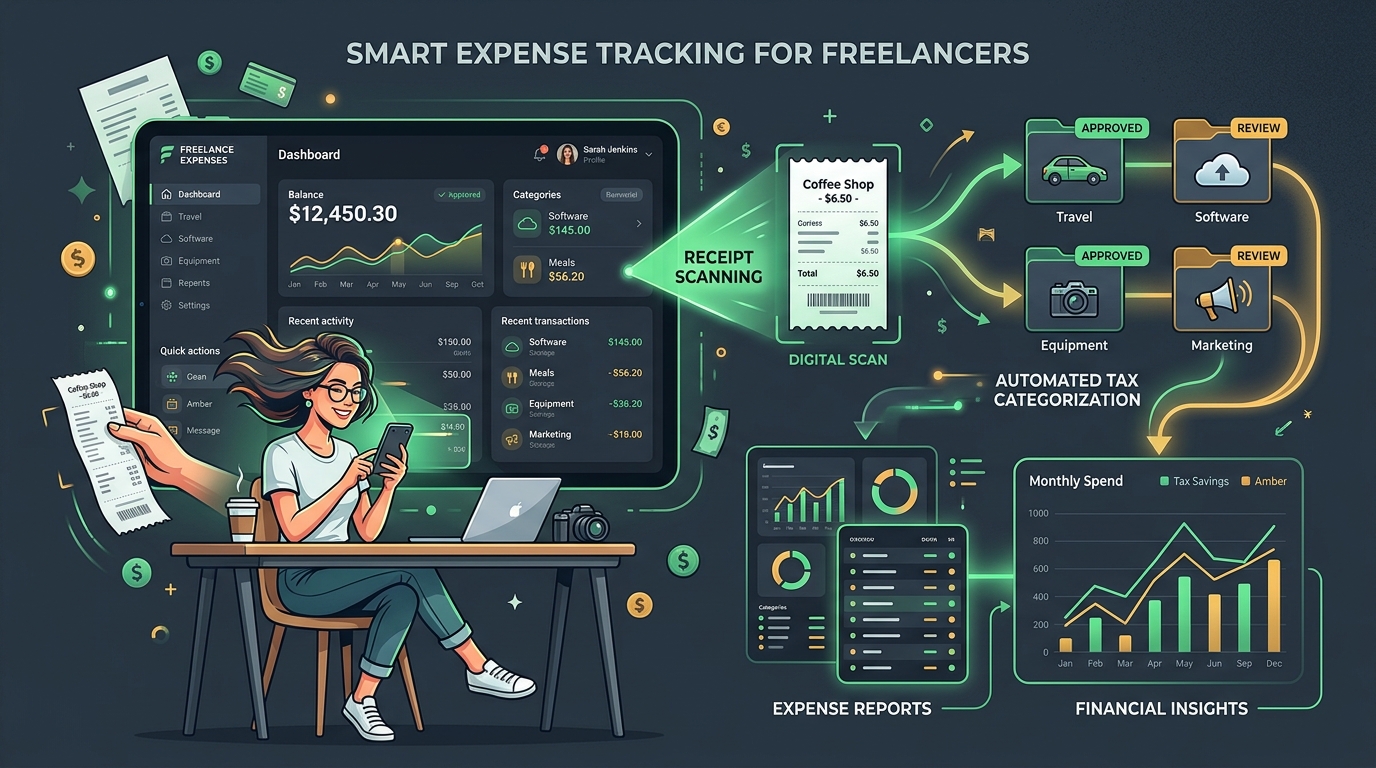
TABLE OF CONTENTS (14 SECTIONS)TAP TO EXPAND
- Why Spreadsheets Fail for Freelance Expense Management
- Quick Comparison: Best Expense Trackers for Freelancers
- How We Evaluated Freelance Expense Apps
- 1. Wave — Best Overall Free Expense & Invoicing Platform
- Key Capabilities
- 2. QuickBooks Solopreneur — Best for Automated Taxes & Mileage
- Standout Features
- 3. FreshBooks — Best for Expense-to-Invoice Re-billing
- Freelancer Benefits
- 4. Dext Prepare — The Best Receipt Scanner for Serious Audits
- Strengths
- 5. Everlance — Best for Travel-Heavy Freelancers & Photographers
- Standout Feature
- The 4-Step Freelance Expense Workflow
Why Spreadsheets Fail for Freelance Expense Management
Every freelancer starts with a spreadsheet. You create a Google Sheet, tell yourself you will log every software receipt on Friday afternoon, and for three weeks it works.
Then tax season arrives. You find yourself spending an entire panic-filled weekend digging through credit card statements, searching your inbox for Adobe Creative Cloud receipts, and trying to remember whether a $120 lunch in April was a client strategy meal or a personal dinner.
Uncaptured expenses cost you real money:
- Every $1,000 in missed deductible business expenses increases your tax burden by roughly $250 to $400 depending on your local effective tax bracket.
- Paper receipts fade over time, leaving you vulnerable during a formal tax audit.
- Manual data entry takes billable hours away from client work.
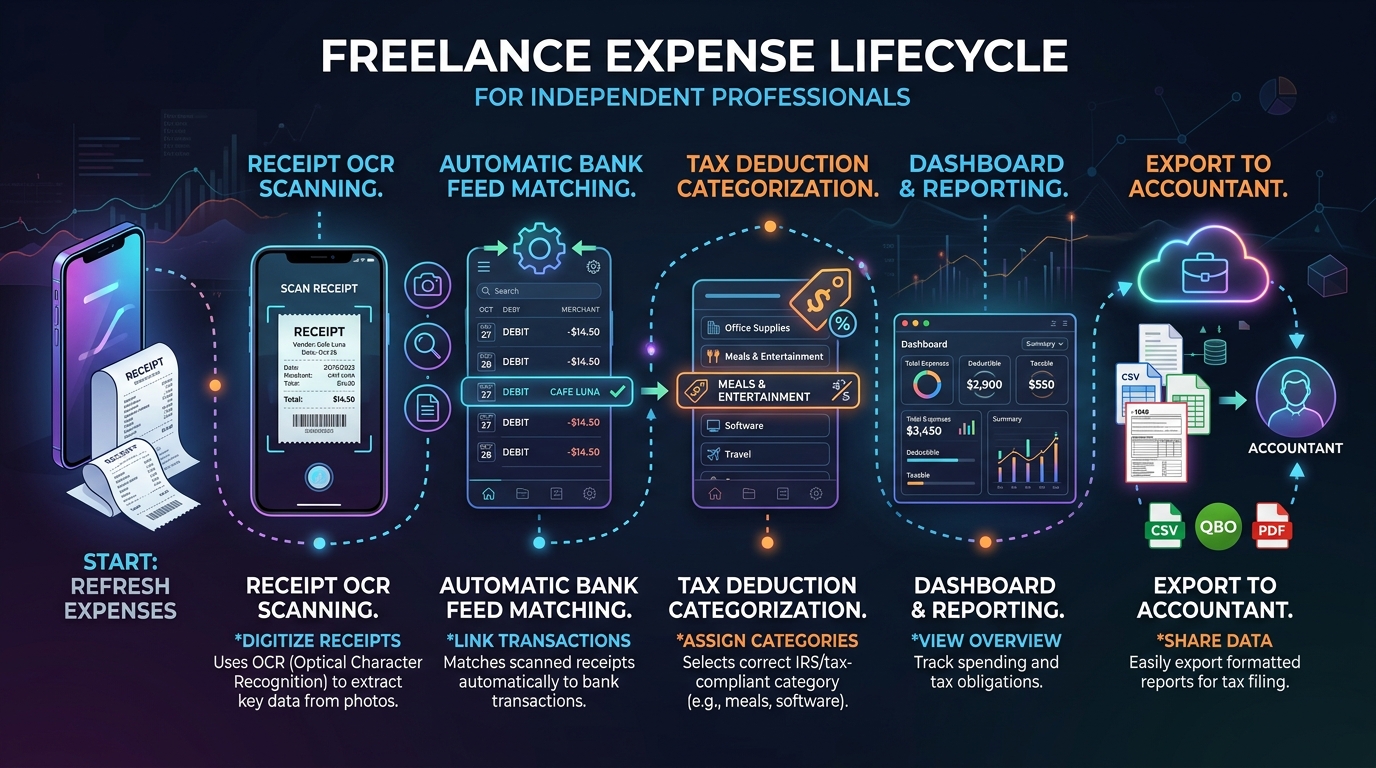
A dedicated expense tracking app for freelancers automates this workflow: you snap a photo of a receipt on your phone, the app extracts the vendor and sales tax via optical character recognition (OCR), matches it against your live bank feed, and logs the write-off.
Note: Tax regulations and eligible expense deductions vary substantially by country, state, and corporate structure. Always consult a qualified tax professional regarding your jurisdiction’s specific deductions.
Quick Comparison: Best Expense Trackers for Freelancers
| Tool | Price | Free Tier | Bank Feeds | Receipt OCR Scanner | Mileage Tracking |
|---|---|---|---|---|---|
| Wave | Free ($16/mo Pro) | Yes (Generous) | Yes | Yes (Pro) | No |
| QuickBooks Solopreneur | $20/mo | 30-day Trial | Yes | Yes | Yes (Built-in GPS) |
| FreshBooks | $19/mo | 30-day Trial | Yes | Yes | Yes (iOS/Android) |
| Zoho Expense | Free ($5/user/mo) | Yes (3 users) | Yes | Yes (20 scans/mo free) | Yes |
| Dext Prepare | $27/mo | 14-day Trial | Yes | Industry Best OCR | No |
| Everlance | Free ($8/mo) | Yes | Yes (Paid) | Yes | Best Mileage GPS |
| Expensify | Free ($5/mo) | Yes (25 scans free) | Yes | SmartScan OCR | Yes |
How We Evaluated Freelance Expense Apps
- Receipt OCR Accuracy: Does the camera scanner instantly pull the date, vendor, total, and sales tax correctly without manual correction?
- Bank Account Synchronization: Does the app support direct connections to major banks, business cards, and international payment gateways like Wise and Stripe?
- Category Customization & Tax Prep: Can you categorize expenses into standard Schedule C / tax schedule categories (e.g., Advertising, Software, Home Office, Travel)?
- Accountant Export Quality: Can you generate clean CSV, Excel, and PDF audit packets with receipt images attached in one click?
- Cost-to-Value Ratio: Does the pricing make sense for a single solopreneur without forced multi-user seat minimums?
1. Wave — Best Overall Free Expense & Invoicing Platform
Wave is the ultimate financial starting point for new freelancers and budget-conscious contractors.
Key Capabilities
- 100% Free Core Accounting: Connect your business bank account, track unlimited transactions, and generate formal Profit & Loss reports without paying a monthly software fee.
- Integrated Invoicing: Send professional invoices that link directly to your expense tracking dashboard.
- Pro Tier Upgrade ($16/mo): Adds unlimited automated receipt OCR scanning, automatic bank transaction categorization, and discounted card processing fees.
2. QuickBooks Solopreneur — Best for Automated Taxes & Mileage
Rebuilt specifically for 1099 independent contractors, QuickBooks Solopreneur strips away the complexity of traditional corporate QuickBooks in favor of a clean, mobile-first experience.
Standout Features
- Automatic GPS Mileage Tracking: Tracks your drives in the background and lets you swipe right for business or swipe left for personal.
- Estimated Quarterly Tax Calculations: Estimates your quarterly tax liabilities based on your incoming revenue and logged expenses (US focus).
- Direct TurboTax Integration: Seamlessly exports your year-end data into tax preparation software.
- Pricing: $20/month (frequently discounted to $10/mo for the first 3 months).
3. FreshBooks — Best for Expense-to-Invoice Re-billing
If you frequently purchase assets, software licenses, or travel on behalf of clients and need to bill them back, FreshBooks makes expense reimbursement effortless.
Freelancer Benefits
- One-Click Expense Re-billing: Tag any expense as “Billable to Client X” with an optional markup percentage, and FreshBooks automatically adds it to the client’s next invoice.
- Receipt Capture: Snap pictures of paper receipts on iOS or Android and attach them directly to client project records.
- Client Financial Transparency: Pairs seamlessly with client portal tools to show clients transparent billing breakdowns.
4. Dext Prepare — The Best Receipt Scanner for Serious Audits
If you work with an external CPA or bookkeeper and manage hundreds of paper and digital receipts, Dext Prepare (formerly Receipt Bank) offers the most accurate document extraction engine on the market.
Strengths
- Unmatched OCR Precision: Extracts line items, currency conversions, invoice numbers, and tax breakdown data even from crumpled receipts.
- Dedicated Email Inboxes: Forward digital SaaS receipts (e.g., GitHub, Figma, AWS) directly to your custom
@dext.ccaddress for instant processing. - Direct Accounting Sync: Pushes verified receipts directly into Xero, QuickBooks, or your cloud storage archive.
5. Everlance — Best for Travel-Heavy Freelancers & Photographers
For freelance photographers, videographers, and on-site consultants whose largest single tax deduction is vehicle travel, Everlance is the premier choice.
Standout Feature
- Silent Background Mileage: Uses intelligent location sensors to classify repeated client commutes automatically, generating IRS/HMRC compliant mileage logs with zero battery drain.
The 4-Step Freelance Expense Workflow
To keep your business audit-proof and tax-ready year-round:
- Establish a Dedicated Business Account: Never pay for personal groceries with your business debit card, and never buy work hardware with personal cash. Keep transactions 100% segregated.
- Digitize Receipts Immediately: Snap paper receipts at the point of sale. Throw the physical paper away once the image and amount are confirmed in your app.
- Perform a 10-Minute Monthly Reconciliation: On the last Friday of every month, log into your expense tracker, verify that all bank transactions have matching categories, and resolve unlinked receipts. Check our freelance bookkeeping automation guide for detailed step-by-step checklists.
- Export Quarterly Tax Summaries: Generate your Profit & Loss statement every 90 days to verify whether you need to submit quarterly estimated tax payments to avoid underpayment penalties.
WHAT WE APPRECIATED (PROS)
- ✓Instant mobile receipt scanning with automatic merchant and tax extraction
- ✓Automated bank transaction feeds eliminate manual spreadsheet entry
- ✓GPS-backed business mileage tracking for client visits and travel deductions
- ✓One-click financial exports formatted for your certified accountant
DRAWBACKS & FRICTION (CONS)
- ✕Bank feed connections occasionally require manual multi-factor re-authentication
- ✕Tax classification rules vary significantly across US, UK, EU, and Canadian jurisdictions
- ✕Some platforms charge extra monthly fees for automated receipt OCR
Best Expense Tracking Apps for Freelancers in 2026 Rating Breakdown
Self-employed contractors, consultants, and solo freelancers who want to track deductible business expenses, digitize paper receipts, and simplify year-end tax preparation.
Wave remains the top free expense tracking and accounting software for solo freelancers starting out, while QuickBooks Solopreneur and FreshBooks offer robust automated mileage and receipt OCR matching. For pure receipt digitization and accountant collaboration, Dext Prepare is unmatched.
EVALUATION METRICS
Speed of setup, friction in daily operations, and intuitive mental model for non-enterprise users.
Utility of capabilities without unnecessary enterprise bloat that slows down solo execution.
Return on investment for a single seat, clear billing tiers, and fair feature gates.
Uptime track record, offline resilience, and friction-free portable data export.
Specific suitability for client collaboration, single-seat economics, and lean overhead.
Frequently Asked Questions
Are digital photos of receipts legally acceptable for tax audits?+
In most major tax jurisdictions (including the US IRS, UK HMRC, Canada CRA, and Australia ATO), digital copies of receipts are fully legally compliant, provided they are legible, show the date, vendor, amount, and business description, and are stored securely.
Should I keep a separate business bank account as a solo freelancer?+
Yes, absolutely. Commingling personal and business transactions makes bookkeeping painful and risks losing legitimate deductions. Even a simple no-fee business checking account drastically simplifies automatic expense syncing.
Do expense tracking apps replace a certified tax accountant?+
No. Expense tracking software organizes your raw financial data and categorizes transactions, but it does not replace professional tax advisory. A qualified accountant ensures you claim all allowable local credits and structure your quarterly filings properly.

Freelance Tool Guide Team
The editorial team behind Freelance Tool Guide, independently researching and testing software for freelancers and small teams.
More Independent Software Analyses
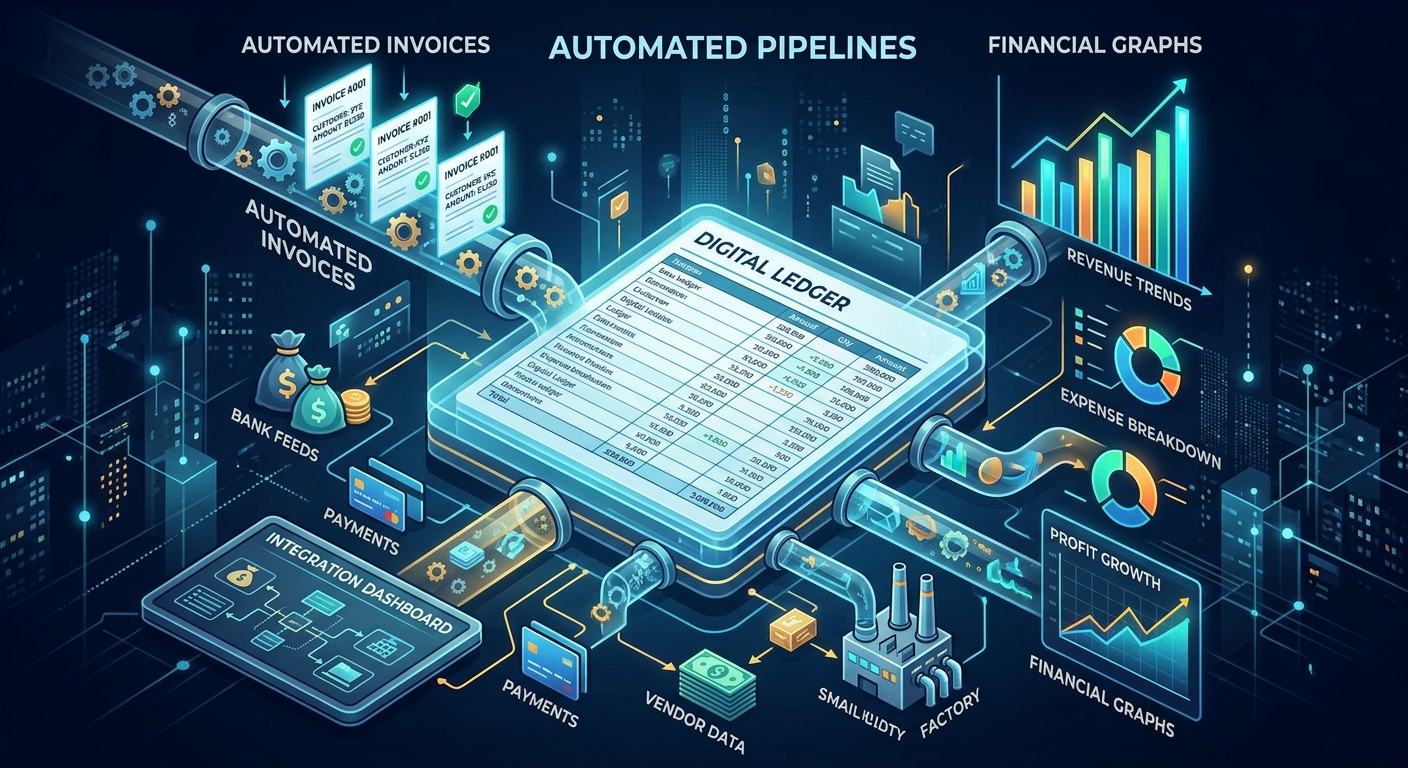
How to Automate Your Freelance Bookkeeping (With Zero Accounting Experience)
Stop spending weekends doing manual data entry. Learn how to automate your freelance bookkeeping using Xero, QuickBooks, or Wave in 5 practical steps.

Wise Business vs Stripe: The Hidden Costs of Cross-Border Freelance Invoicing
How international transaction fees and currency markups quietly siphon thousands from remote freelancers. A detailed fee audit and workflow guide.
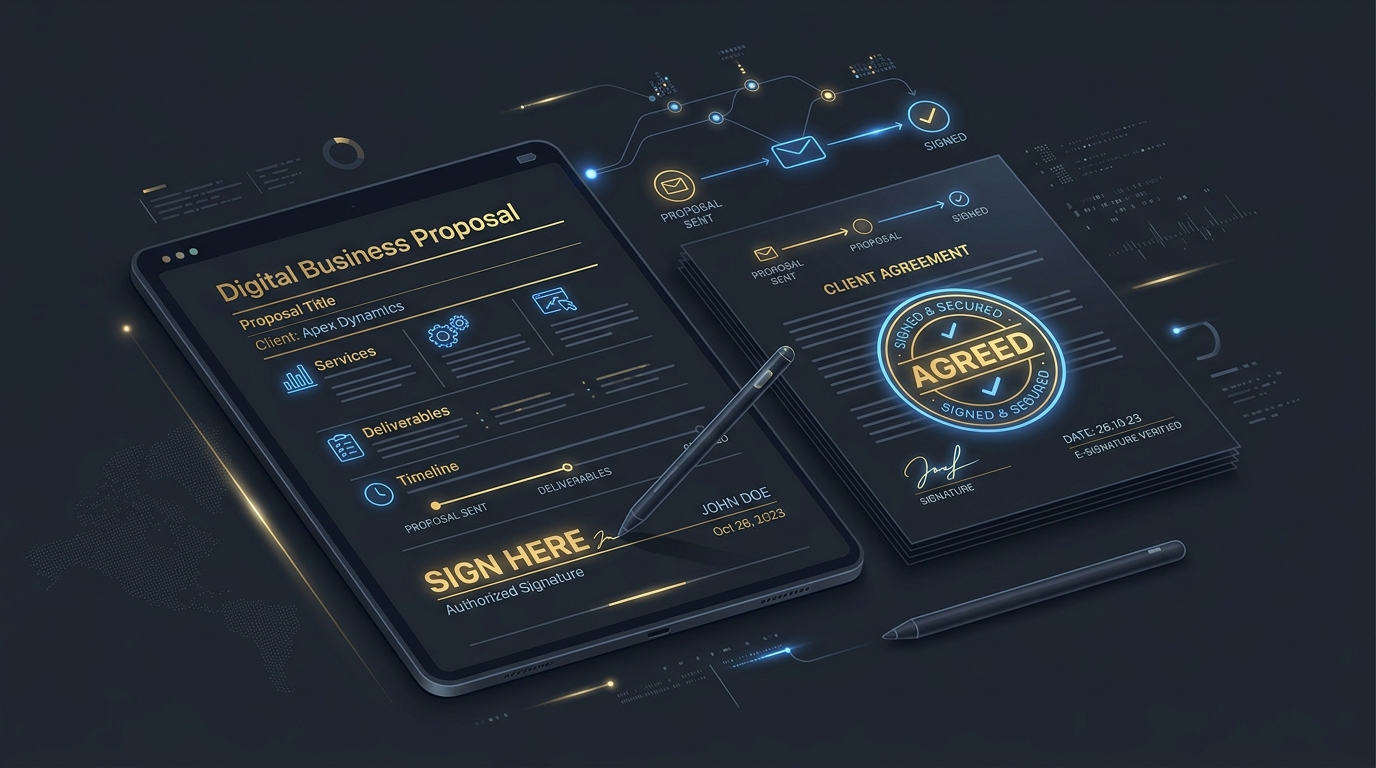
Best Proposal Software for Freelancers: Free & Paid Options
Win bigger client contracts with less friction. We test the best proposal software and e-signature tools for freelancers, comparing speed, analytics, and templates.